DownloadMap
Find All Downloads
Scan any page for downloadable files — PDFs, ZIPs, videos, and more. One-click download or grab them all at once.
// screenshots

// overview
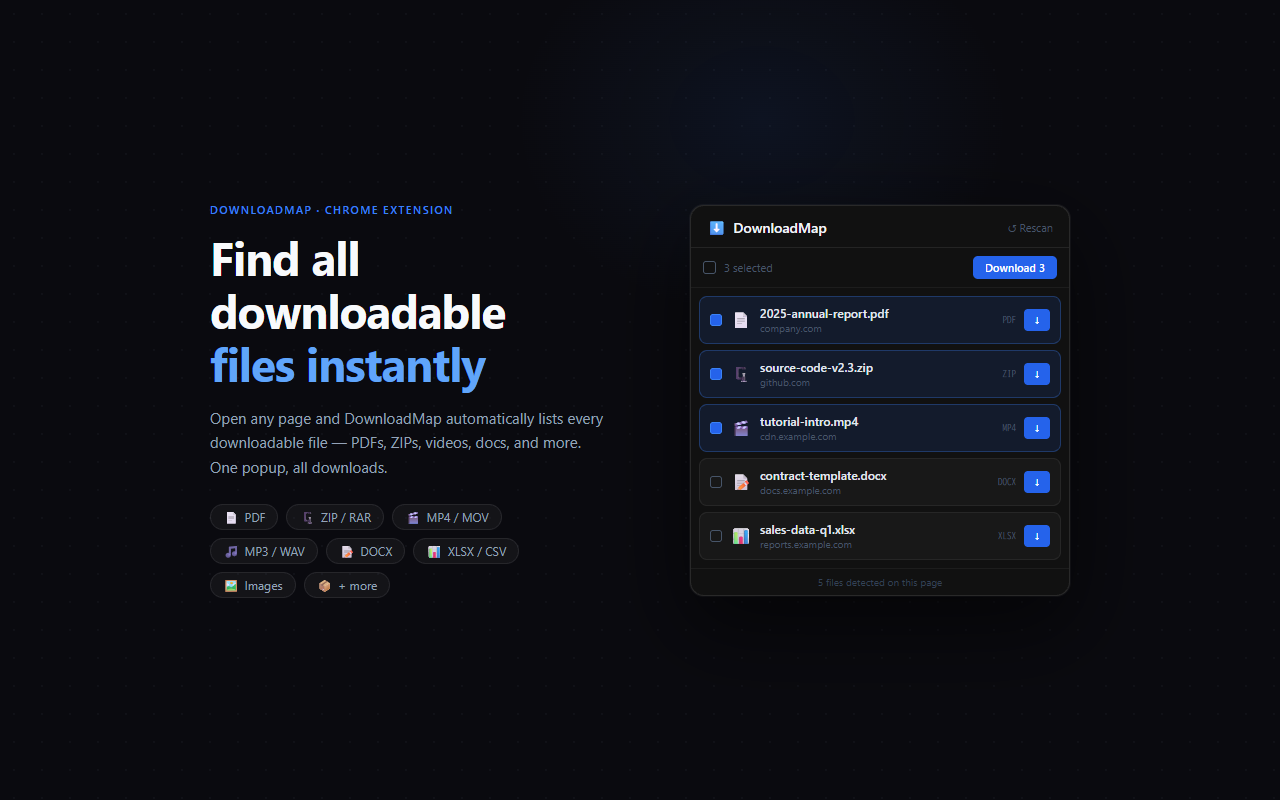
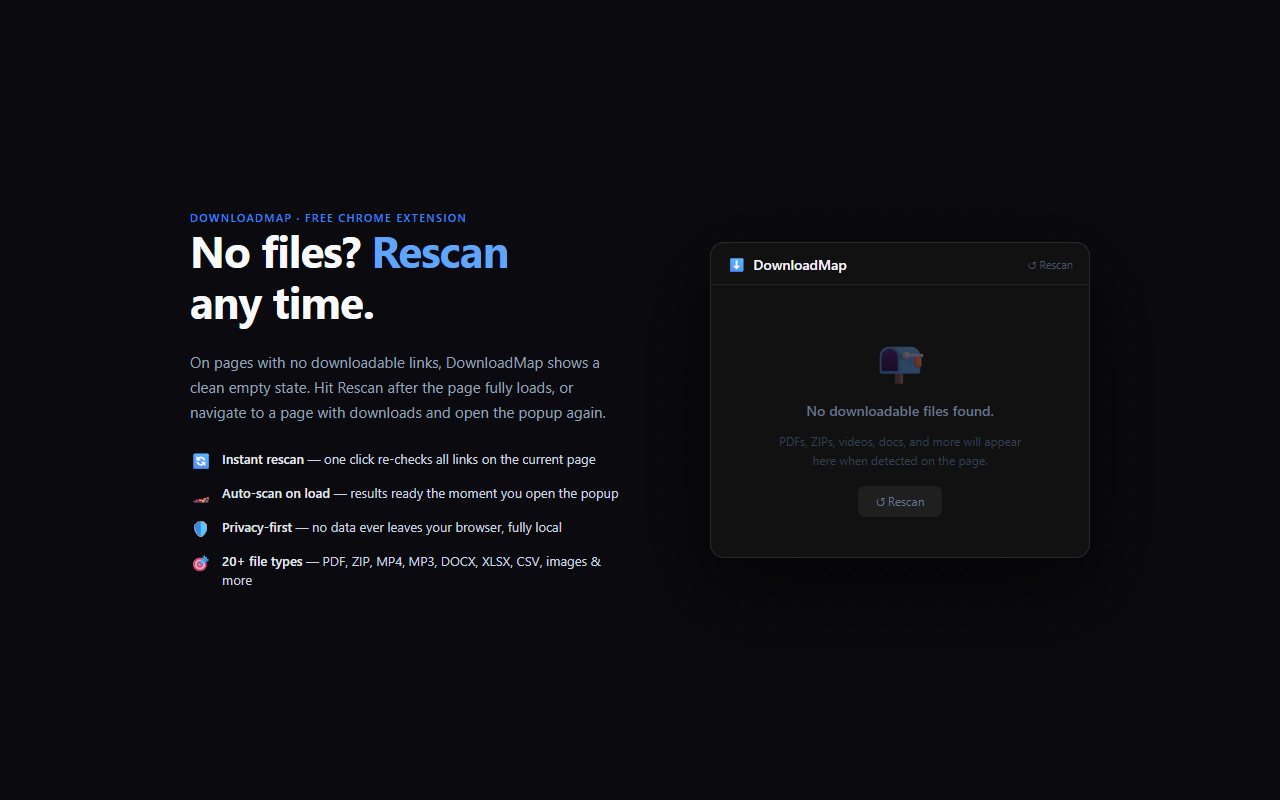
DownloadMap automatically scans the current page for every downloadable file link — PDFs, ZIP archives, videos, audio files, spreadsheets, Word documents, and more. Open the popup to see a full list organized by file type. Download any file individually with one click, or check multiple files and download them all at once.
// features
Auto-Scan on Open
As soon as you open the popup, DownloadMap has already scanned the page and listed every downloadable link it found.
Bulk Download
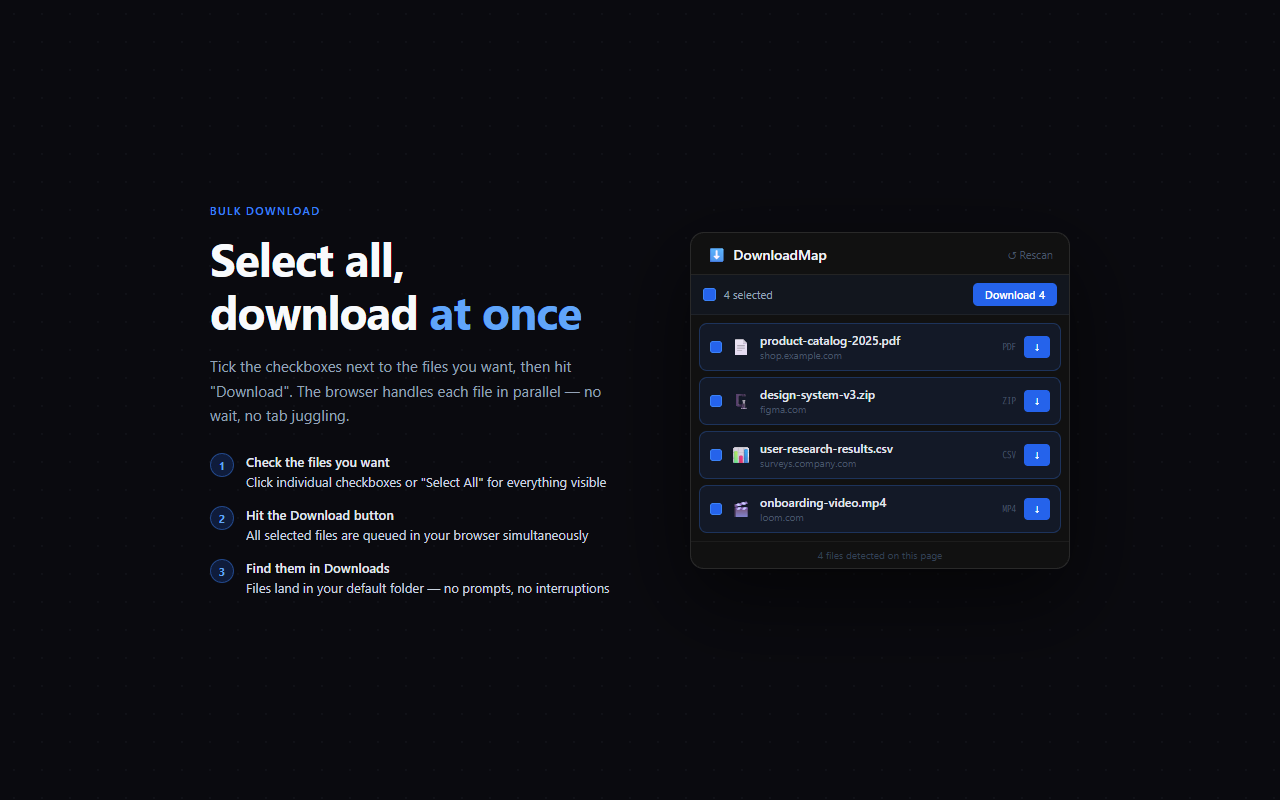
Select multiple files with checkboxes and click 'Download' once to queue them all simultaneously in your browser.
Filter by Type
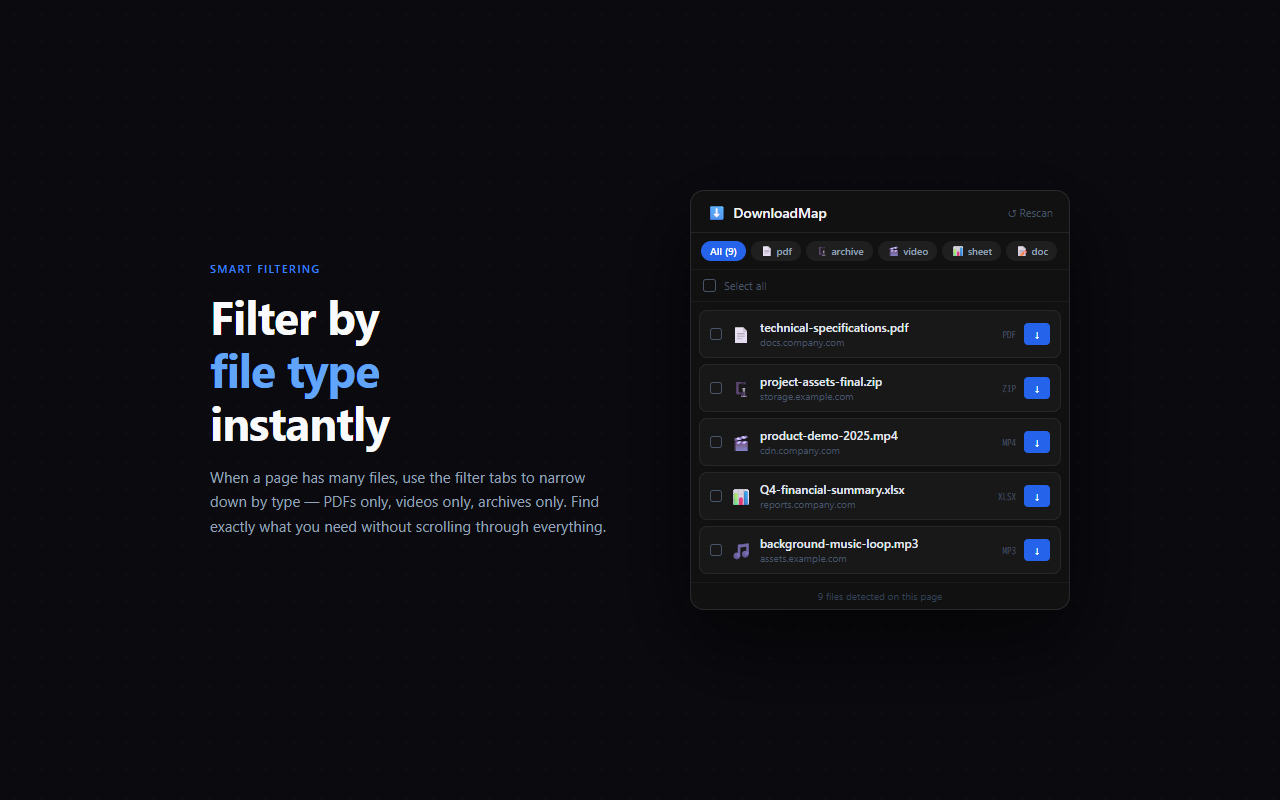
When a page has many files, use the filter tabs to show only PDFs, only videos, only archives, and so on.
20+ File Formats
Detects PDF, ZIP, RAR, 7Z, MP4, MOV, MP3, WAV, DOCX, XLSX, CSV, PNG, EPUB, APK, and many more extensions plus download-attribute links.
// recommended for
- Researchers downloading papers from academic databases
- Professionals grabbing docs and reports from company portals
- Developers collecting release archives from project pages
- Anyone who needs to batch-download files from a resource page

