PasswordStrength
Inline Password Strength Meter
See real-time password strength on any login or signup form — no popup needed.
// screenshots
// overview
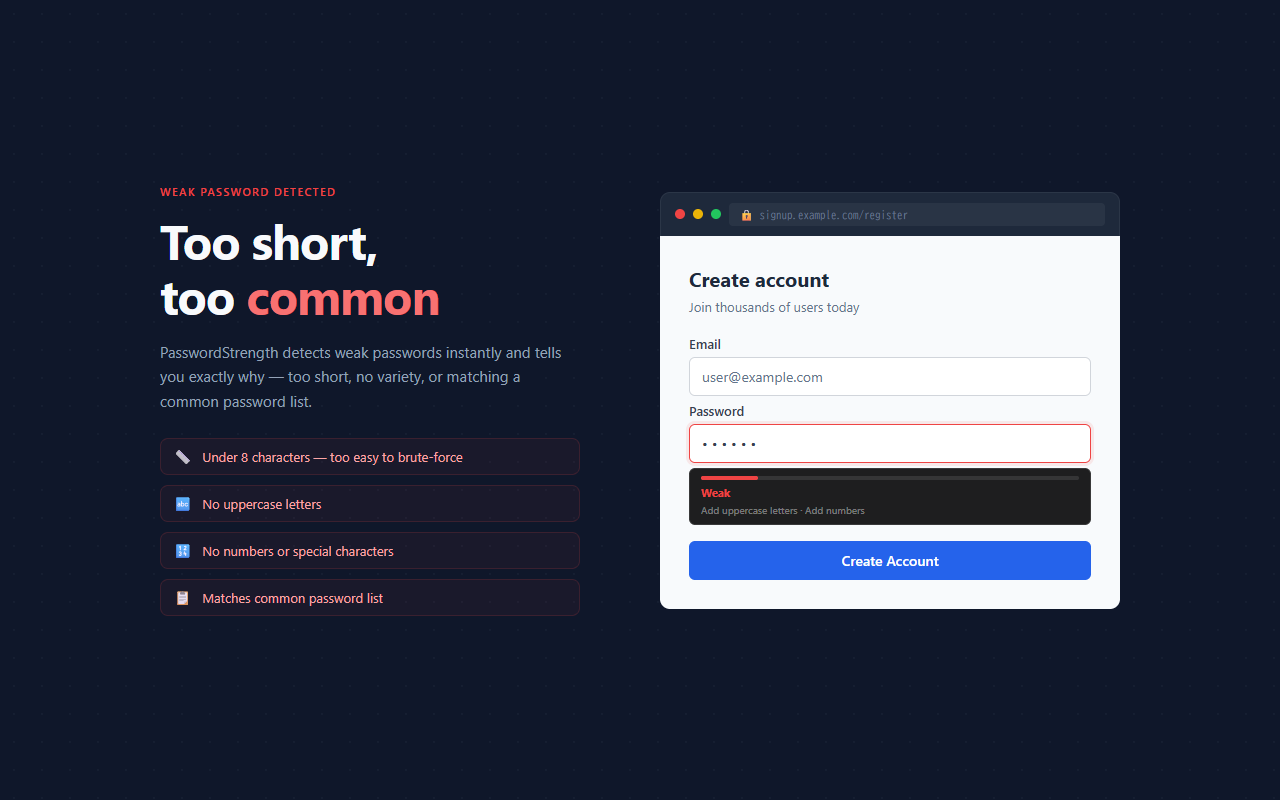
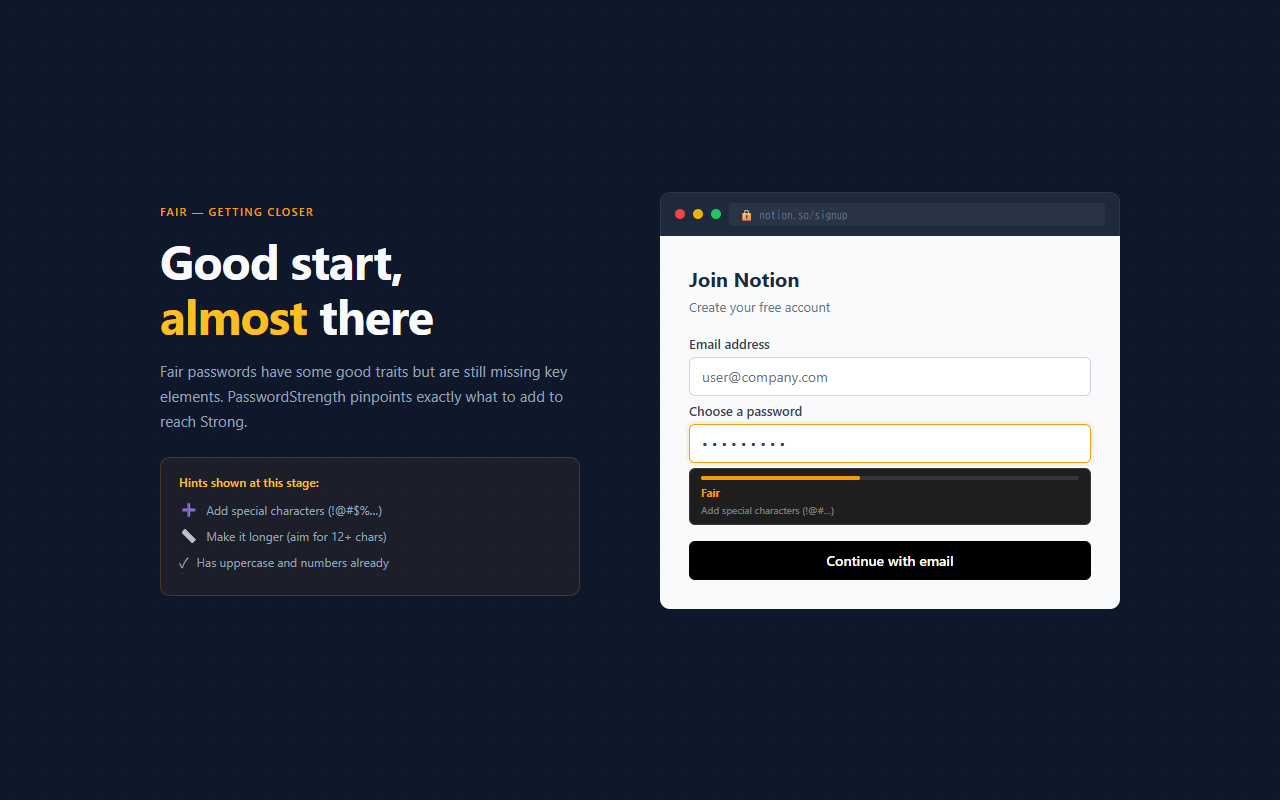
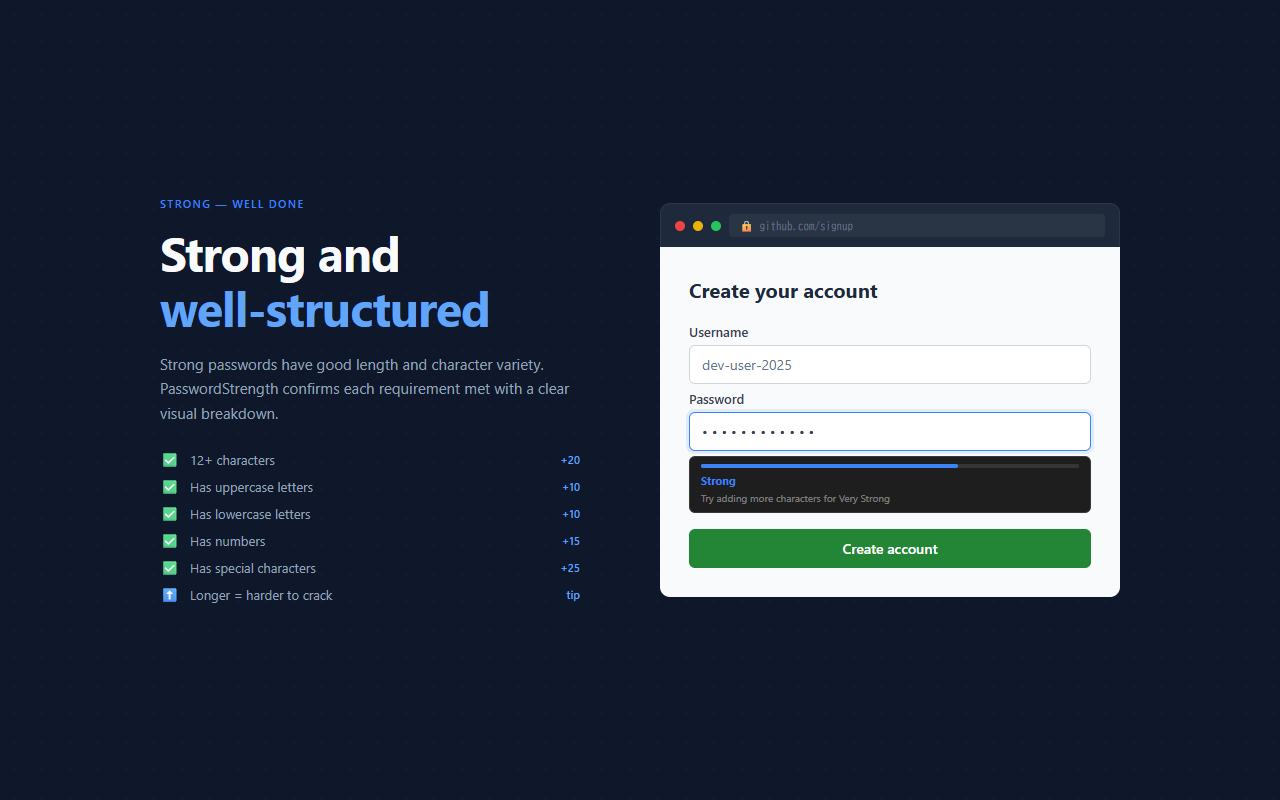
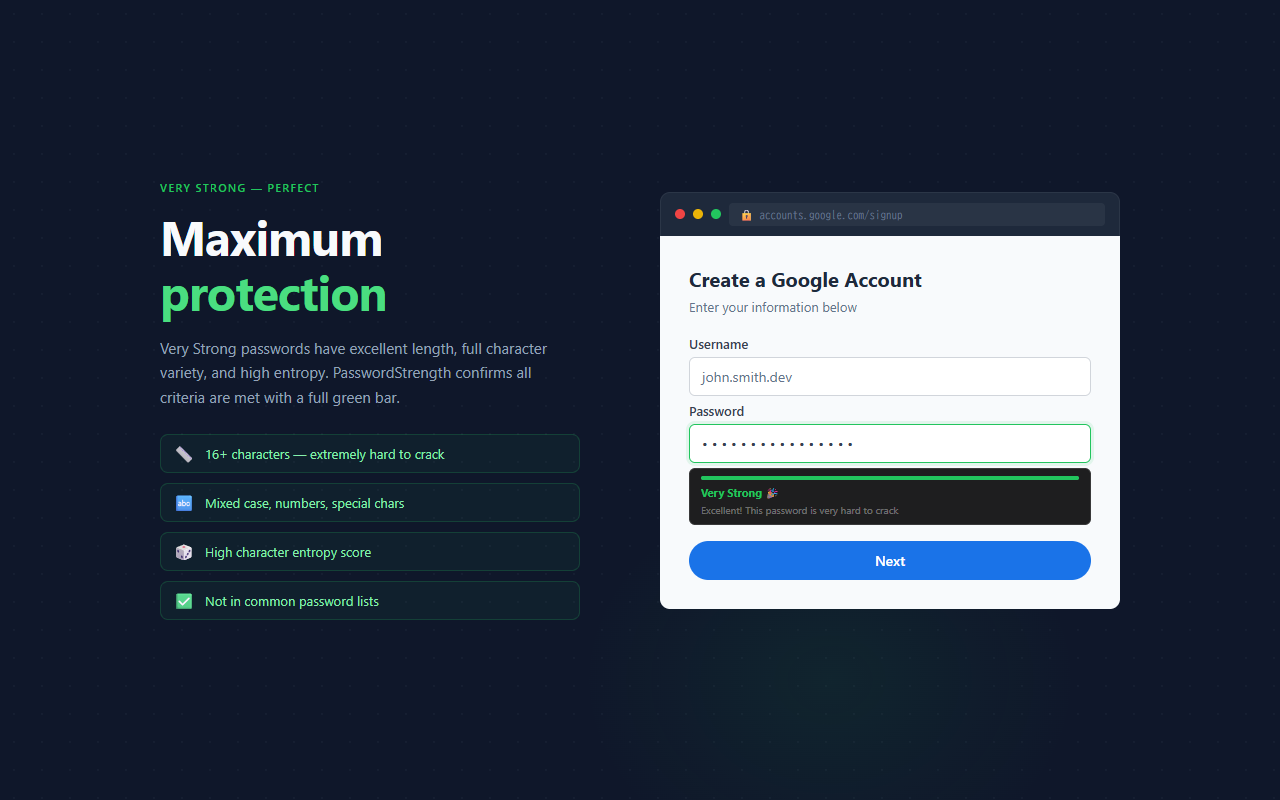
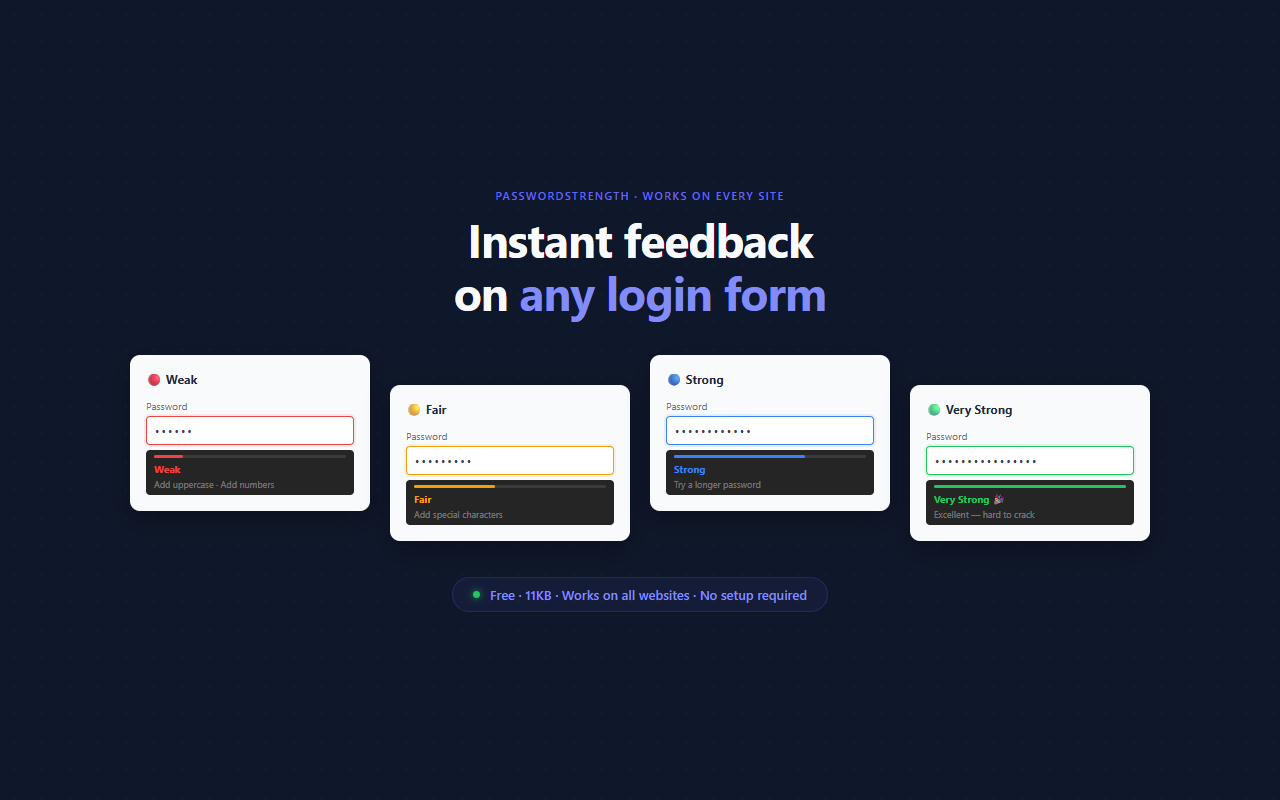
PasswordStrength adds a compact strength meter directly below any password input field, on any website. As you type, it scores your password in real time — checking length, character variety, and common patterns — and shows a colored bar with specific tips to make it stronger. There's nothing to click or configure. It works automatically on every login and signup form you visit.
// features
Instant Inline Feedback
A strength bar appears directly beneath the password field as you type. No popup to open, no button to click — feedback is immediate and in-context.
Smart Scoring
Checks password length, lowercase, uppercase, numbers, and special characters. Also detects 18 of the most commonly used passwords and flags them as weak immediately.
Actionable Hints
Instead of just a score, the meter shows up to two specific suggestions — like 'Add uppercase letters' or 'Add special characters' — so you know exactly what to improve.
Ultra-Lightweight
Under 12 KB with zero external requests. Pure vanilla TypeScript content script — no React, no bundling overhead, no performance impact on the page.
Works Everywhere
Injected on any page with a password input, including SPAs and dynamically added forms detected via MutationObserver. No manual configuration needed.
Privacy First
Runs entirely in your browser. No text is ever sent to any server. Your passwords are never transmitted or stored outside your local browser.
// recommended for
- Anyone who wants a nudge to use stronger passwords
- Developers testing login and registration forms
- Security-conscious users who want instant feedback without a password manager
- Teams that want lightweight security tooling without enterprise overhead