ReadingMode
Clean Article Reader
Transform any article into a focused, distraction-free reading view. Three themes (Dark/Light/Sepia), adjustable font size, line height, and column width — all from an in-reader toolbar.
// screenshots
// overview
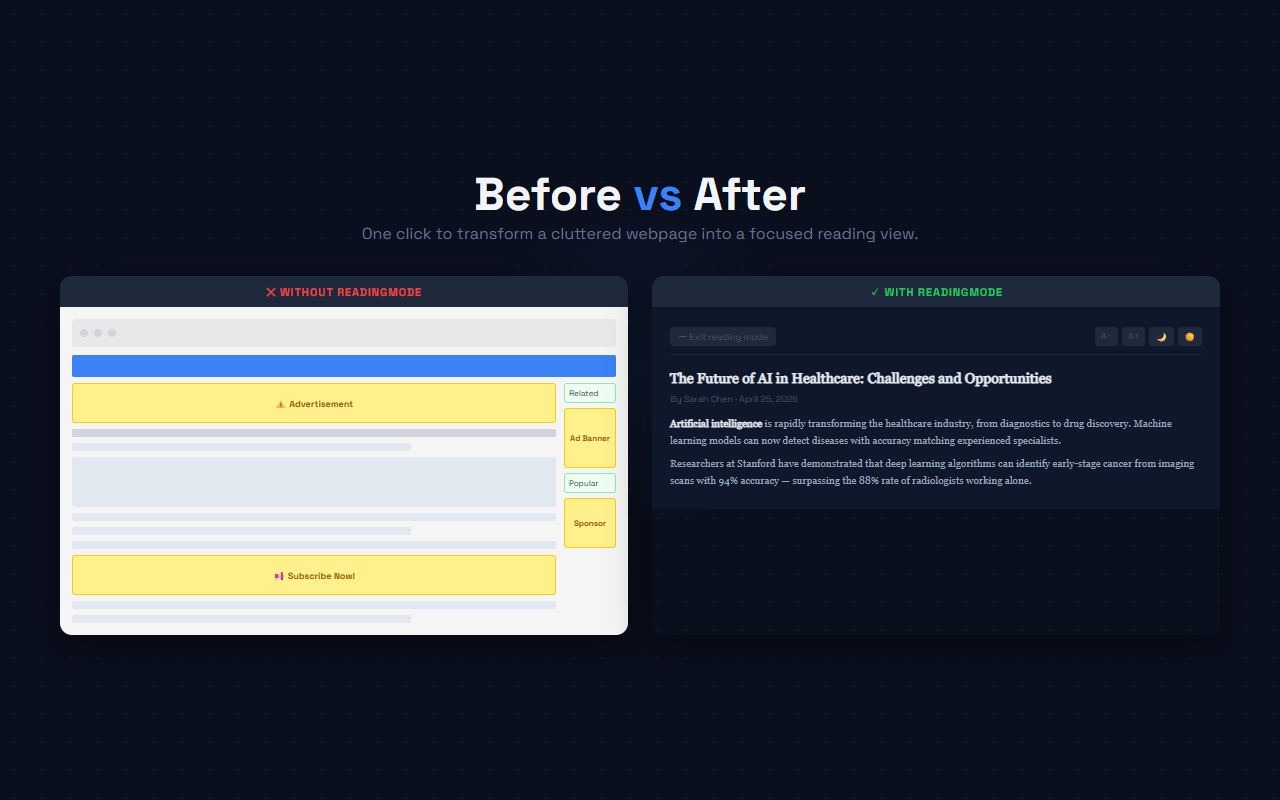
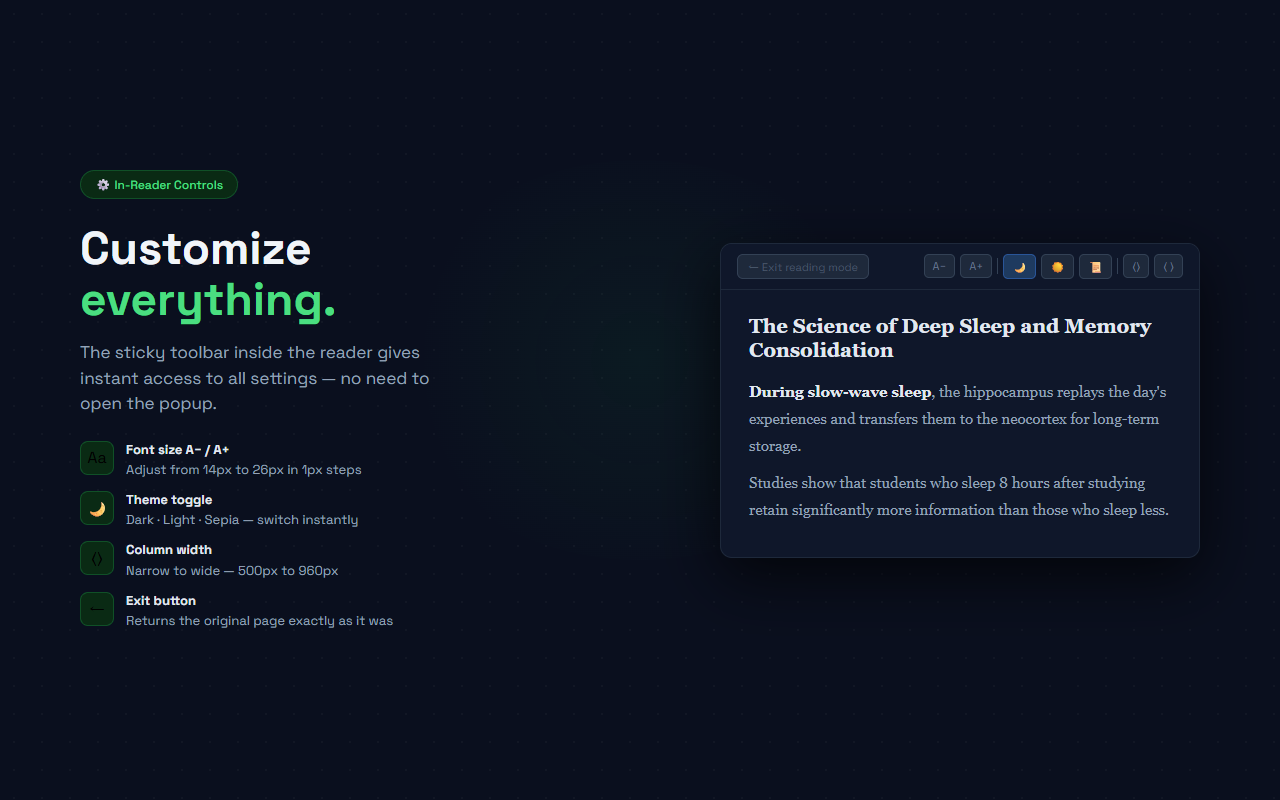
ReadingMode transforms any article page into a clean, focused reading experience with a single click. It extracts the main content from the page — stripping ads, sidebars, pop-ups, and navigation — and presents it in a full-screen reading view. A sticky toolbar at the top lets you adjust font size, switch between Dark, Light, and Sepia themes, and change the column width, all without leaving the reading view. When you're done, click 'Exit reading mode' to return to the original page exactly as it was. ReadingMode differs from side-panel readers: it takes over the full browser viewport for complete immersion while still being one click to enter or exit.
// features
Full-Page Reading View
Replaces the page with a clean centered column — no ads, no sidebars, no pop-ups
3 Themes: Dark / Light / Sepia
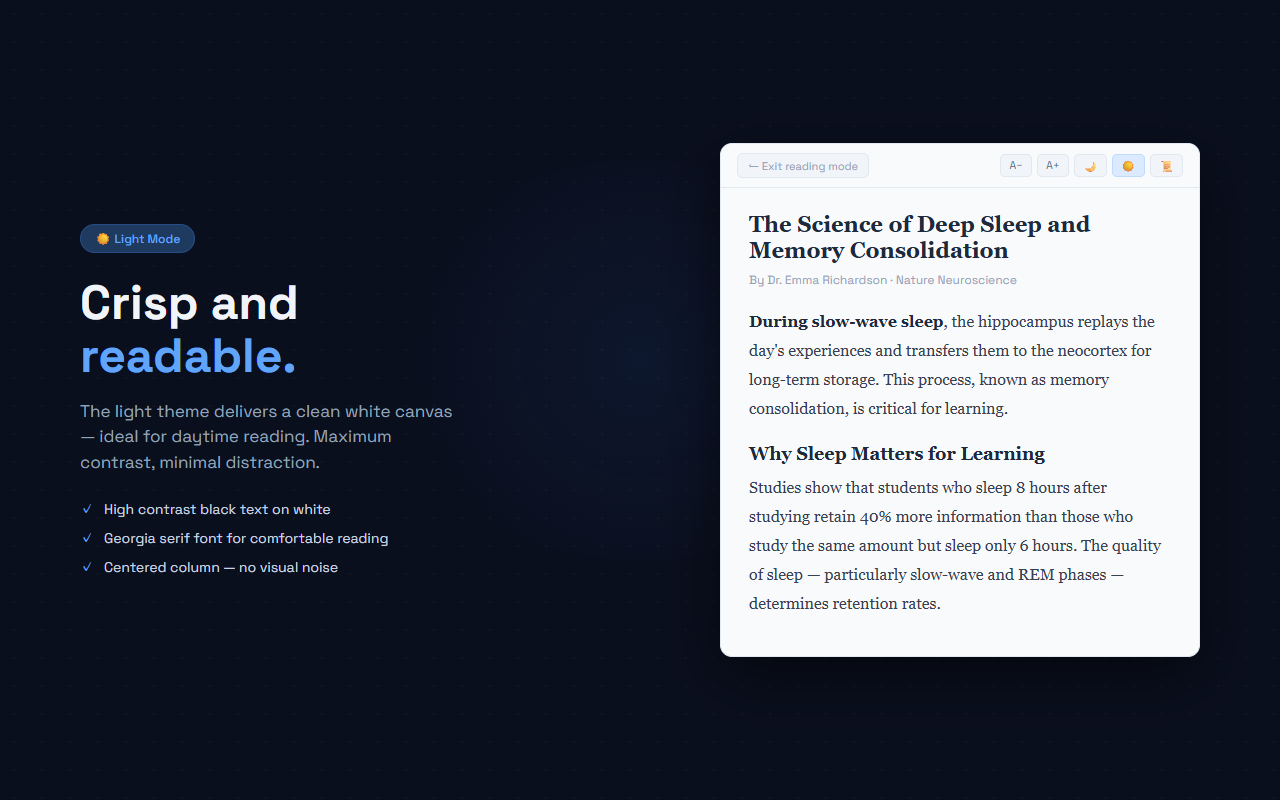
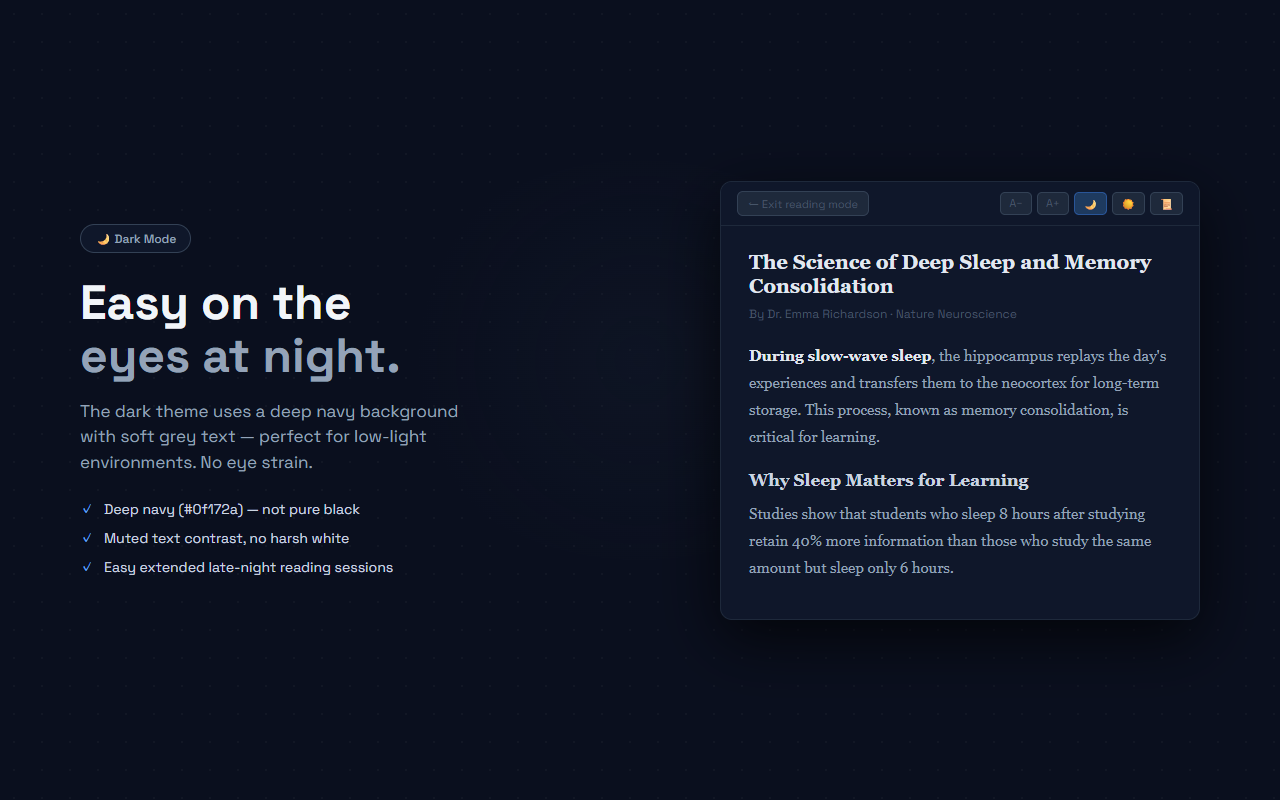
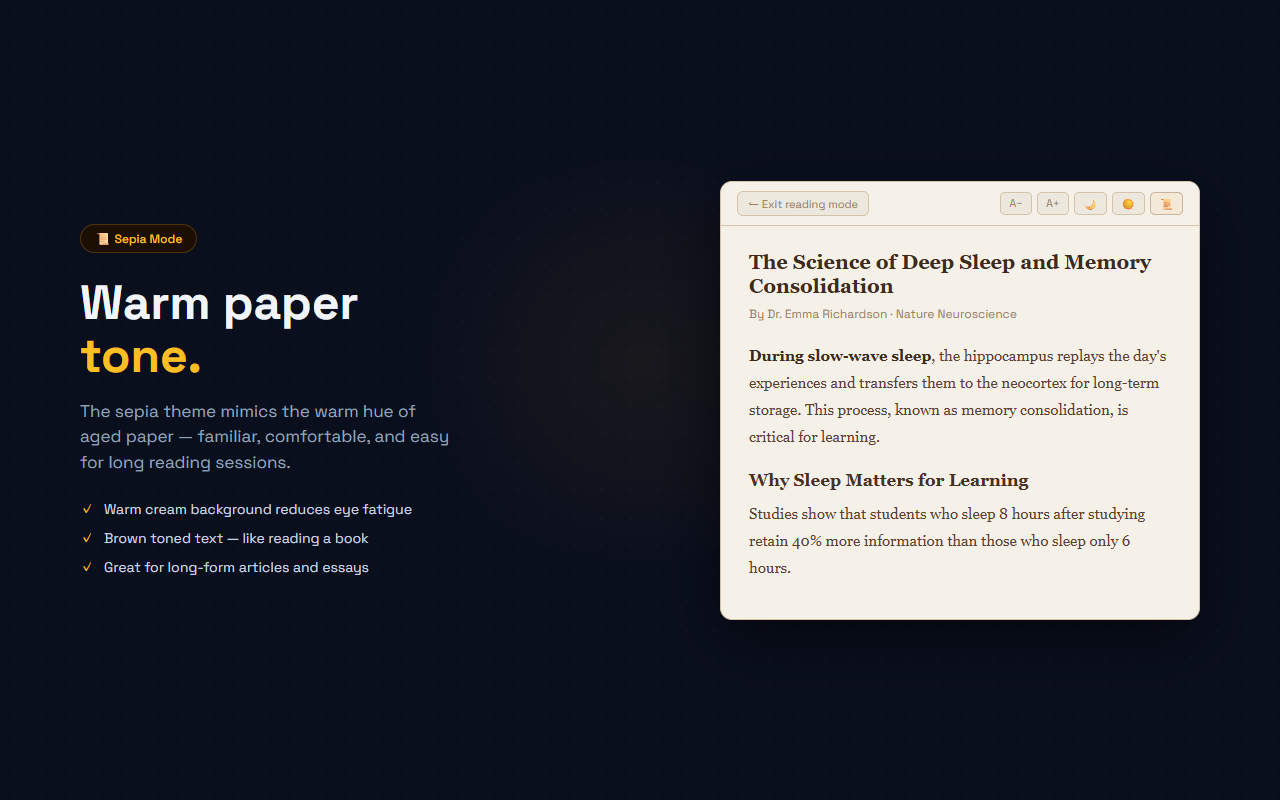
Dark (navy) for night reading, Light (white) for daytime clarity, Sepia (warm paper) for extended sessions
In-Reader Toolbar
Font size ±, theme switcher, and column width controls are always visible inside the reading view
Typography Controls
Font size 14–26px, line height 1.4–2.2, column width 500–960px — adjust for any comfort level
Smart Content Extraction
Finds the article body using semantic tags (article, main) with a scored-fallback for any page structure
One-Click Exit
The ← Exit button restores the original page exactly — no reload, no lost scroll position
// recommended for
- Readers who get distracted by ads and sidebars on news and blog sites
- Students reading long academic articles online who need to focus
- Non-native readers who benefit from a cleaner layout for language comprehension
- Night readers who want a proper dark mode for article content
- Anyone who prefers the book-like experience of a clean text column
// faq
How is ReadingMode different from ZenRead?
ZenRead uses a side panel reader that opens alongside the page. ReadingMode takes over the full browser viewport, replacing the page with an immersive full-screen reading view. Both approaches have their uses — ReadingMode is better for complete focus, ZenRead is better when you want to reference the original page.
What happens to the original page?
ReadingMode overlays the reading view without modifying the original page. When you click 'Exit reading mode', the original page is fully restored — no reload needed.
Does it work on every website?
It works on most article-style pages. ReadingMode uses a fallback extraction strategy: semantic tags (article, main), then scored DOM candidates, then collected paragraphs. Very dynamic or single-page apps may not extract correctly.
Can I adjust the reading experience?
Yes. From both the popup and the in-reader toolbar you can change: font size (14–26px), line height (1.4–2.2), column width (500–960px), and theme (Dark/Light/Sepia). Settings sync instantly to the reading view.
Is ReadingMode free?
Yes, completely free with no Pro plan.