Viewport Inspector
Real-Time Viewport Width & Breakpoint Tracker
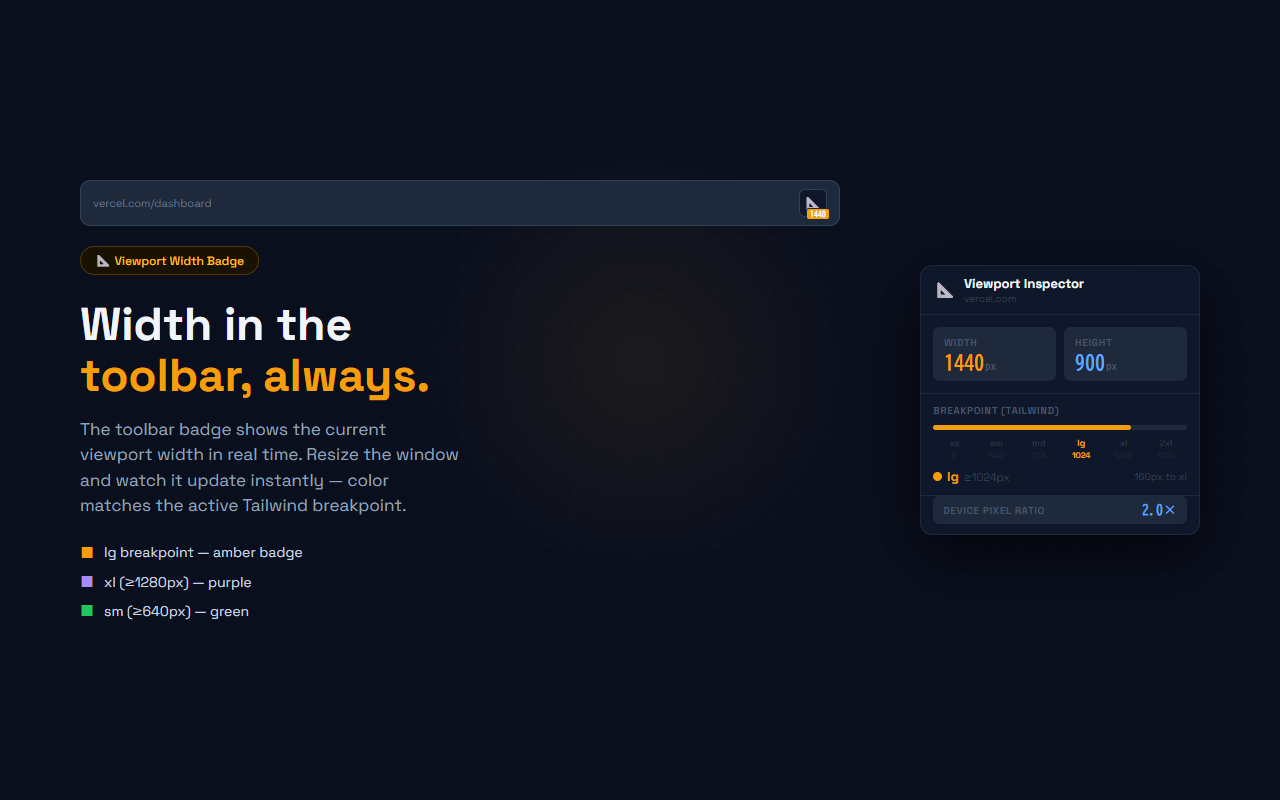
See the current viewport width in the toolbar badge — color-coded by Tailwind CSS breakpoint. Resize and watch it update instantly. No DevTools needed.
// screenshots
// overview
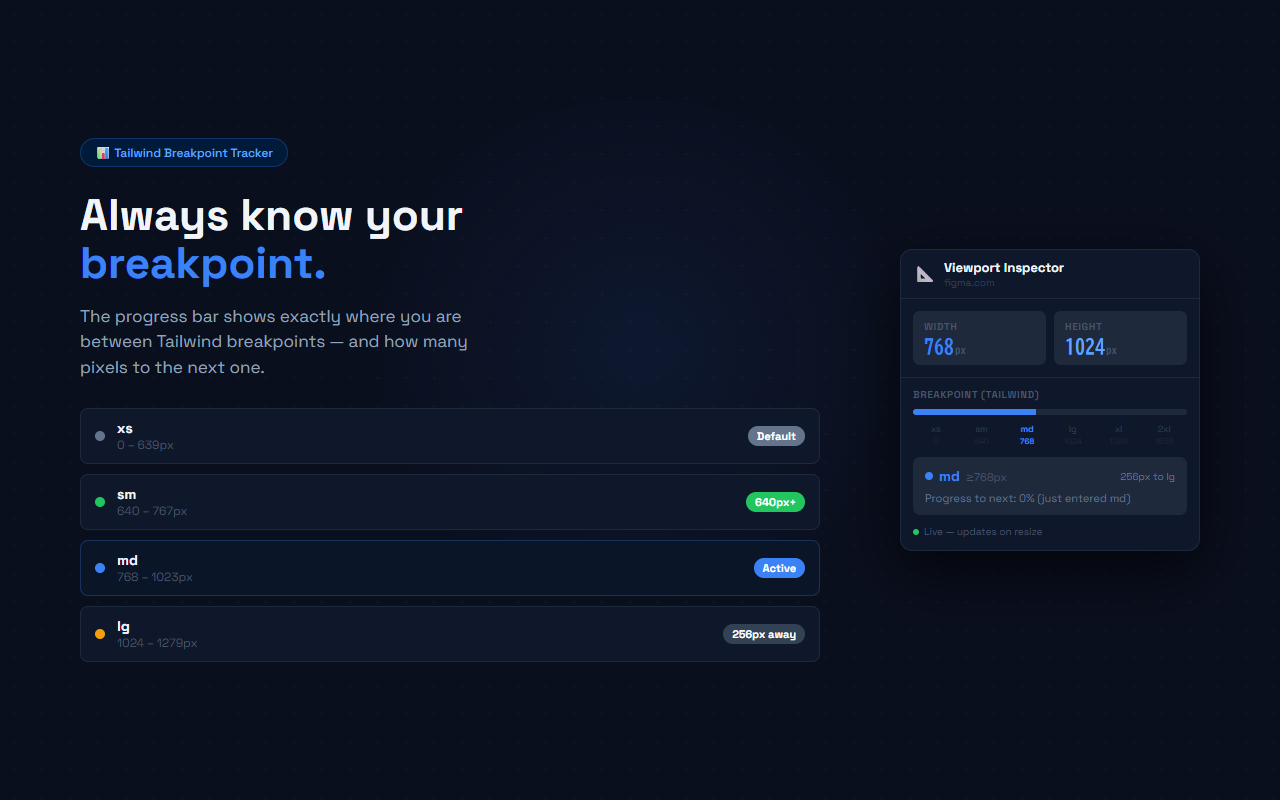
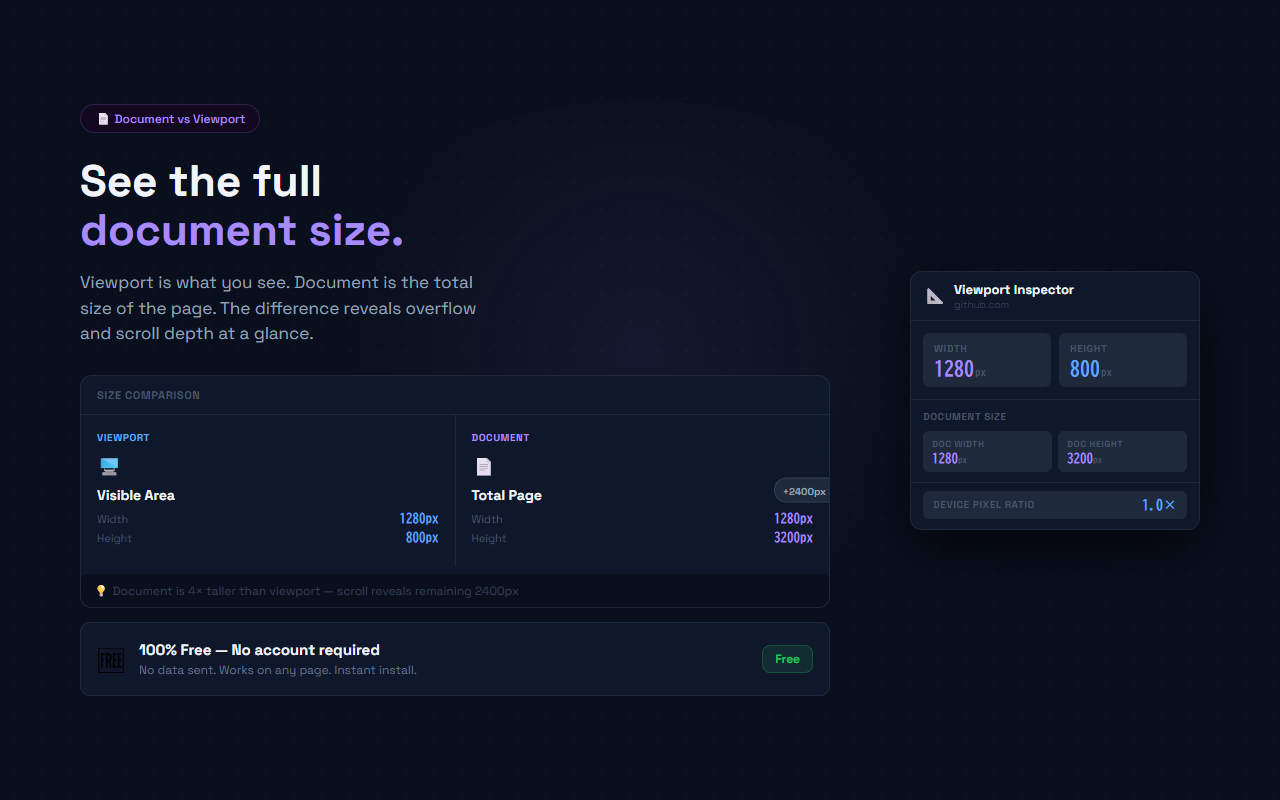
Viewport Inspector puts the current viewport width directly into the Chrome toolbar badge, color-coded to match the active Tailwind CSS breakpoint. xs is gray, sm is green, md is blue, lg is amber, xl is purple, and 2xl is red. Resize the browser window and the badge updates immediately. Click the icon to open a detailed popup showing width, height, Device Pixel Ratio, scroll X/Y, and total document dimensions. A breakpoint progress bar shows how far you are between Tailwind thresholds and how many pixels remain to the next one. No configuration required — install and it works on any page.
// features
Toolbar Width Badge
The toolbar icon badge always shows the current viewport width in pixels. Instant, always visible, no popup needed
Tailwind Breakpoint Colors
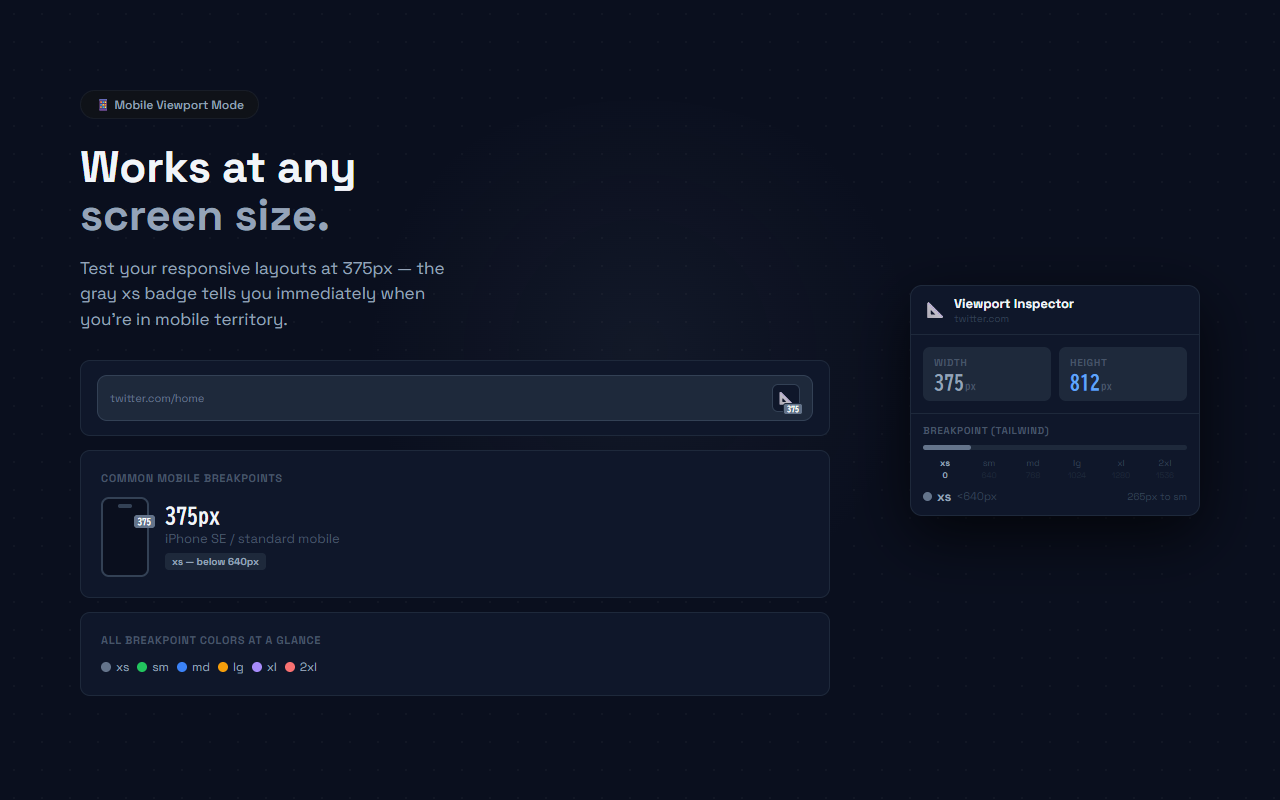
Badge color matches the active Tailwind CSS breakpoint: xs=gray, sm=green, md=blue, lg=amber, xl=purple, 2xl=red
Breakpoint Progress Bar
Visual bar shows progress between breakpoints with pixel-accurate distance to the next threshold
Width & Height
Popup displays both viewport width and height in large monospace numbers for quick reading
Device Pixel Ratio
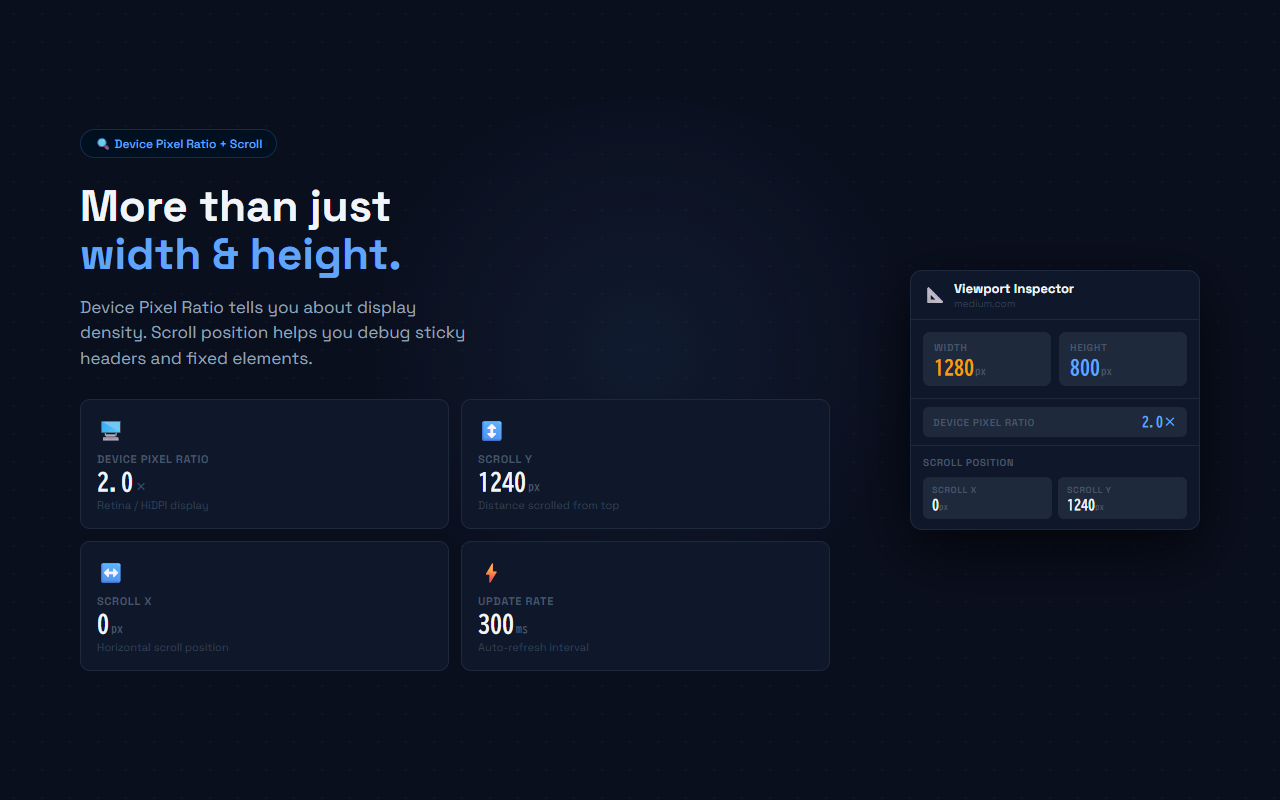
DPR indicator shows display density — useful for debugging HiDPI and Retina display rendering
Scroll & Document Size
Scroll X/Y position and total document width/height help debug overflow, sticky headers, and scroll depth
// recommended for
- Front-end developers testing responsive layouts without leaving the browser tab
- Designers checking Tailwind breakpoint behavior during development
- QA engineers verifying mobile/tablet viewport behavior across breakpoints
- Anyone building responsive web apps with Tailwind CSS or custom media queries
// faq
Which breakpoints does it show?
Viewport Inspector tracks the six standard Tailwind CSS breakpoints: xs (0px), sm (640px), md (768px), lg (1024px), xl (1280px), and 2xl (1536px). The toolbar badge color changes to match the active breakpoint.
Does it work on all websites?
Yes. Viewport Inspector uses a content script that runs on every page. The badge updates immediately as you resize the window.
Can I use it with frameworks other than Tailwind?
Yes. The breakpoint thresholds match Tailwind defaults, but the width numbers shown are accurate for any responsive layout. The breakpoint coloring is Tailwind-specific.
How often does the popup update?
The popup polls every 300ms. Resize the window while the popup is open and the numbers update in real time.
Is Viewport Inspector free?
Yes, completely free. No Pro plan, no account required, no data sent anywhere.