
DataBridge
Visual Data Transfer
Transfer data between web pages with visual element mapping. Match elements by number and transfer with one click.
// screenshots

// overview
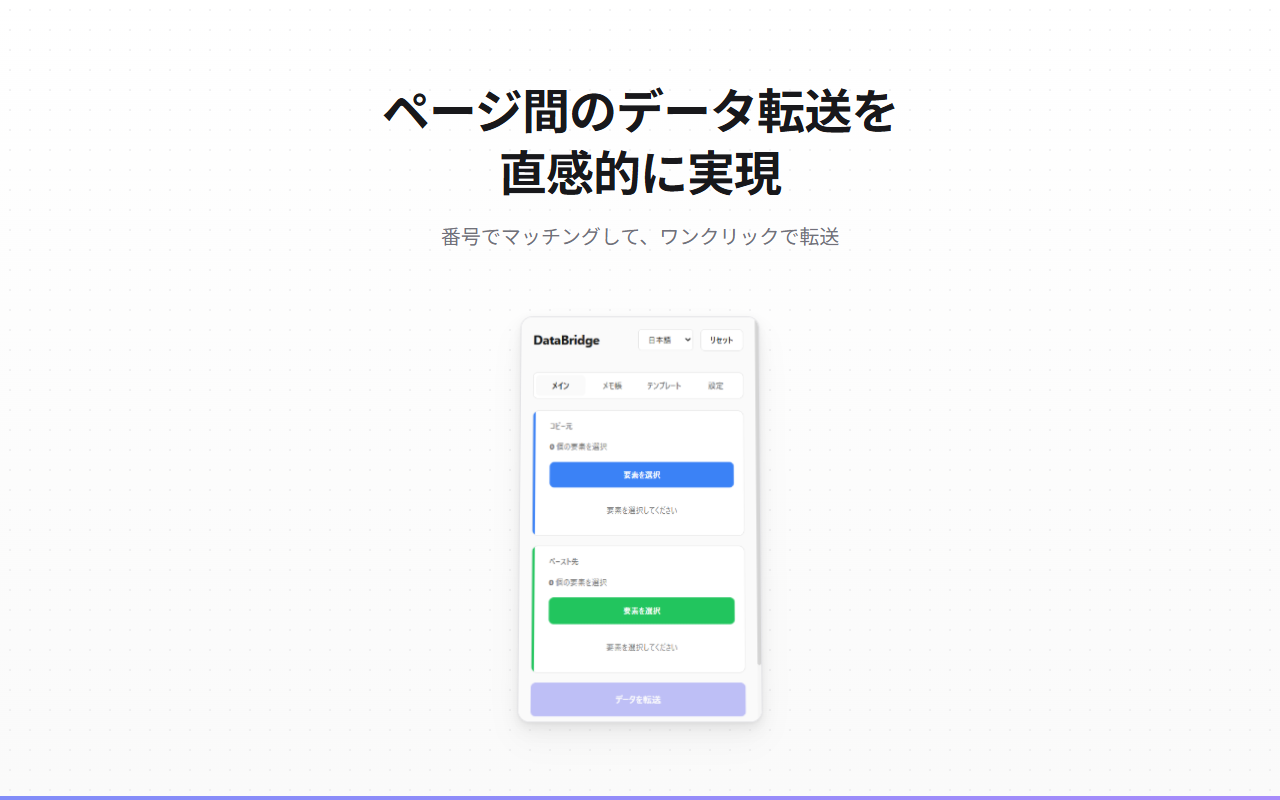
DataBridge is a Chrome extension that enables visual data transfer between web pages. Select elements from a source page, match them with target fields using numbered badges, and transfer data with a single click. Perfect for data entry, form filling, and repetitive copy-paste tasks across different systems.
// features
Visual Element Selection
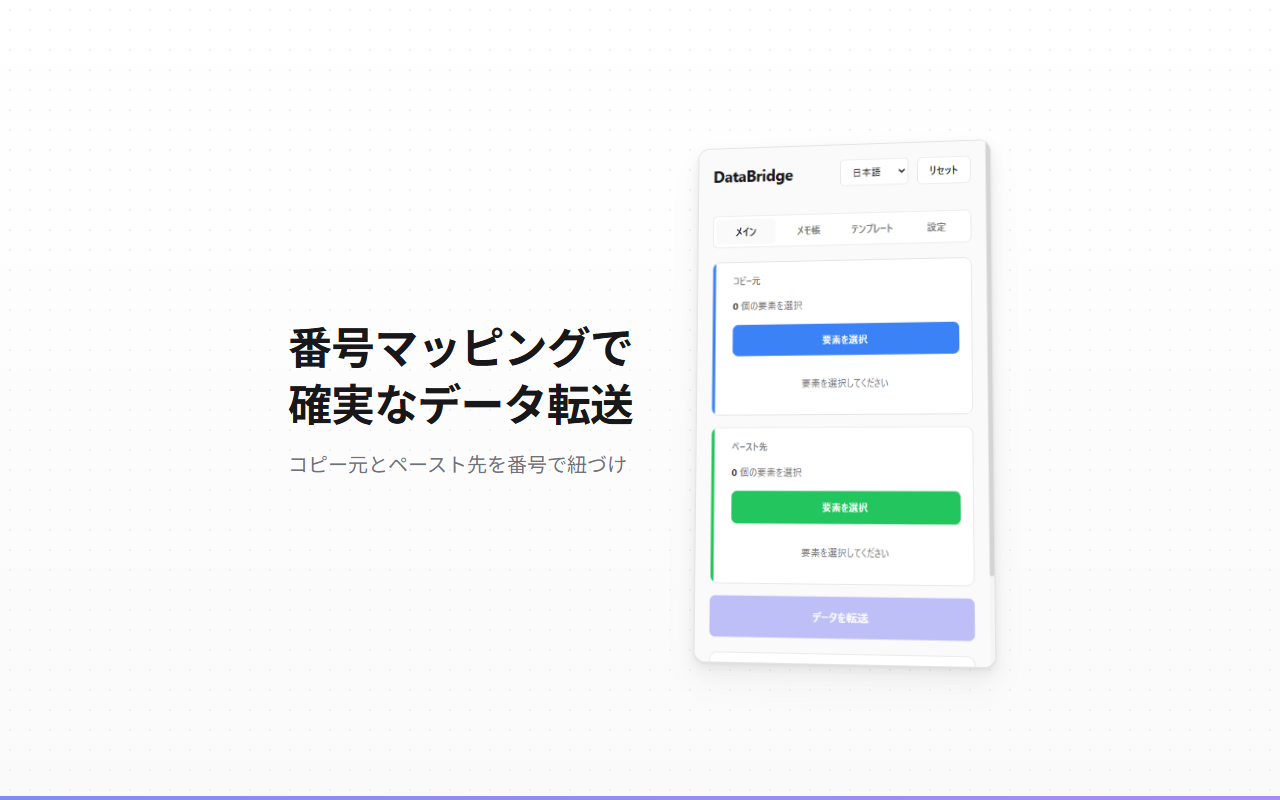
Click elements on web pages to select them. Blue badges for source, green for target - intuitive visual mapping.
Number-Based Matching
Elements are automatically matched by their selection order. Same number = same data transfer.
One-Click Transfer
Transfer all mapped data between pages with a single button click. Fast and error-free.
Template System
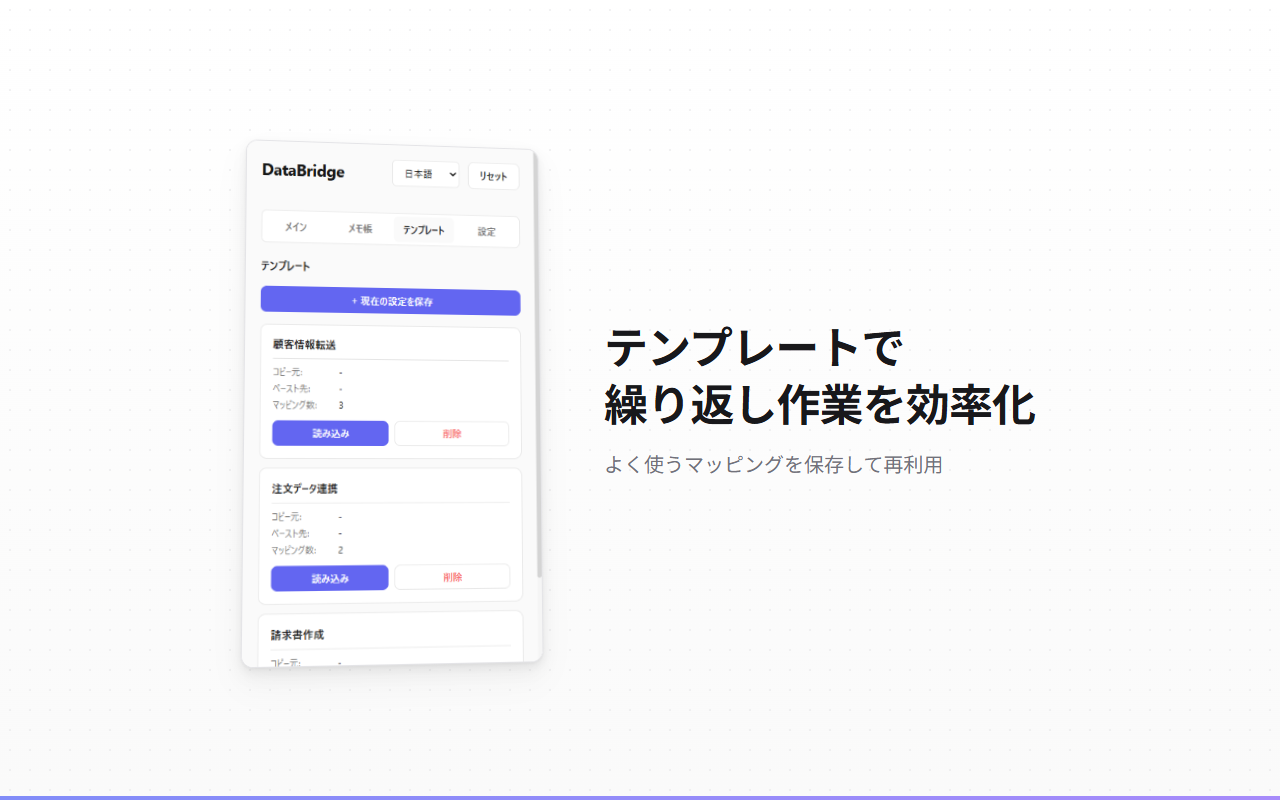
Save your element mappings as templates. Reload them anytime to repeat the same transfer workflow.
Notepad Mode
Collect values from multiple elements into a notepad. Copy to clipboard or edit manually.
Smart Selector Generation
Generates robust CSS selectors using ID, name, data attributes. Fallback strategies ensure reliability.
Multi-Language Support
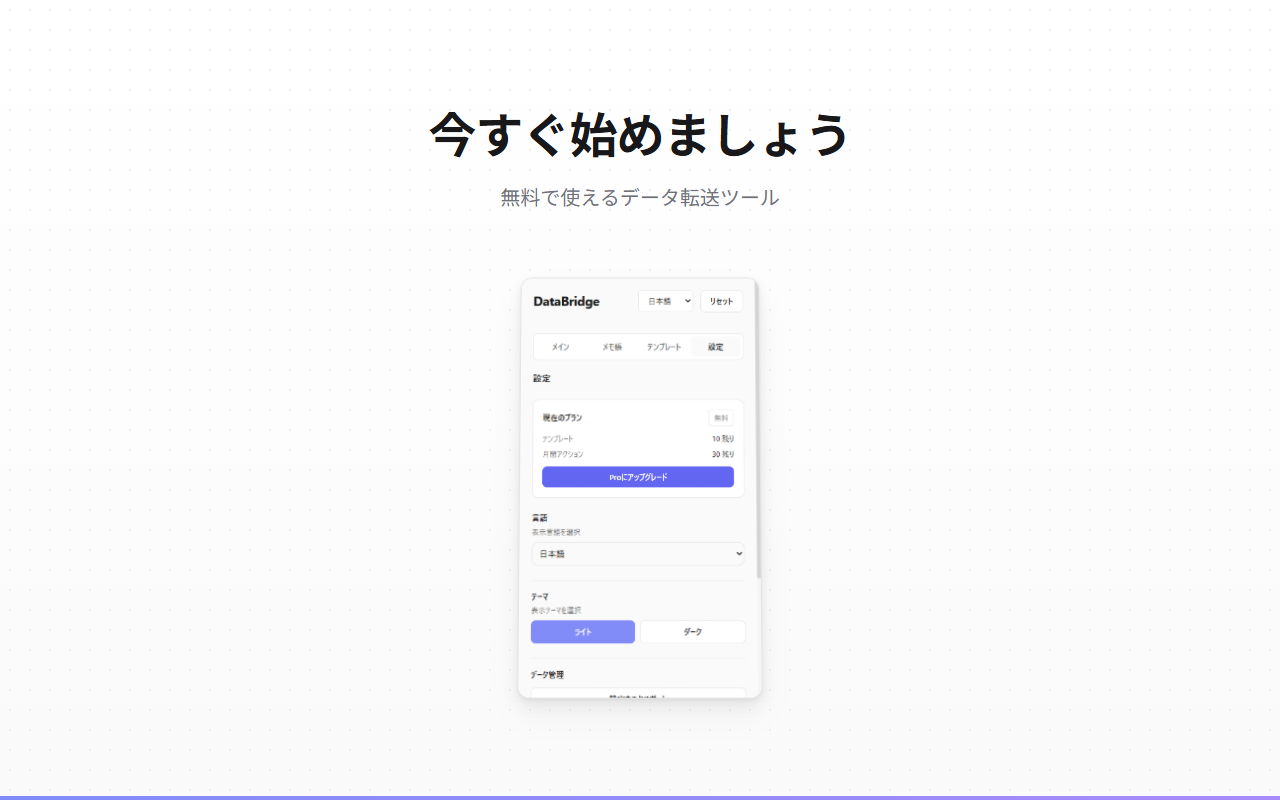
Available in Japanese, English, Korean, French, Italian, and German.
Dark Mode
Eye-friendly dark theme for comfortable use in any lighting condition.
// recommended for
- Data entry professionals handling multiple systems
- Anyone doing repetitive copy-paste between web apps
- Users filling forms with data from other pages
- Teams synchronizing data across different platforms