
ReShapic
Image Conversion Chrome Extension
Resize, convert, and optimize images right from your browser toolbar. Batch processing, 8 languages, and a freemium Pro plan.
// screenshots
// overview
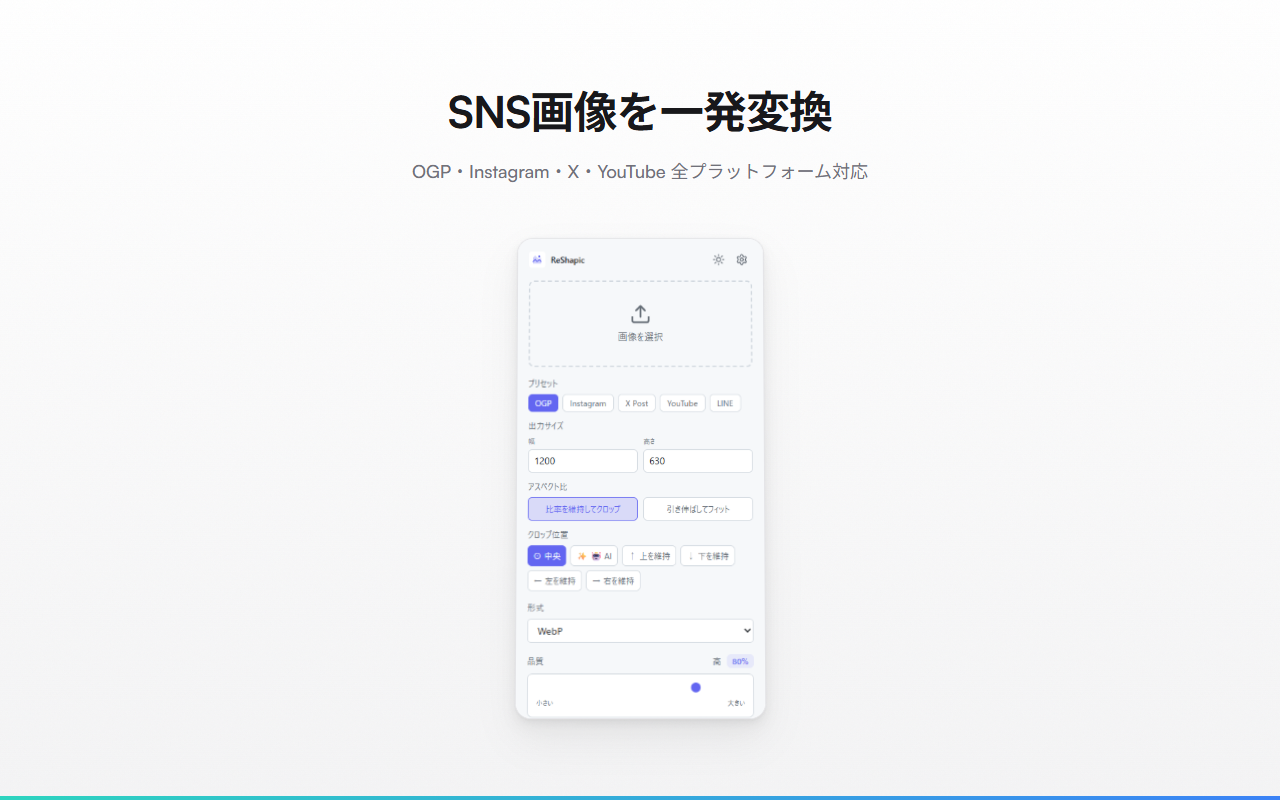
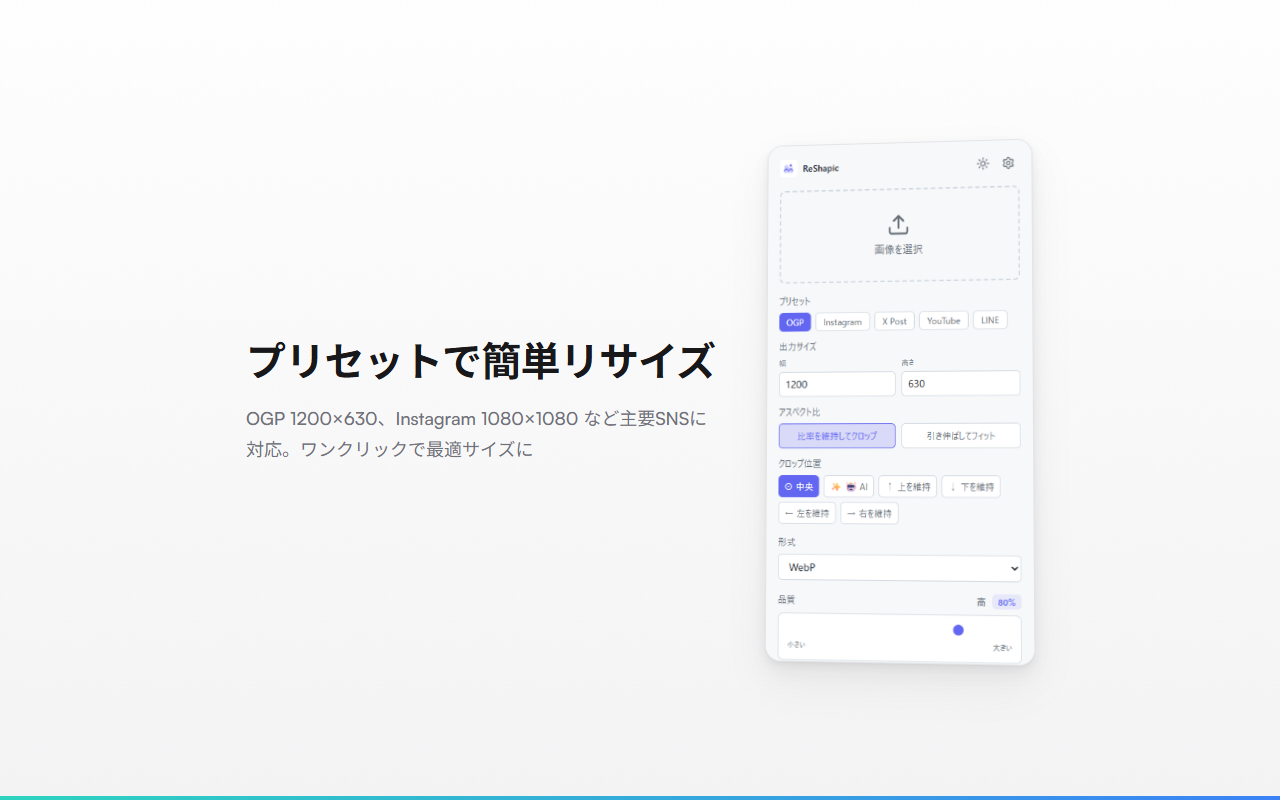
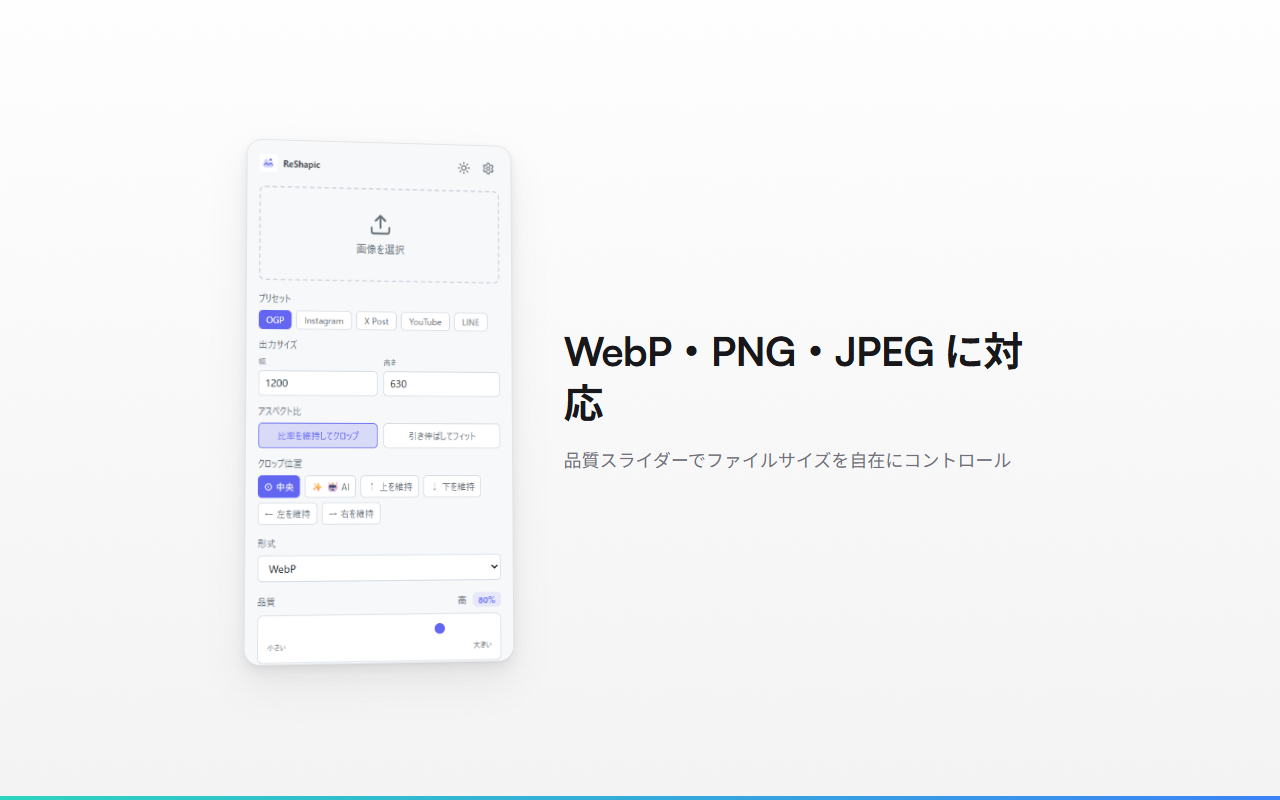
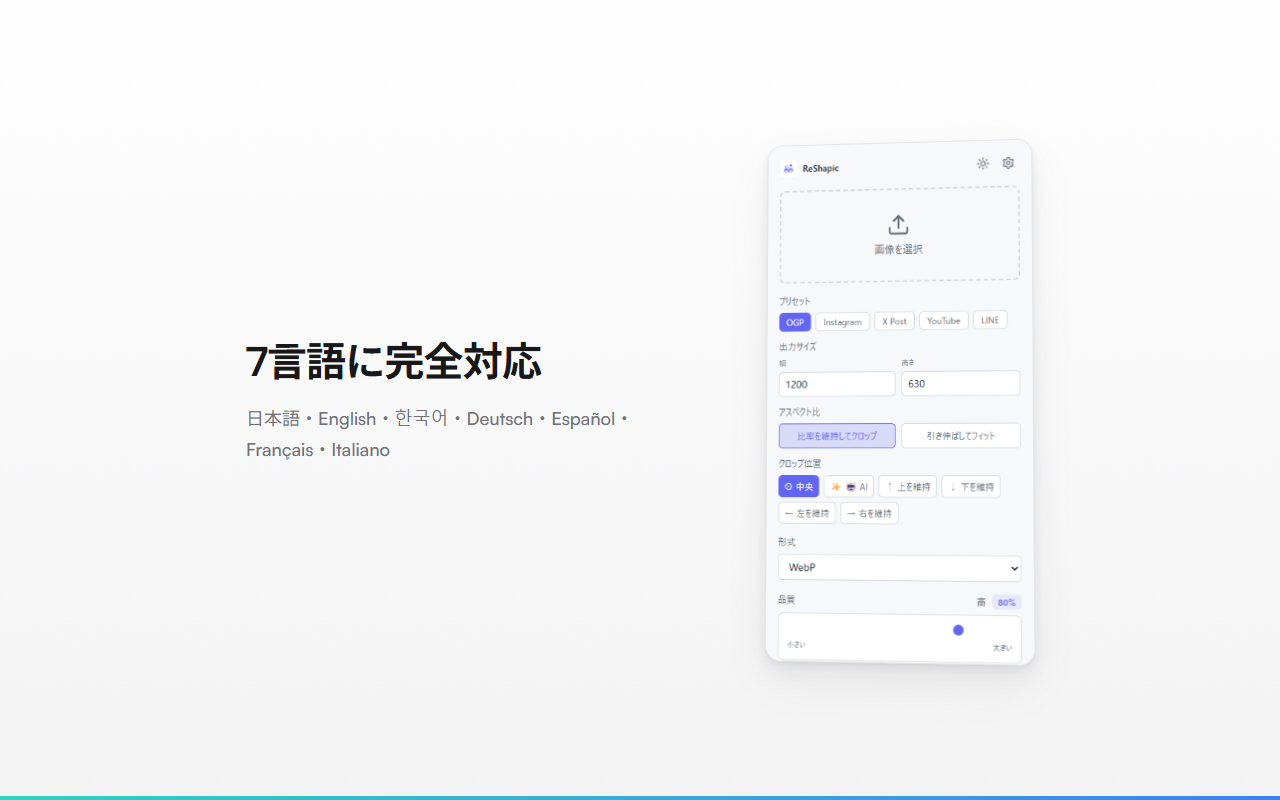
ReShapic is a Chrome extension for fast, private image processing. Resize images to preset SNS sizes (OGP, Instagram, X, YouTube, LINE), convert between WebP/PNG/JPEG, and adjust quality — all without uploading to any server. Free users get 5 conversions per day with files up to 5 MB. Pro users ($19 one-time) unlock unlimited conversions, batch processing with ZIP download, and 50 MB file support. Available in 8 languages with a manual language selector.
// supported services
// features
SNS Presets
One-click sizing for OGP, Instagram, X (Twitter), YouTube, and LINE
Batch Processing (Pro)
Select up to 20 images, convert them all at once, and download as a single ZIP
Smart Crop & AI Crop
Maintain aspect ratio with position control (top, center, bottom, left, right) or AI-based subject detection
8 Languages
English, Japanese, Korean, Italian, French, German, Spanish, and Portuguese with a manual language selector
Freemium Model
5 free conversions/day (5 MB limit). Pro unlocks unlimited conversions, batch, and 50 MB files
Privacy First
All processing happens locally in your browser — no images are uploaded to any server
Dark / Light Mode
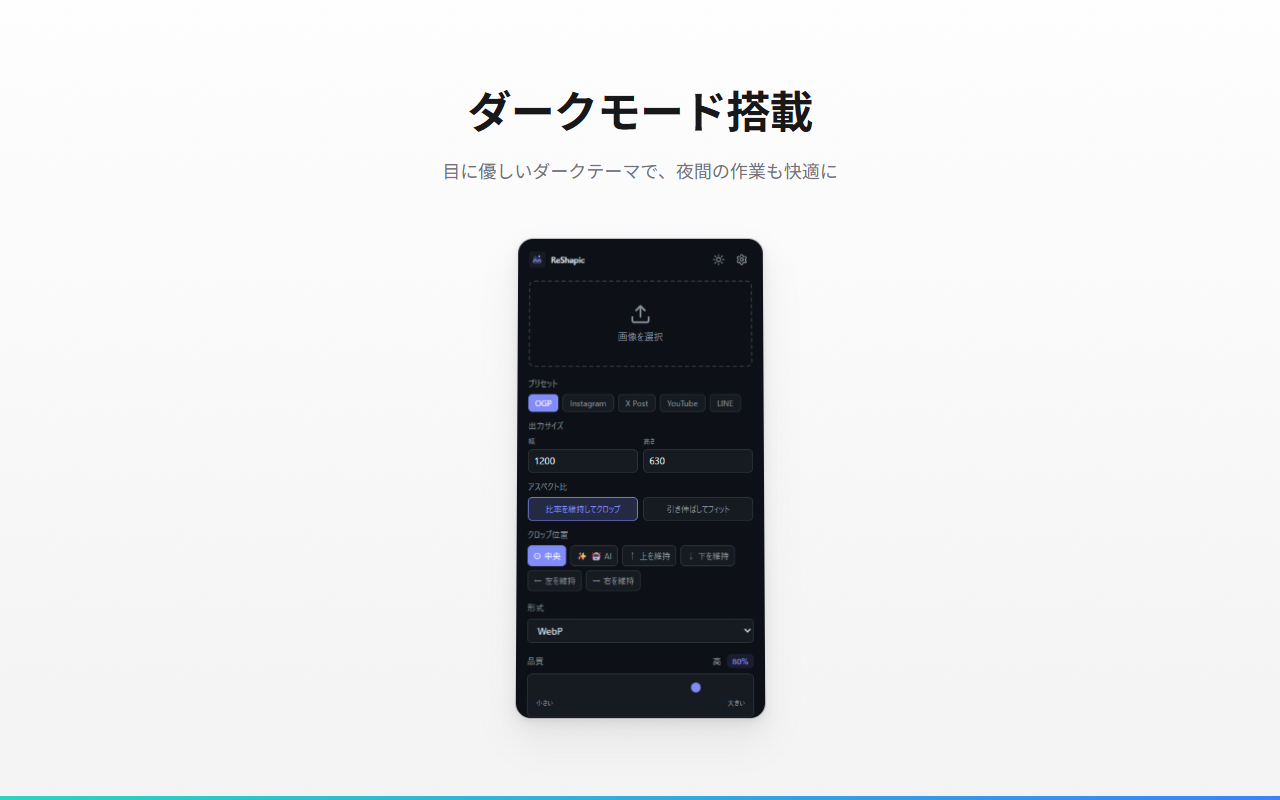
Theme toggle that saves your preference across sessions
Context Menu
Right-click any image on a webpage to open it directly in ReShapic
// keyboard shortcuts
// recommended for
- Social media managers who need consistent image sizes across platforms
- Content creators preparing thumbnails for YouTube and other platforms
- Web developers optimizing images for better page performance
- Anyone who wants quick image conversion without installing heavy software
- Privacy-conscious users who prefer local-only processing