
SnippetVault
Code Snippet Manager with Slash Commands
Manage code snippets and insert them instantly with slash commands in any text field.
// screenshots
// overview
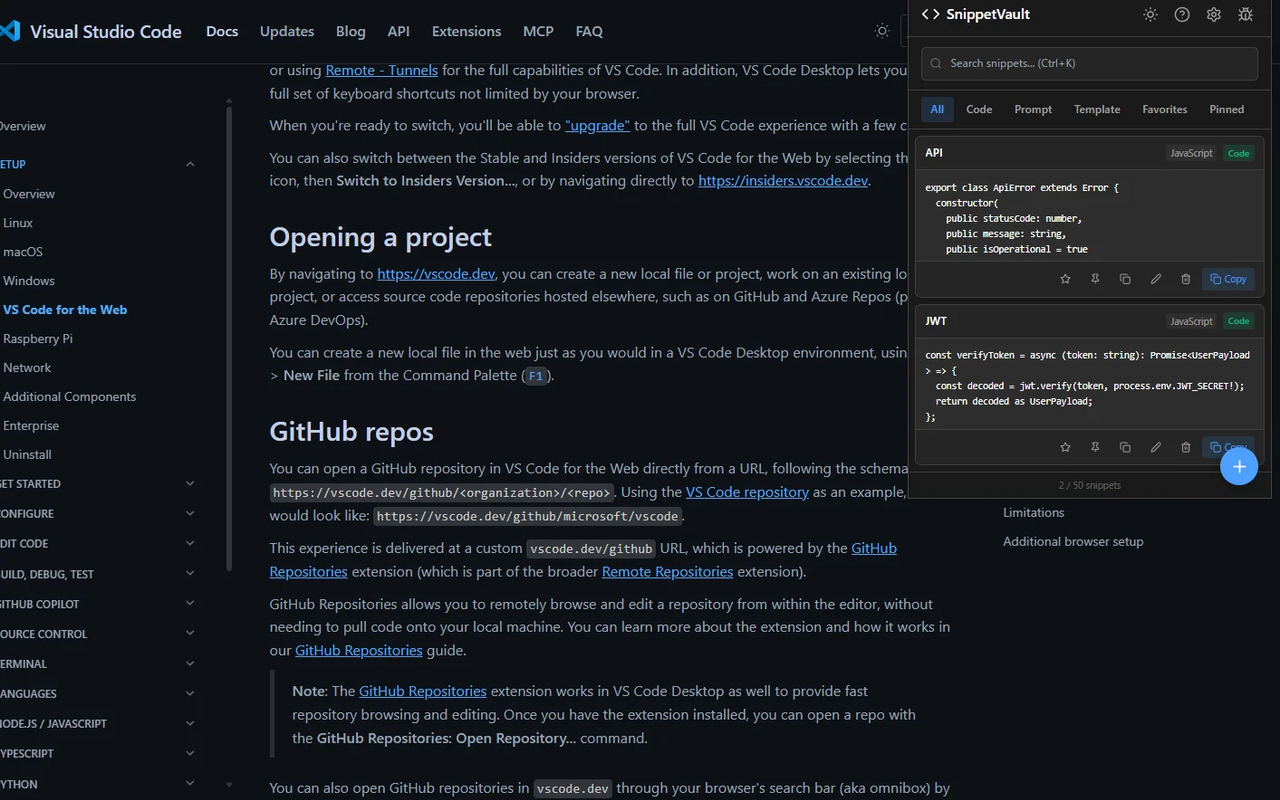
Developer-focused code snippet manager for Chrome. Save, organize, and instantly insert code snippets using slash commands (/) in any text input field on the web. Features syntax highlighting powered by Prism.js, fuzzy search with Fuse.js, and category management. All data is stored locally on your device.
// features
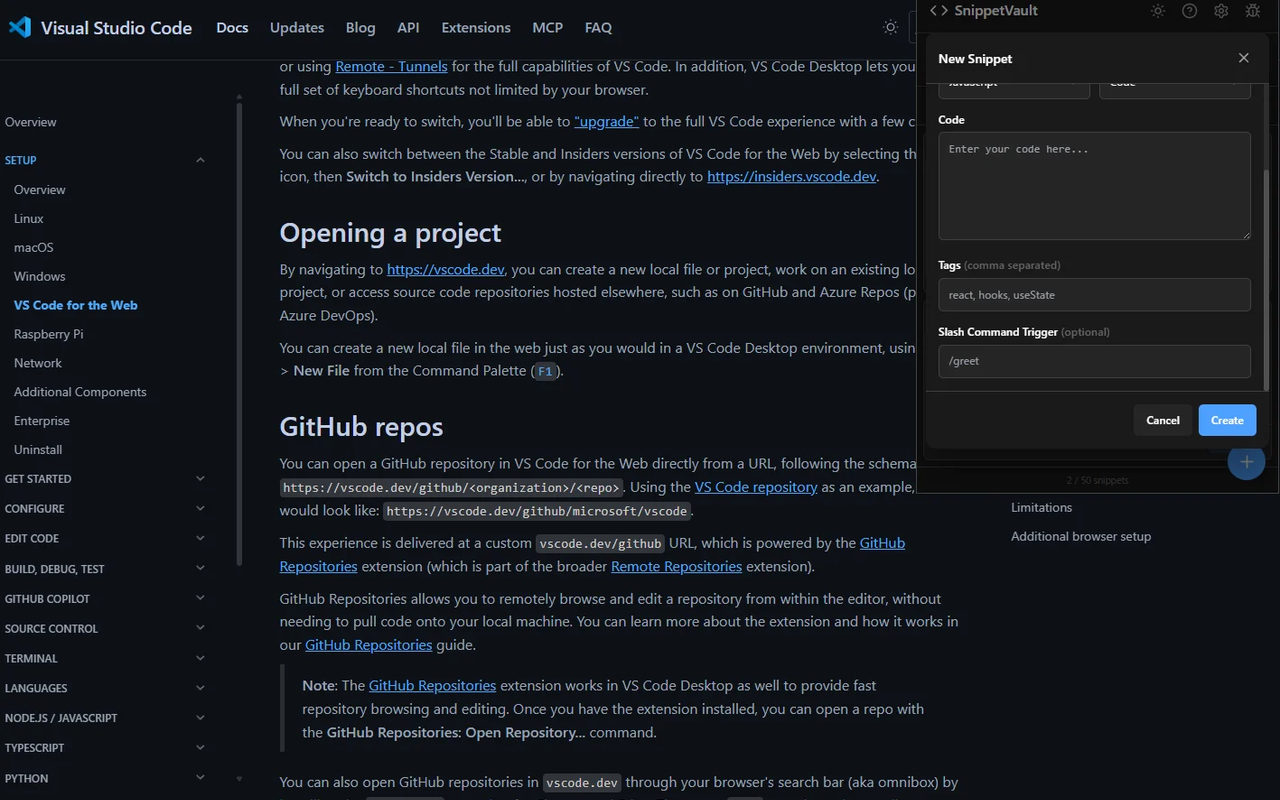
Slash Commands
Type '/' in any text field to search and insert snippets instantly
Syntax Highlighting
Prism.js-powered code display with dark theme support
Fuzzy Search
Find snippets by title, content, or category with Fuse.js
Category Management
Organize snippets by language and custom categories
Usage Statistics
Track most-used snippets and usage patterns
Clipboard Integration
One-click copy or auto-insert into text fields
// keyboard shortcuts
// recommended for
- Developers who frequently reuse code patterns
- Technical writers using code templates
- Support engineers with common response snippets
- Anyone who types repetitive text in web forms