CSS Inspector
Computed CSS Viewer with CSS Variable Toggle
Click any element to inspect its computed CSS — Layout, Typography, Colors, and Spacing in one panel. Toggle between resolved values and raw CSS variable references.
// screenshots
// overview
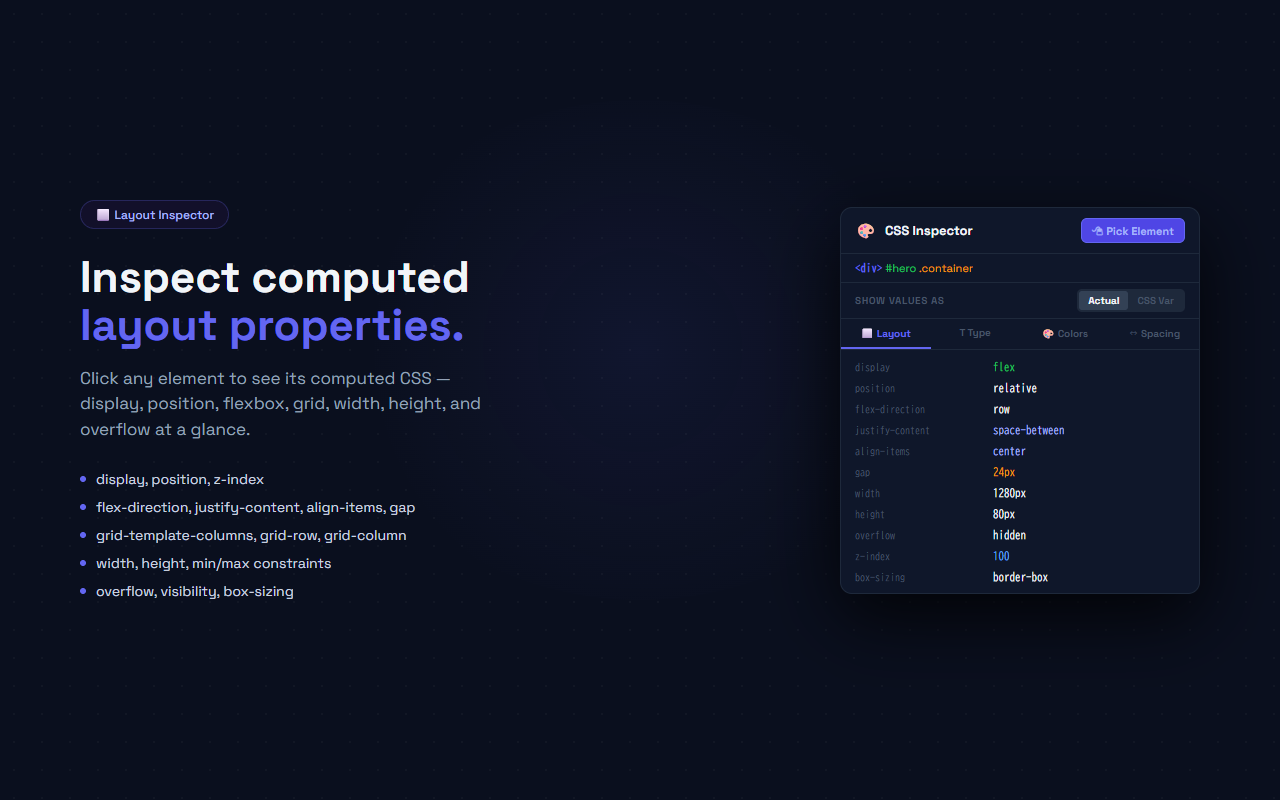
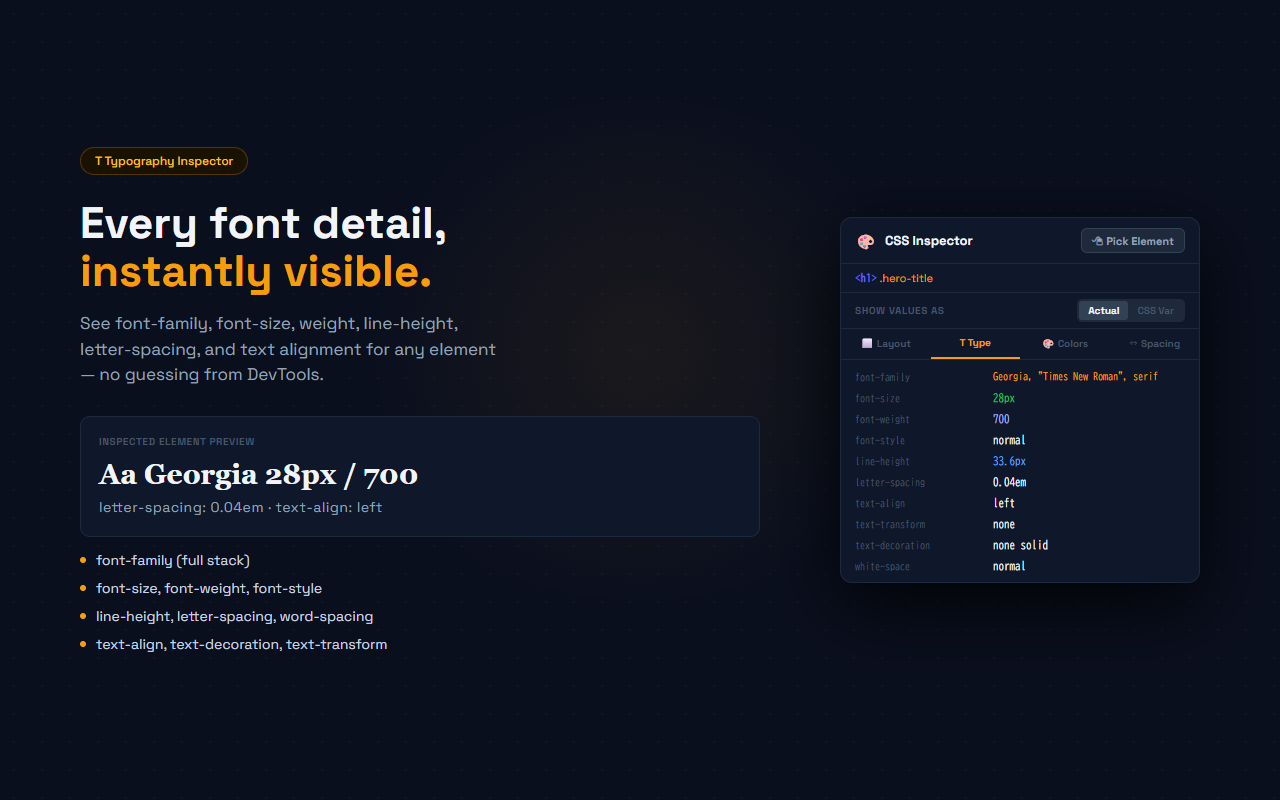
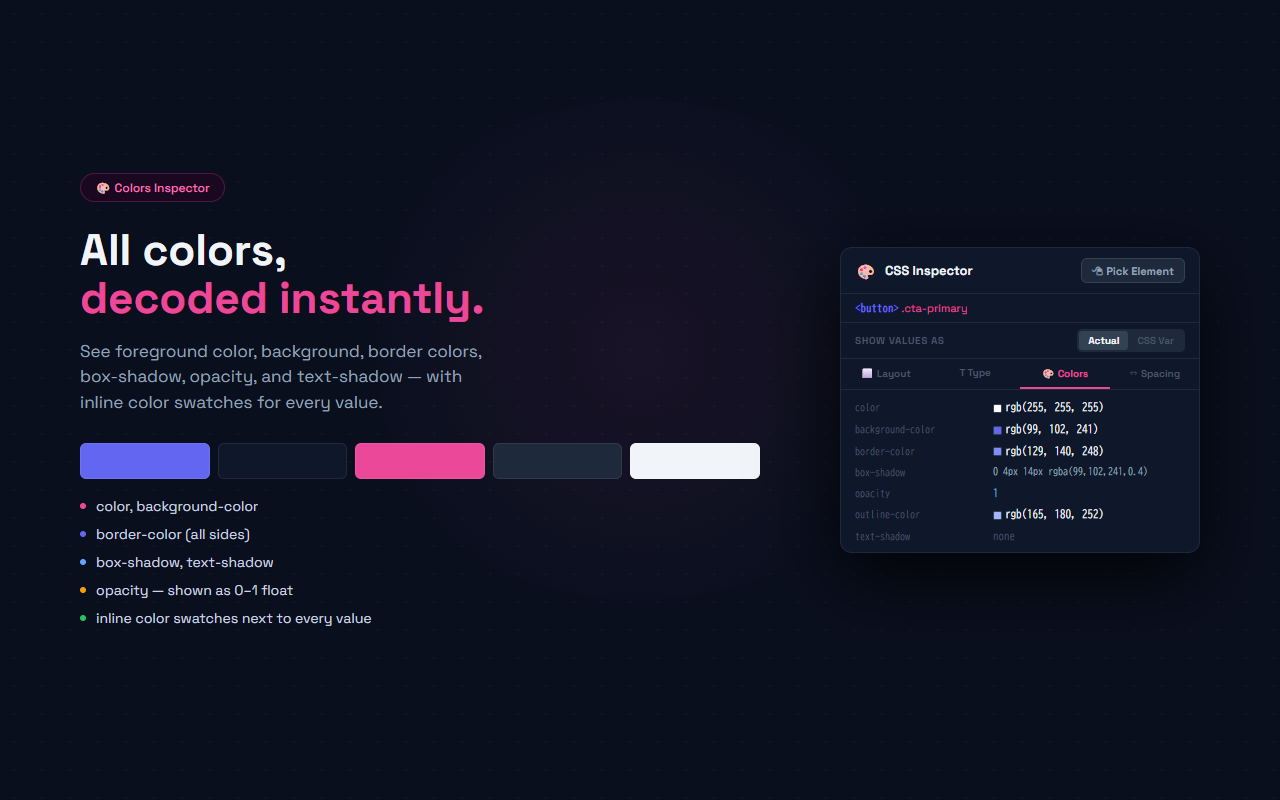
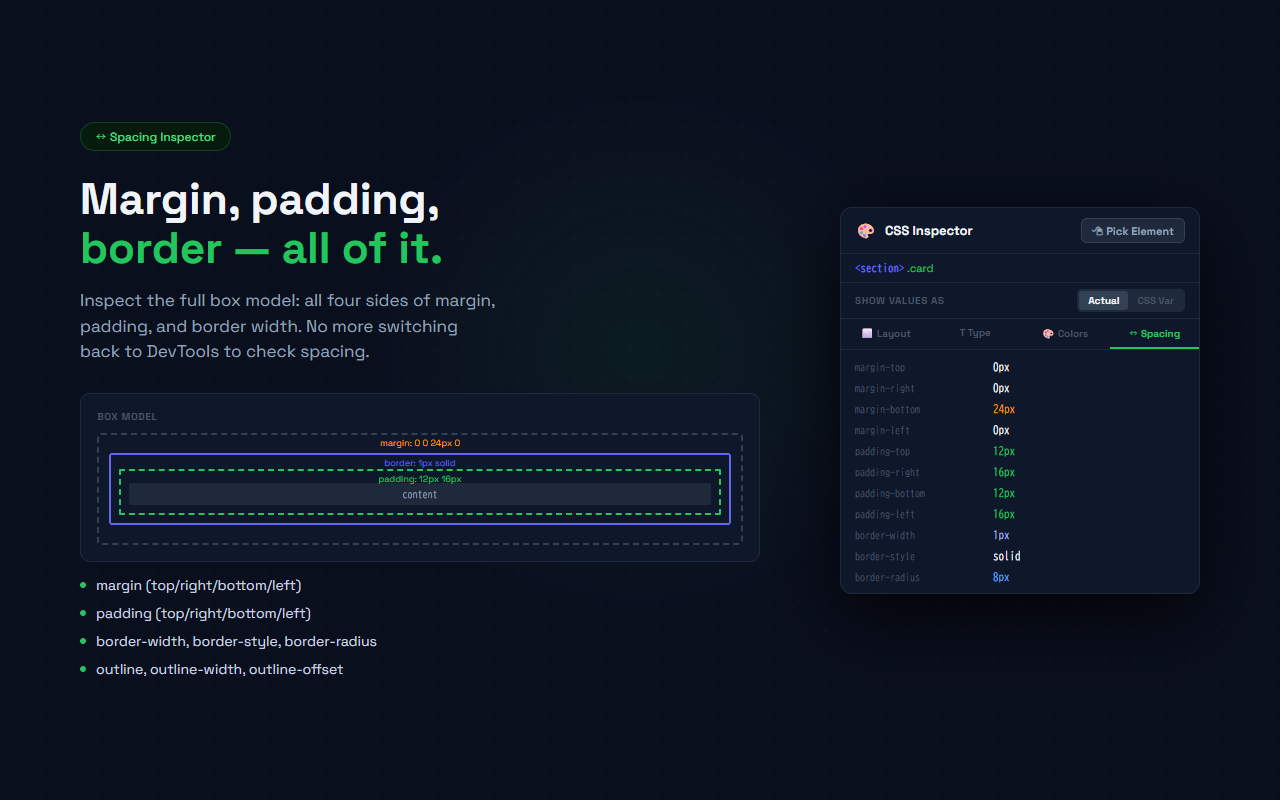
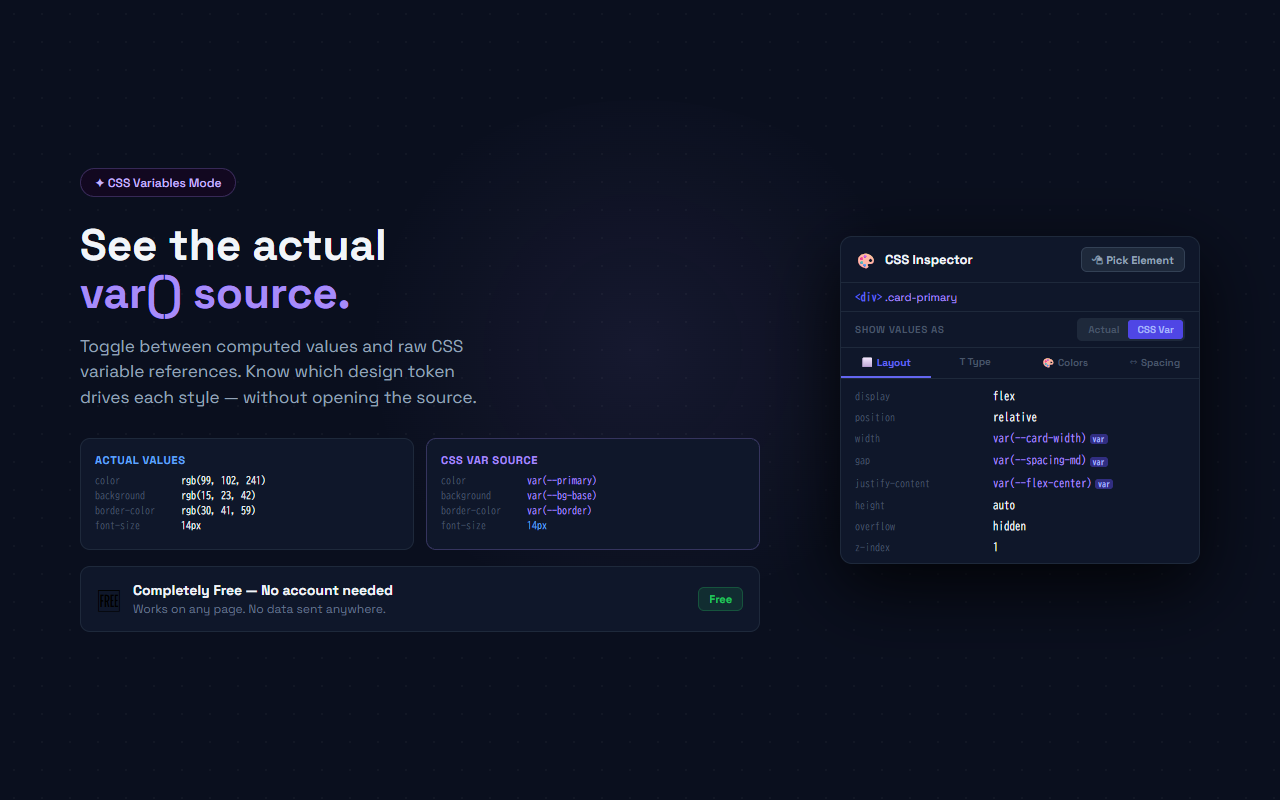
CSS Inspector adds a one-click element picker to any page. Click the toolbar icon, then click any element — a panel shows the computed CSS organized into four categories: Layout (display, position, flex/grid, overflow), Typography (font-family, size, weight, line-height), Colors (foreground, background, border, box-shadow with inline swatches), and Spacing (margin, padding, border width, border-radius). A toggle switches between resolved computed values and the raw CSS variable reference — so you can see both what the browser applied and which design token drove it. The last inspected element persists across popup opens.
// features
Element Picker
Click the Pick Element button, then click any DOM element. A purple highlight shows the hovered element before you click
4 CSS Categories
Layout, Typography, Colors, and Spacing tabs — each showing only non-trivial properties to avoid noise
CSS Variable Toggle
Switch between Actual (resolved computed value) and CSS Var (raw var() reference) to trace design tokens
Inline Color Swatches
Color properties show a small color swatch next to each value for instant visual reference
Element Breadcrumb
Shows the tag name, ID, and class list of the inspected element at the top of the panel
Persistent State
The last inspected element's data persists across popup open/close cycles via chrome.storage.local
// recommended for
- Front-end developers debugging why a component's layout doesn't match the design
- Designers verifying computed font sizes, colors, and spacing on live pages
- QA engineers checking CSS variable values in production vs staging
- Anyone who needs to inspect computed CSS without opening DevTools
// faq
How do I inspect an element?
Click the CSS Inspector toolbar icon to open the popup, then click 'Pick Element'. Move your mouse over the page — a purple highlight shows the hovered element. Click to select it. The popup immediately shows the computed CSS.
What does the CSS Var toggle do?
When set to 'Actual', the popup shows the final resolved computed value (e.g., rgb(99, 102, 241)). When set to 'CSS Var', properties that were set using a CSS variable show the raw var() reference (e.g., var(--primary)) so you can trace which design token applies.
Why do some properties not appear?
CSS Inspector filters out properties with trivial values (none, normal, auto) to reduce noise — except for structural properties like display, position, overflow, and box-sizing which always appear.
Does it work on all websites?
Yes. CSS Inspector uses a content script that runs on every page. It reads computed styles via window.getComputedStyle and raw values from inline styles and stylesheets.
Is CSS Inspector free?
Yes, completely free. No Pro plan, no account, no data sent anywhere.