MarkdownLive
Real-Time Markdown Editor in Chrome Side Panel
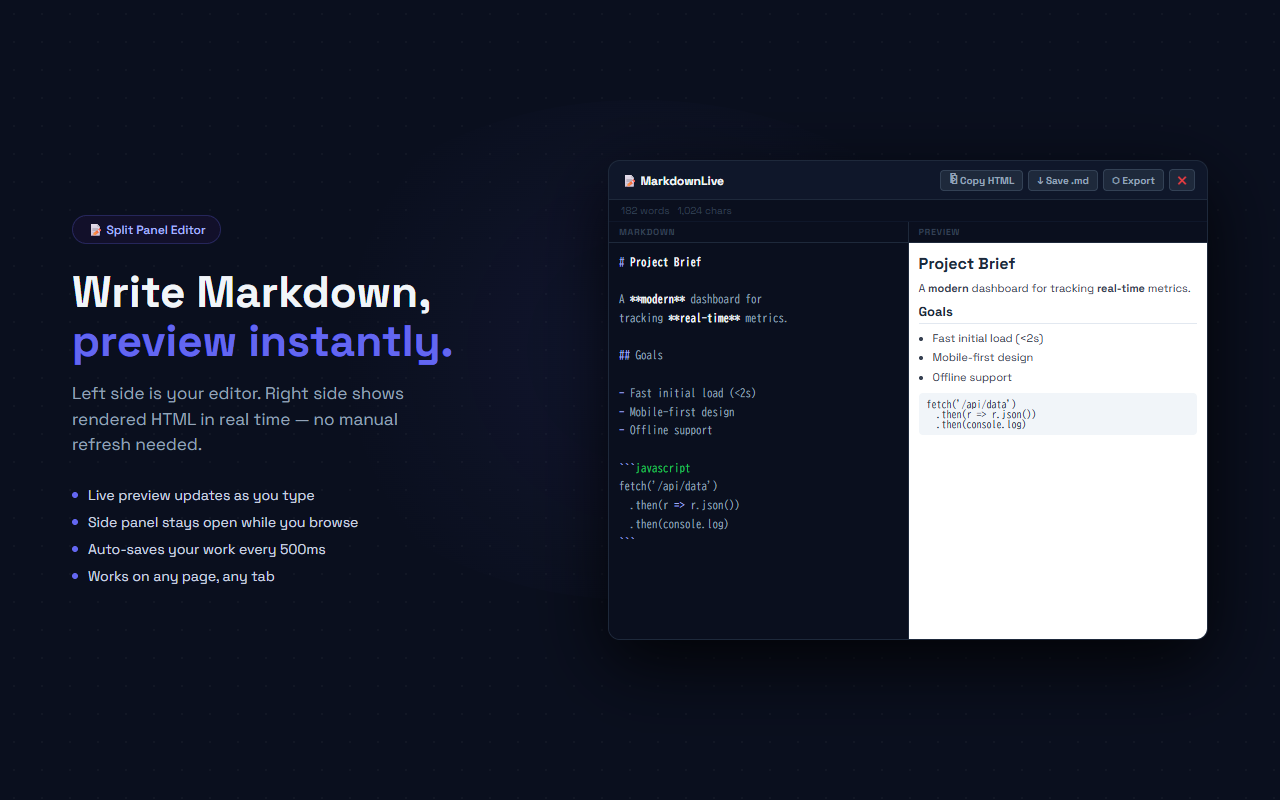
Write Markdown in the left pane — see rendered HTML in the right pane, live. Export as HTML, download as .md, or copy HTML to clipboard. Auto-saves locally.
// screenshots
// overview
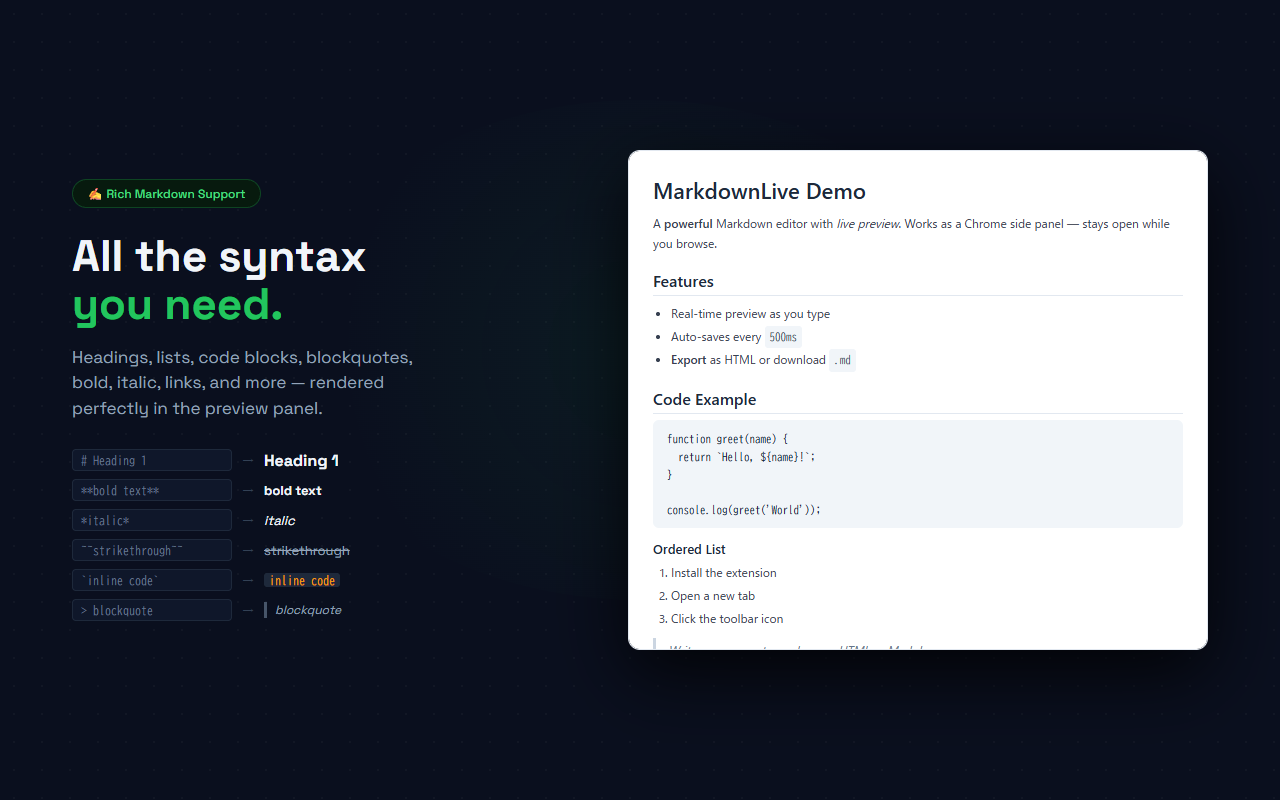
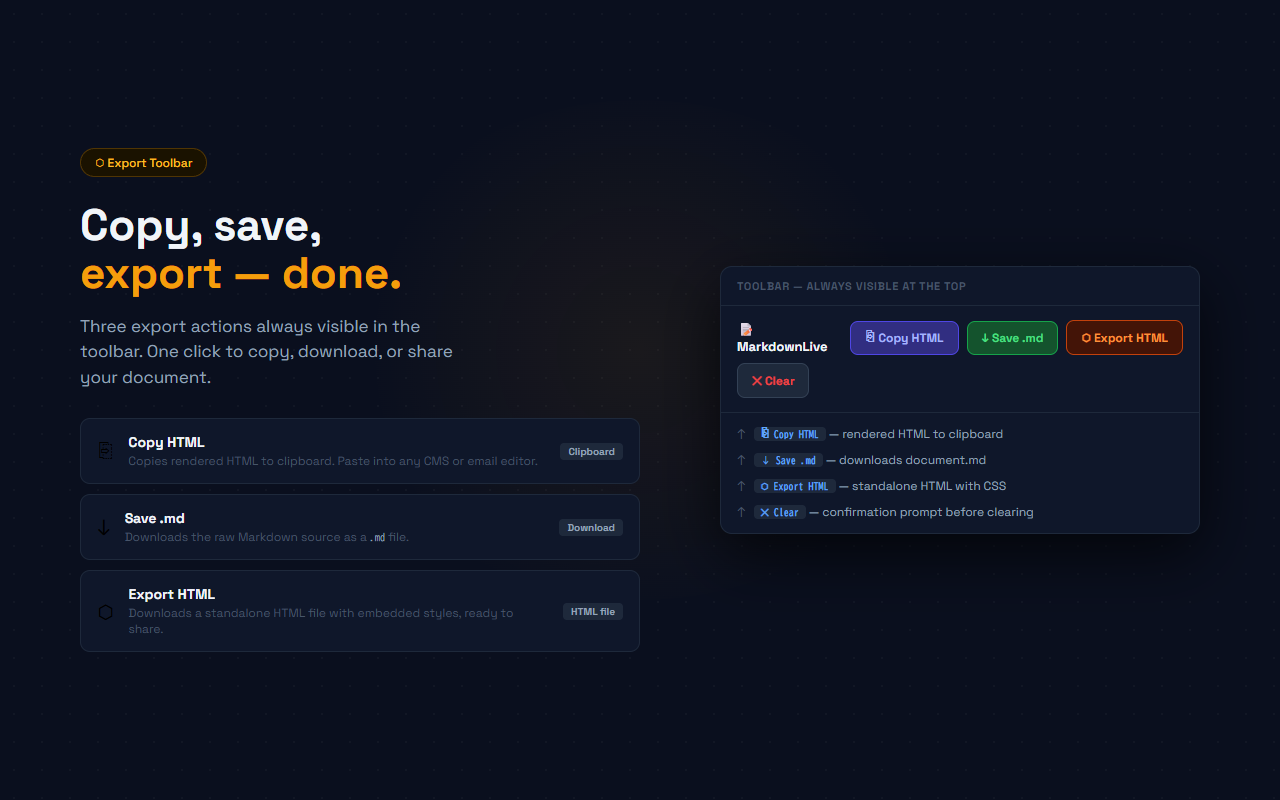
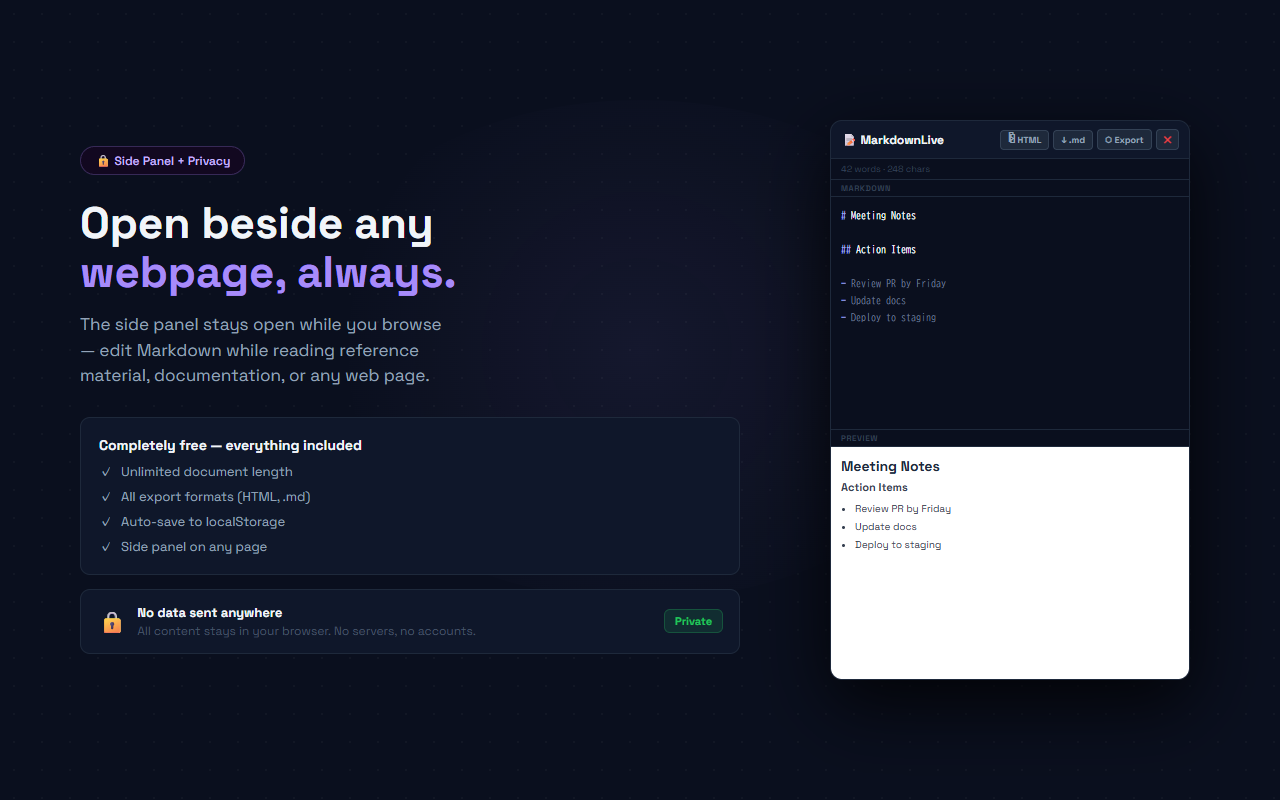
MarkdownLive opens as a Chrome side panel — a persistent panel that stays open while you browse any website. The left pane is a plain-text editor where you write Markdown. The right pane shows the rendered HTML preview, updated in real time as you type. Built-in Markdown parser supports headings (h1–h6), bold, italic, strikethrough, inline code, fenced code blocks, ordered and unordered lists, blockquotes, horizontal rules, and links. Three export actions in the toolbar: Copy HTML copies the rendered HTML to clipboard; Save .md downloads the Markdown source; Export HTML downloads a standalone HTML file with embedded CSS. Your content auto-saves to localStorage every 500ms — no work is ever lost.
// features
Live Split-Panel Preview
Left pane is the editor, right pane is the rendered preview. Updates as you type with zero delay
Built-in Markdown Parser
No external dependencies. Supports headings, bold, italic, strikethrough, code blocks, lists, blockquotes, links, and images
Three Export Options
Copy HTML to clipboard, download as .md file, or export a standalone HTML file with embedded styles
Auto-Save to localStorage
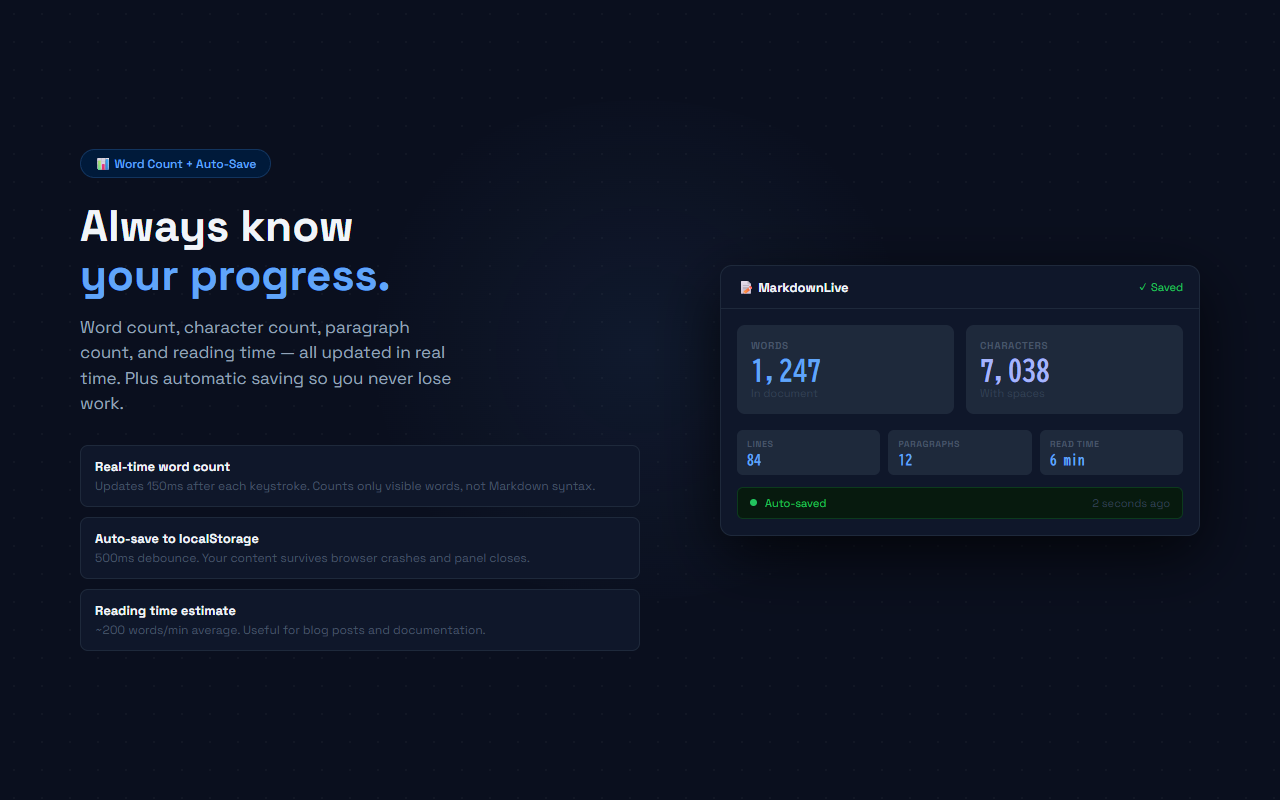
500ms debounce auto-save. Your content survives panel closes, browser refreshes, and restarts
Word & Character Count
Live word count and character count shown in the stats bar, updated 150ms after each keystroke
Chrome Side Panel
Stays open while you browse any webpage. Useful for taking notes alongside documentation or reference material
// recommended for
- Developers writing README files or documentation while viewing related code or websites
- Writers drafting blog posts in Markdown while referencing source material
- Students taking structured notes alongside course material or textbooks
- Anyone who needs a quick Markdown editor without switching apps or browser tabs
// faq
Does it use an external Markdown library?
No. MarkdownLive has a built-in Markdown parser with zero external dependencies. The entire extension is under 14 kB.
Where is my content stored?
Your content is saved to localStorage via the extension's storage. It never leaves your device — no servers, no accounts, no uploads.
Can I use it alongside any website?
Yes. MarkdownLive opens as a Chrome side panel, which stays visible while you browse any webpage. Click the toolbar icon to toggle it.
What Markdown syntax is supported?
Headings h1–h6, bold (**text**), italic (*text*), strikethrough (~~text~~), inline code (`code`), fenced code blocks (```), ordered and unordered lists, blockquotes (> text), horizontal rules (---), and links ([text](url)).
Is MarkdownLive free?
Yes, completely free. All features included — no Pro plan, no account required.