
FormFill Vault
Business Info Autofill with Local Encryption
Autofill addresses, invoices, and business info with encrypted profiles. AES-256 local. No cloud sync. Free tier available.
// screenshots
// overview
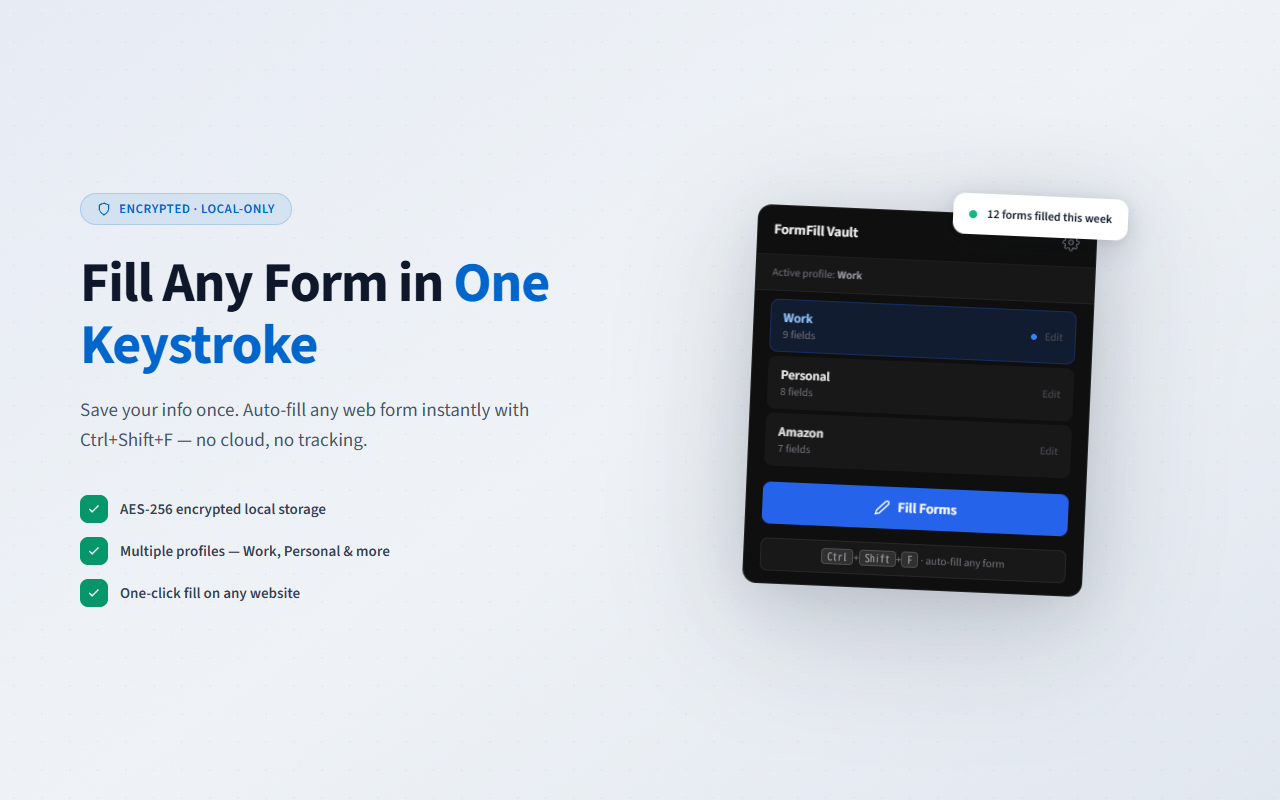
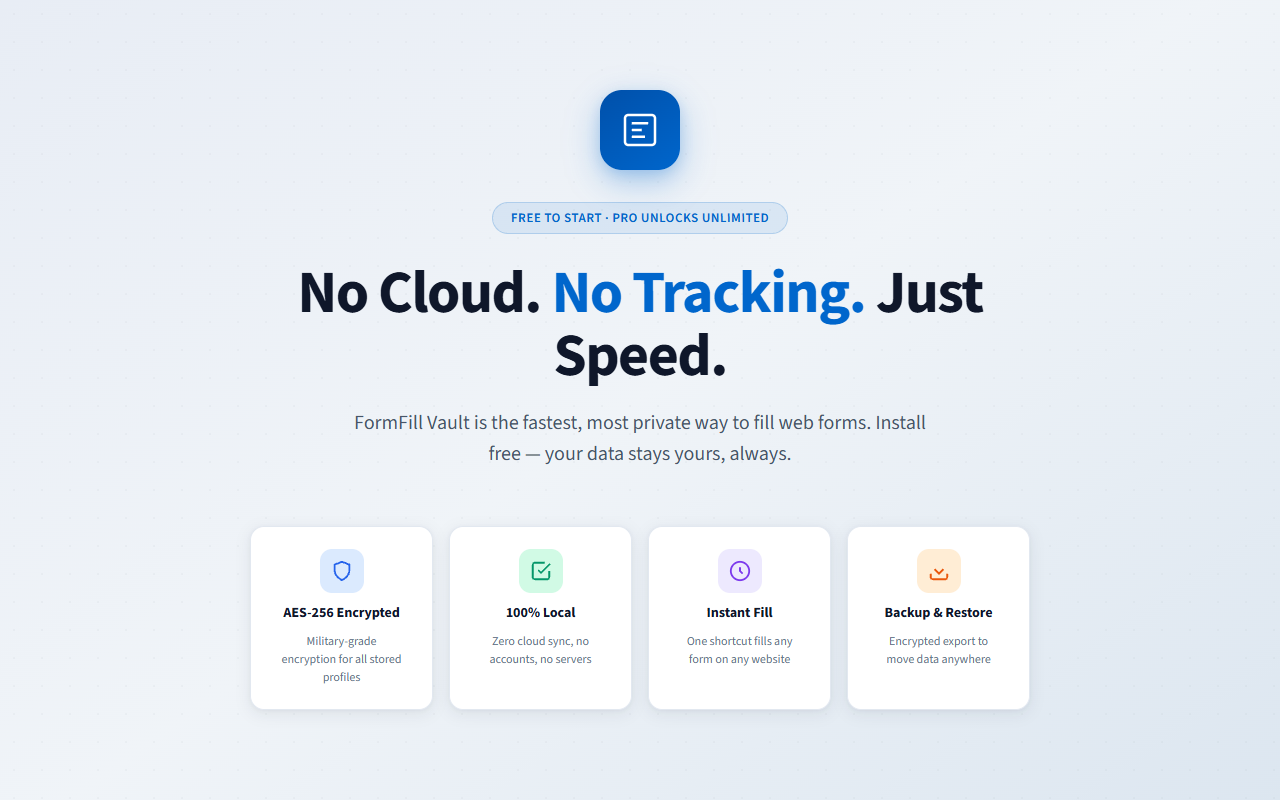
FormFill Vault is a Chrome extension for autofilling business forms with encrypted profiles. It focuses on one specific job: filling the same addresses, invoice fields, and company information into web forms, fast, without sending anything to a server. It is deliberately NOT a password manager — passwords are out of scope by design. FormFill Vault pairs with your existing password manager (LastPass, 1Password, Bitwarden), handling the business-data half of autofill that password managers typically don't cover well: rich profiles, Japanese postal code autocomplete, and multi-context separation for people who work across several projects.
What is FormFill Vault?
FormFill Vault is a Chrome extension that autofills business forms — addresses, invoices, company information — using encrypted profiles stored entirely in your browser. It uses the Web Crypto API (AES-256-GCM) for local encryption, never transmits profile data to external servers, and ships with a built-in Japanese postal code dictionary. It is not a password manager and is designed to complement, not replace, tools like LastPass or 1Password.
// how to use
- 1 Install FormFill Vault from the Chrome Web Store.
- 2 Click the FormFill Vault icon in your toolbar to open the profile manager.
- 3 Create your first profile (e.g. 'Personal', 'Work', or 'Side Project').
- 4 Fill in your business info once: address, phone, email, company name, invoice fields.
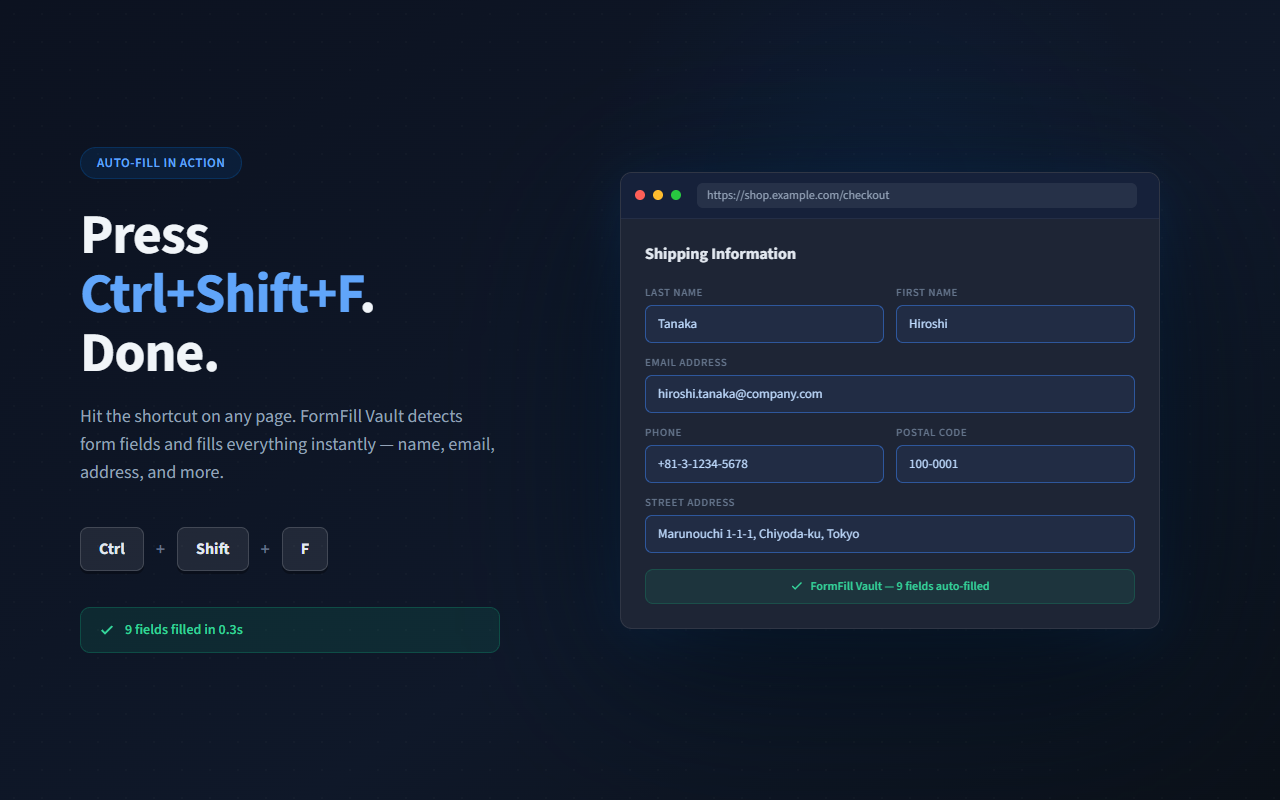
- 5 Navigate to any form on any site. Click the FormFill Vault icon and pick a profile.
- 6 Matching fields fill instantly. Edit manually if the form has unusual field names.
// features
Multi-Profile Support
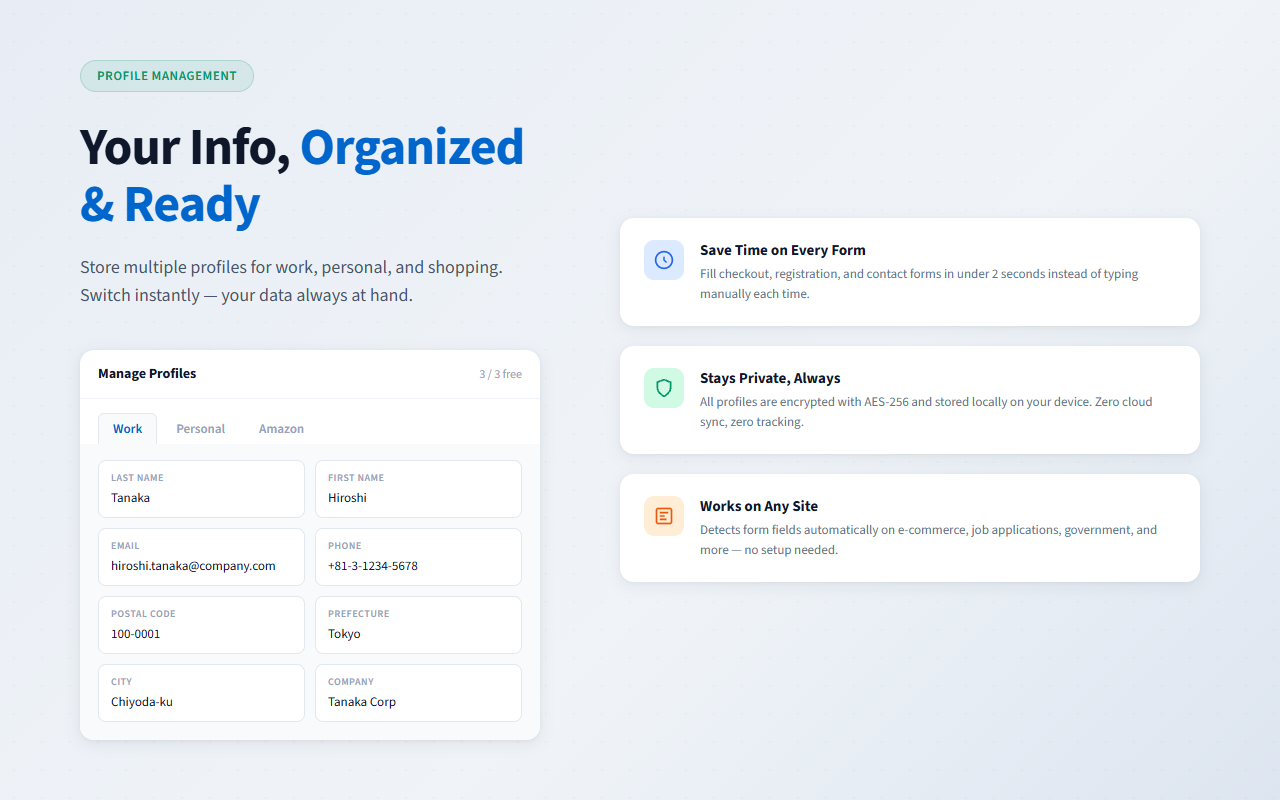
Separate profiles for personal, work, and side-project contexts — switch with one click, no manual copy-paste
Japanese Postal Code Autocomplete
Built-in postal code dictionary — type 7 digits, get the full address instantly. No external API dependency
AES-256-GCM Local Encryption
Profile data encrypted with Web Crypto API. Keys generated and stored on your device only — never transmitted anywhere
Heuristic Field Detection
Matches form fields via name / id / placeholder attributes. Works on standard HTML forms on any website
Portable Backup / Restore
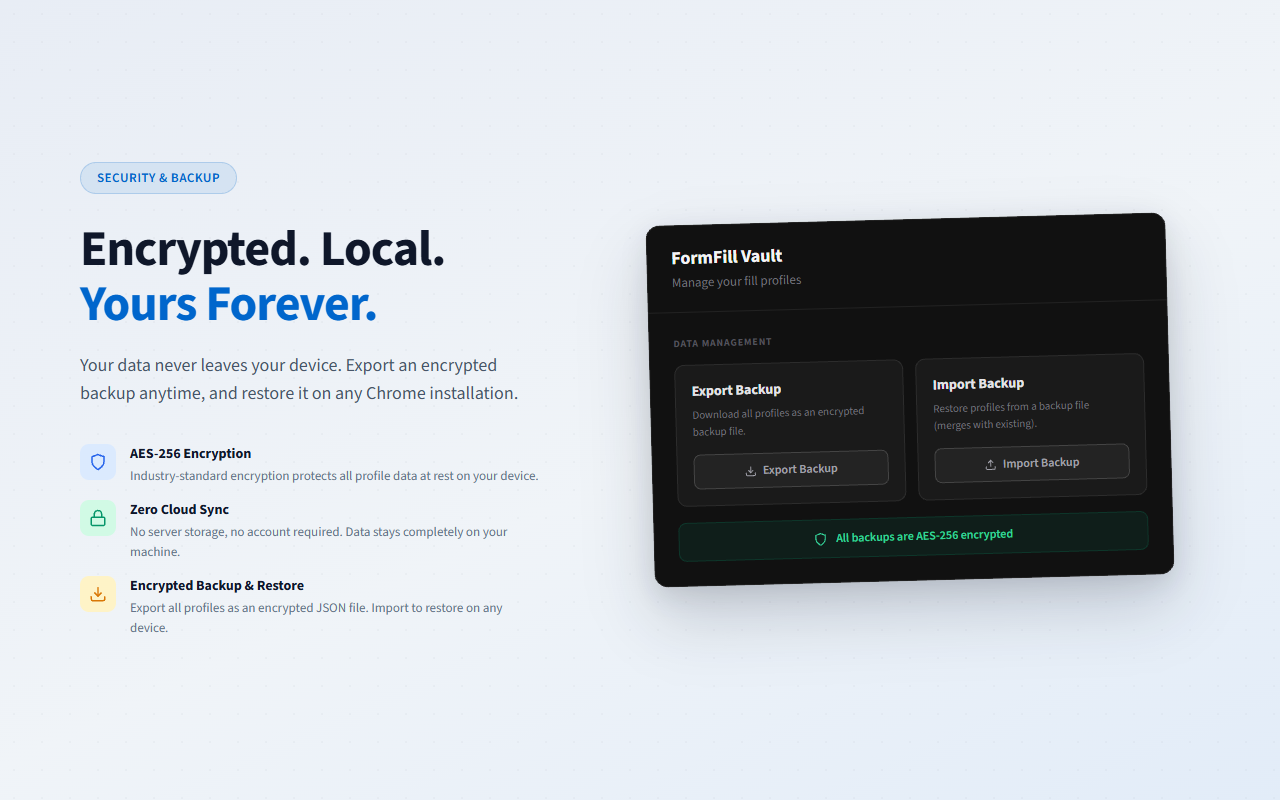
Move profiles between devices with a JSON backup. The file carries its own key — handle it like plaintext
100% Offline
No network requests for profile data at any point. Full functionality without internet connection
// recommended for
- E-commerce sellers (メルカリ / Amazon / 楽天) filling repeat shipping and tax information
- Business account holders working with invoice forms, vendor portals, and procurement systems
- Side-hustle filers handling tax forms, invoicing, and expense claims across multiple contexts
- Registration-heavy roles in recruitment, onboarding, and enterprise account setup
// faq
Is FormFill Vault a password manager?
No — and that's deliberate. Passwords are out of scope. FormFill Vault handles business-data autofill: addresses, invoice fields, company information. Pair it with your existing password manager (LastPass, 1Password, Bitwarden) for a complete autofill experience.
How many profiles can I create on the free plan?
The free plan allows 3 profiles — typically 'Personal', 'Work', and 'Side Project'. Pro ($3.99/month) removes the limit. All features (encryption, Japanese postal code autocomplete, export/import) are available on the free tier.
Is my profile data encrypted?
Yes. All profile data is encrypted with AES-256-GCM via the Web Crypto API. Encryption keys are generated and stored on your device only — they are never transmitted to any server.
Does FormFill Vault work offline?
Yes, completely. Once installed, FormFill Vault makes no network requests for profile data or autofill operations. Postal code lookup uses a built-in local dictionary — no external API calls.
Does Japanese postal code autocomplete really work without an external API?
Yes. The postal code dictionary ships with the extension as static data. Type a 7-digit postal code and the address fields populate instantly — no internet connection required.
What happens if I lose my device? Can I recover my profiles?
You can export your profiles as a JSON backup and import it on another device. Important: the backup file bundles its own decryption key, so anyone who obtains the file can read it. Treat it exactly like an unencrypted copy of your data — do not email it or leave it in shared or cloud storage. Keep it somewhere only you can reach, such as an encrypted USB drive or a password-protected archive, and delete it once the restore is finished.