Productivity Coming Soon EN
PageMemo
URL-Linked Local Notes
Free
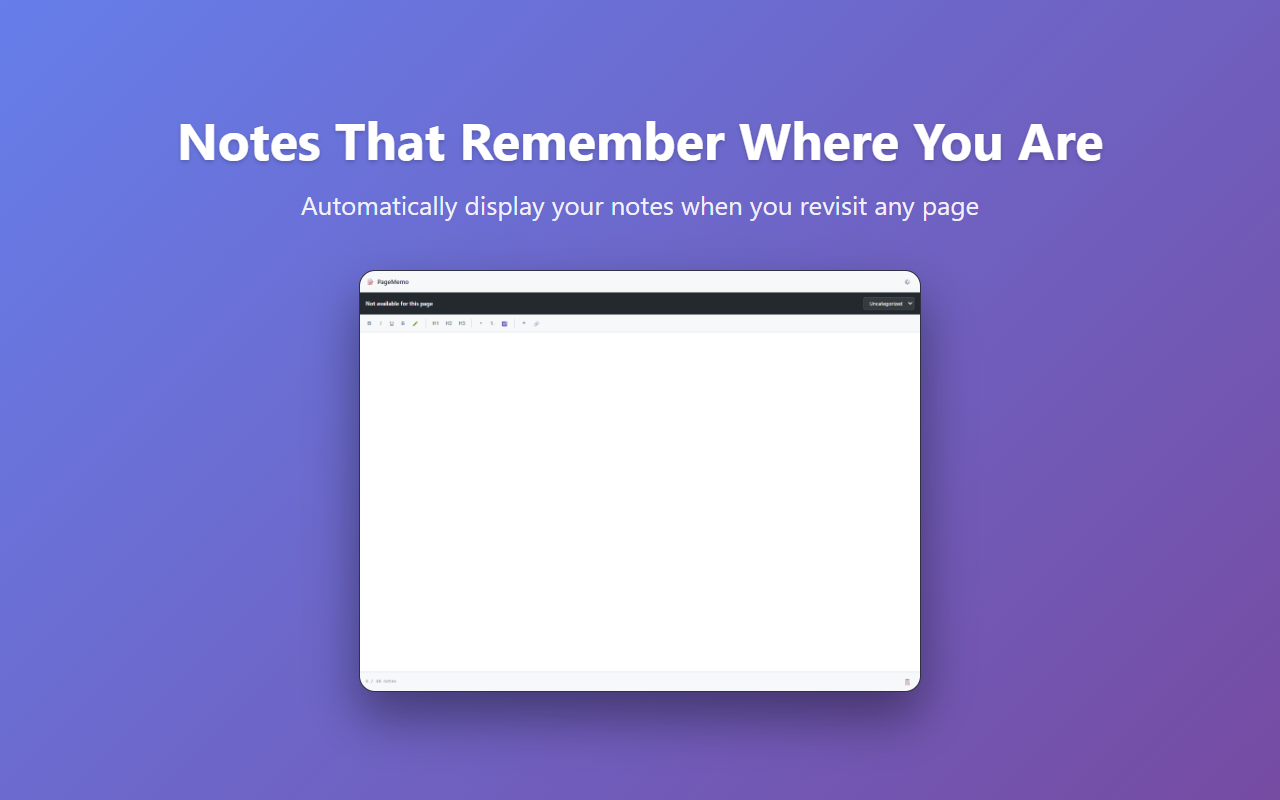
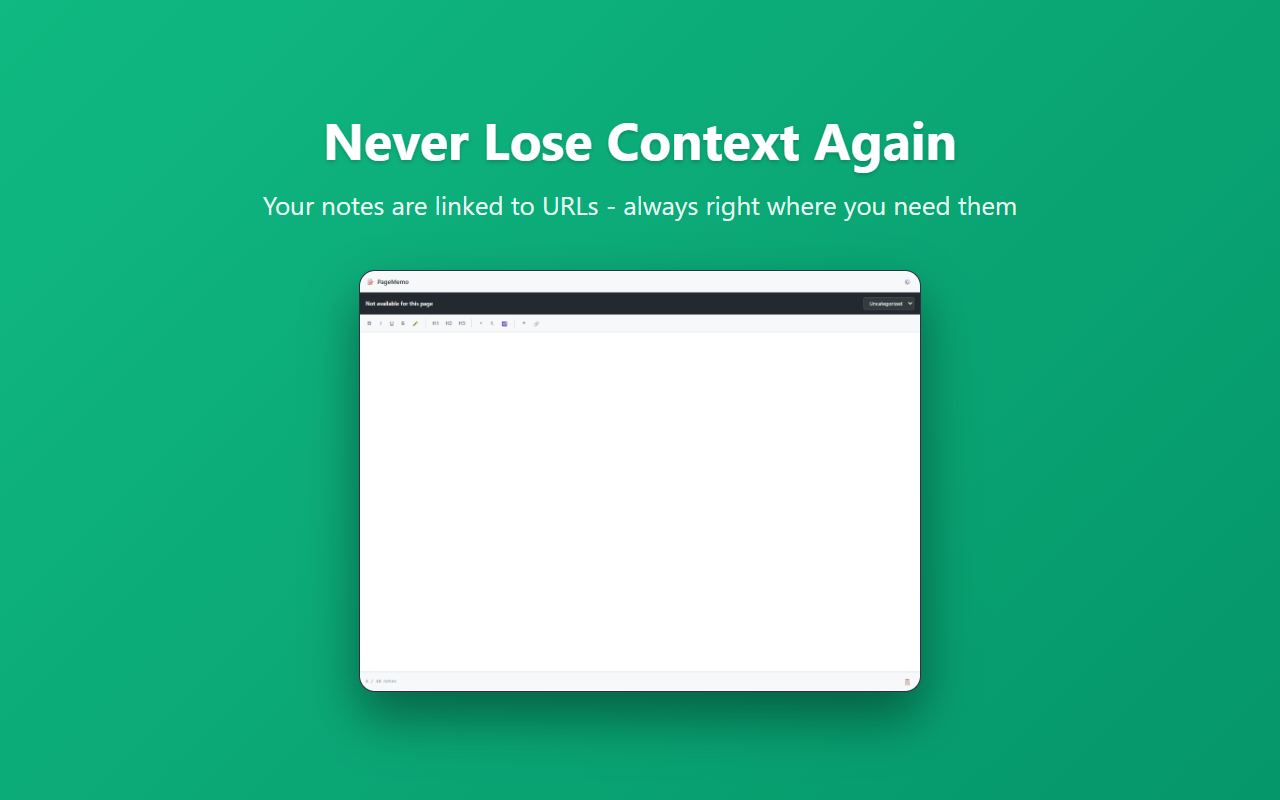
Take notes linked to any URL. Your memos auto-appear when you revisit the page.
// screenshots
// overview
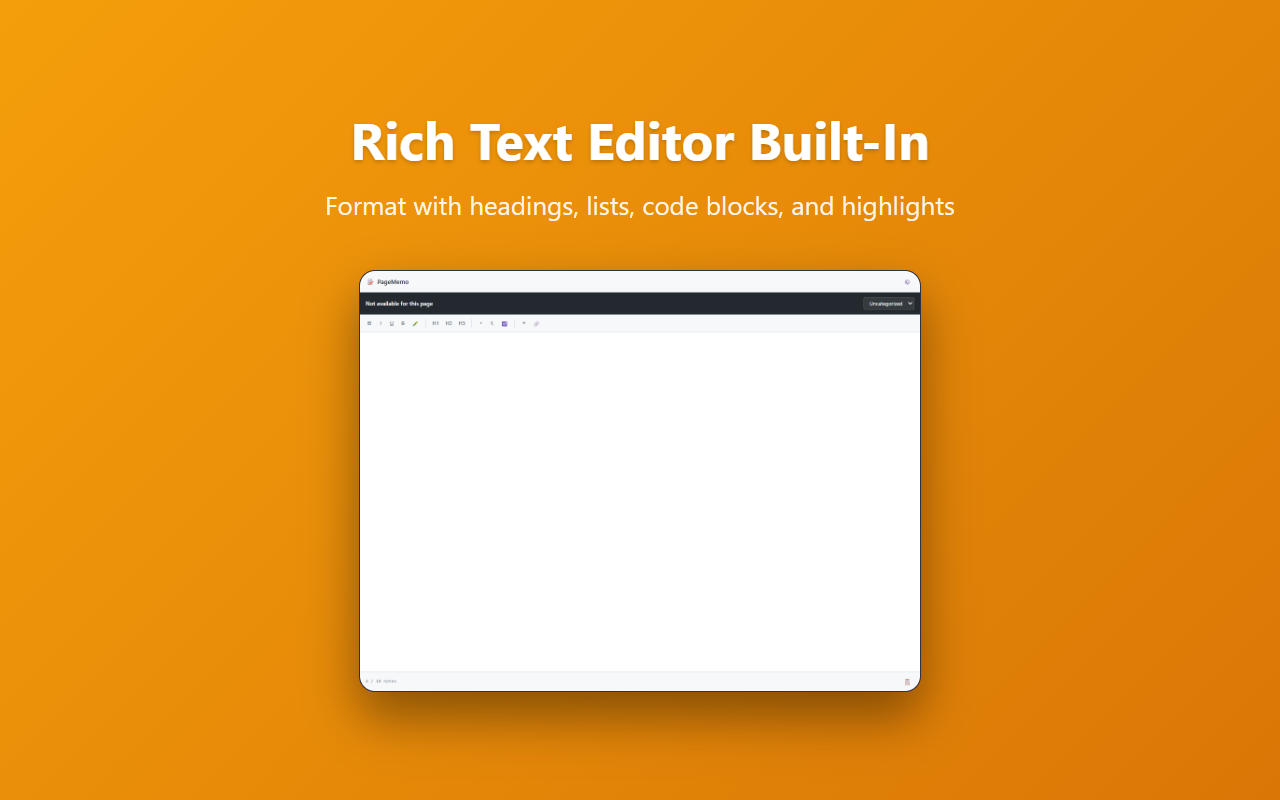
A Chrome extension that automatically displays notes linked to URLs. When you revisit a webpage, your previous notes appear automatically in the side panel. Features a Tiptap-based rich text editor with bold, italic, headings, lists, task lists, and more. All notes are stored locally on your device.
// features
URL-Linked Notes
Save notes tied to page URLs. Auto-displayed when you revisit the page
Rich Text Editor
Tiptap-based editor with bold, headings, lists, task lists, and more
Category Management
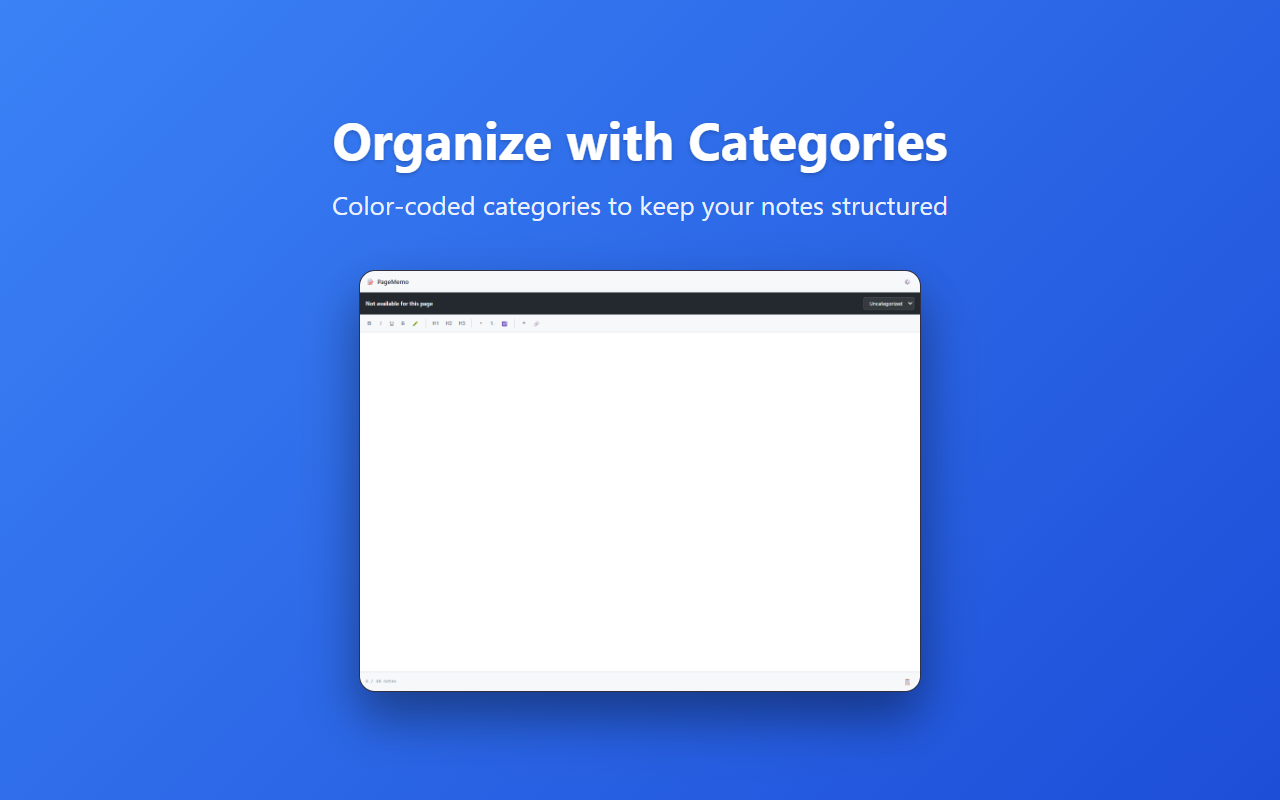
Organize notes with custom categories and color coding
Full-Text Search
Search across all note contents with category filtering
Theme Support
Light, Dark, and System-follow themes
Export/Import
Backup via JSON or Markdown. Easy migration between devices
// keyboard shortcuts
Ctrl+Shift+M Open/close memo side panel
Ctrl+S Save current note
Ctrl+Shift+F Open full-text search
// recommended for
- Researchers who want per-page notes while browsing
- Developers adding personal annotations to technical docs
- Online learners taking notes on course pages
- Privacy-conscious users who prefer local-only storage