
Shorts Killer
Hide YouTube Shorts
Block YouTube Shorts with page-specific controls, statistics, and keyboard shortcuts
// screenshots
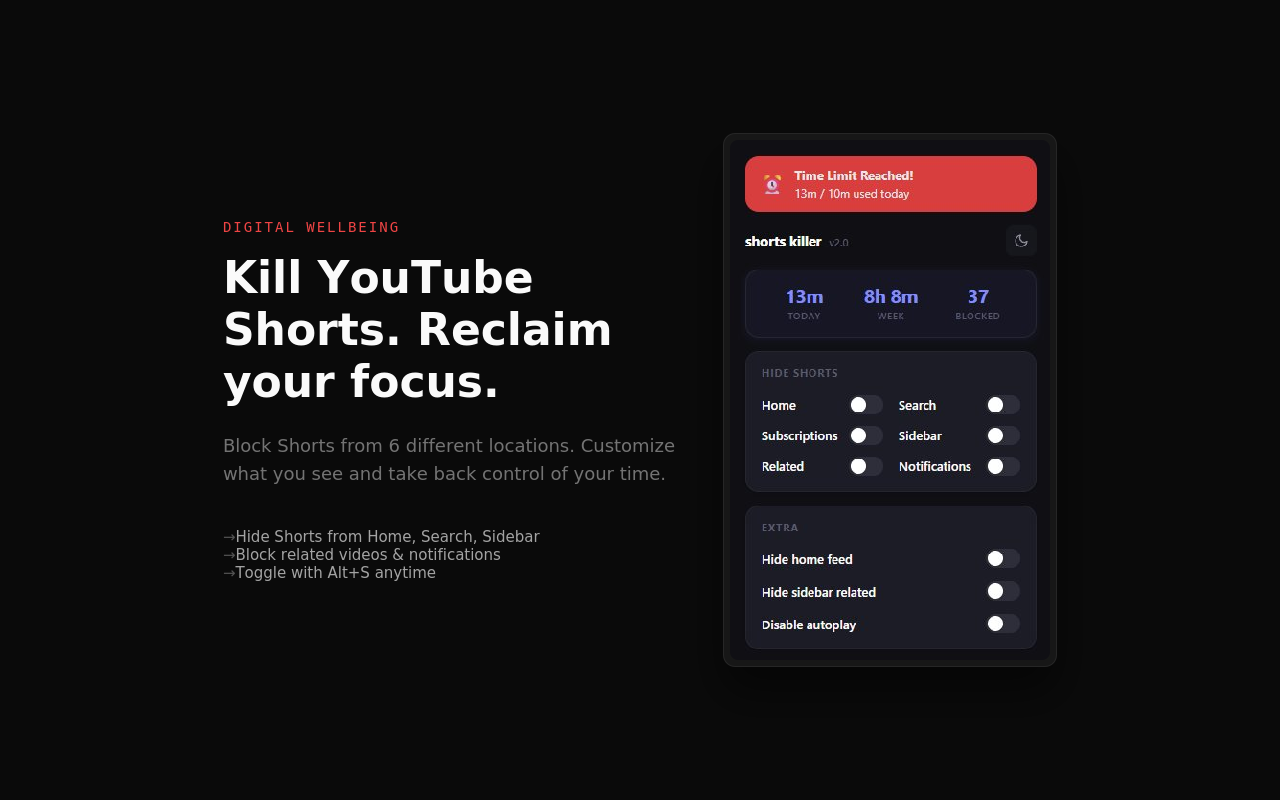
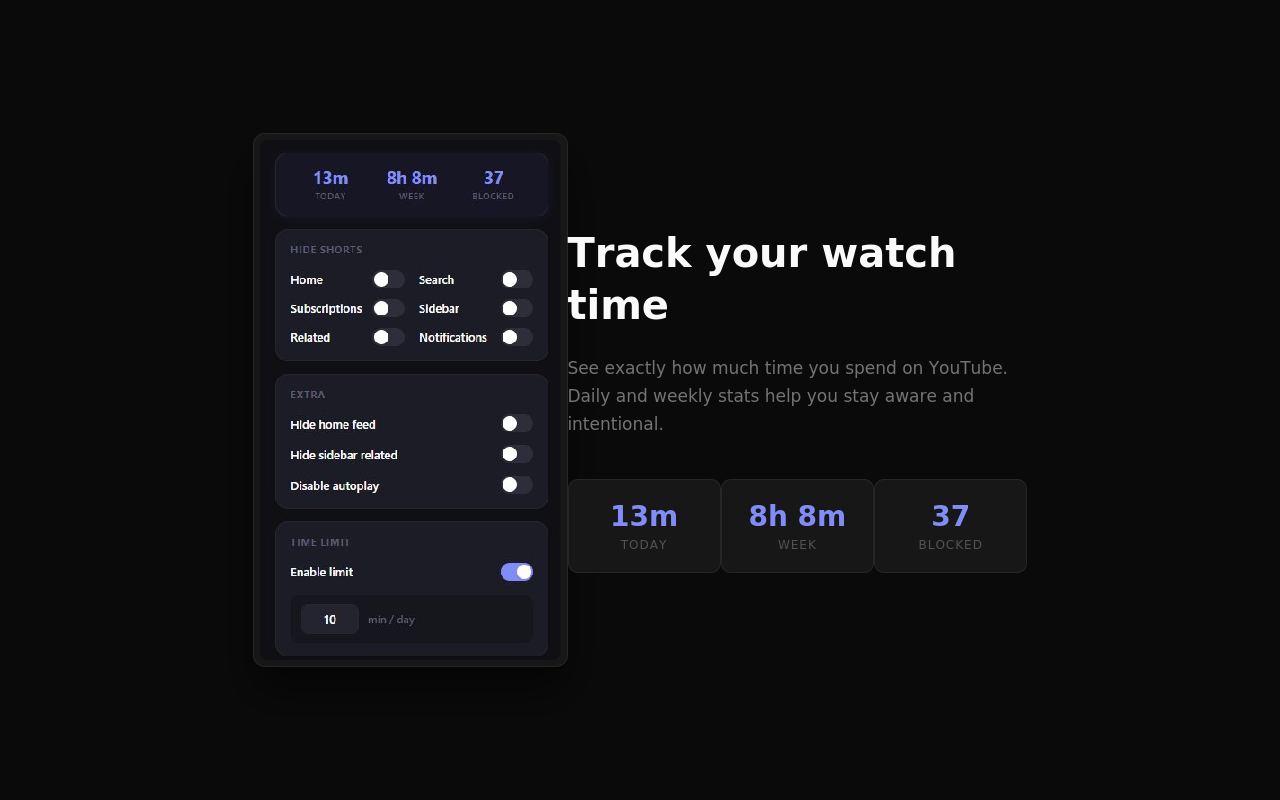
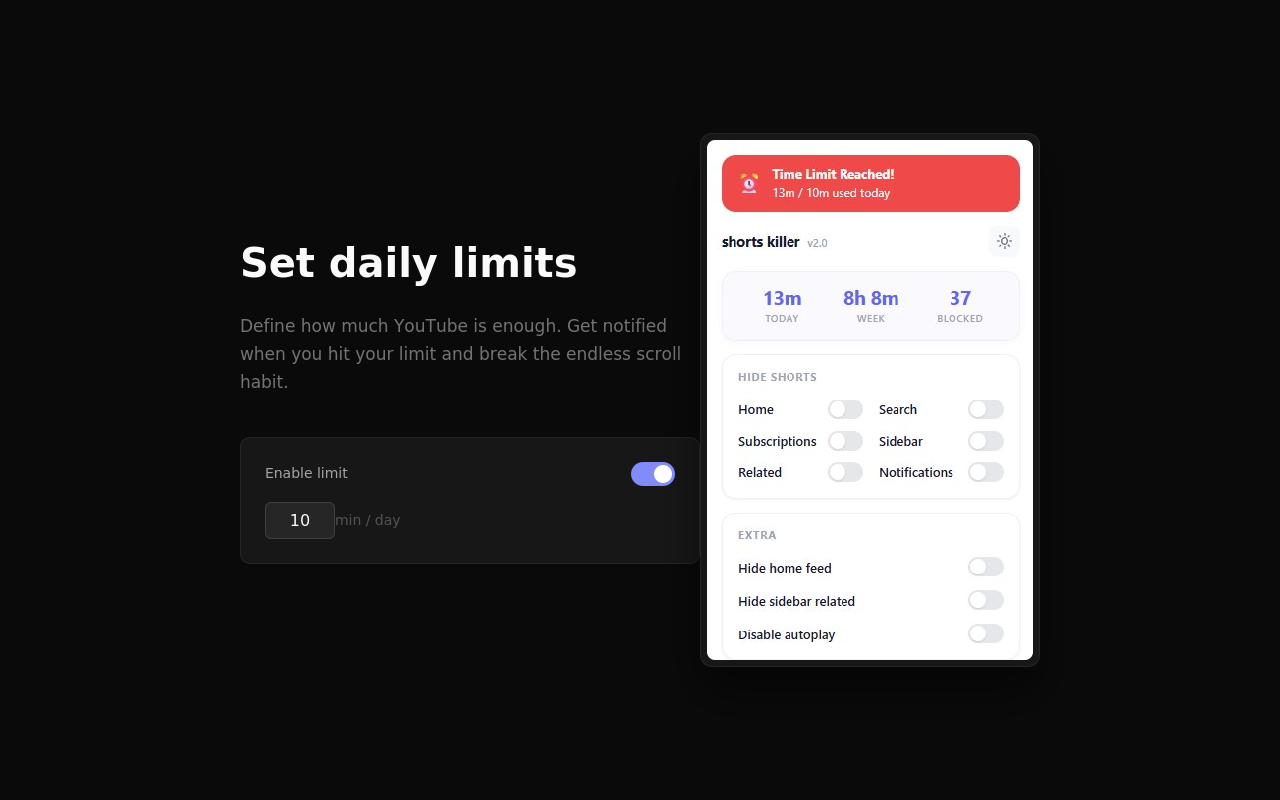
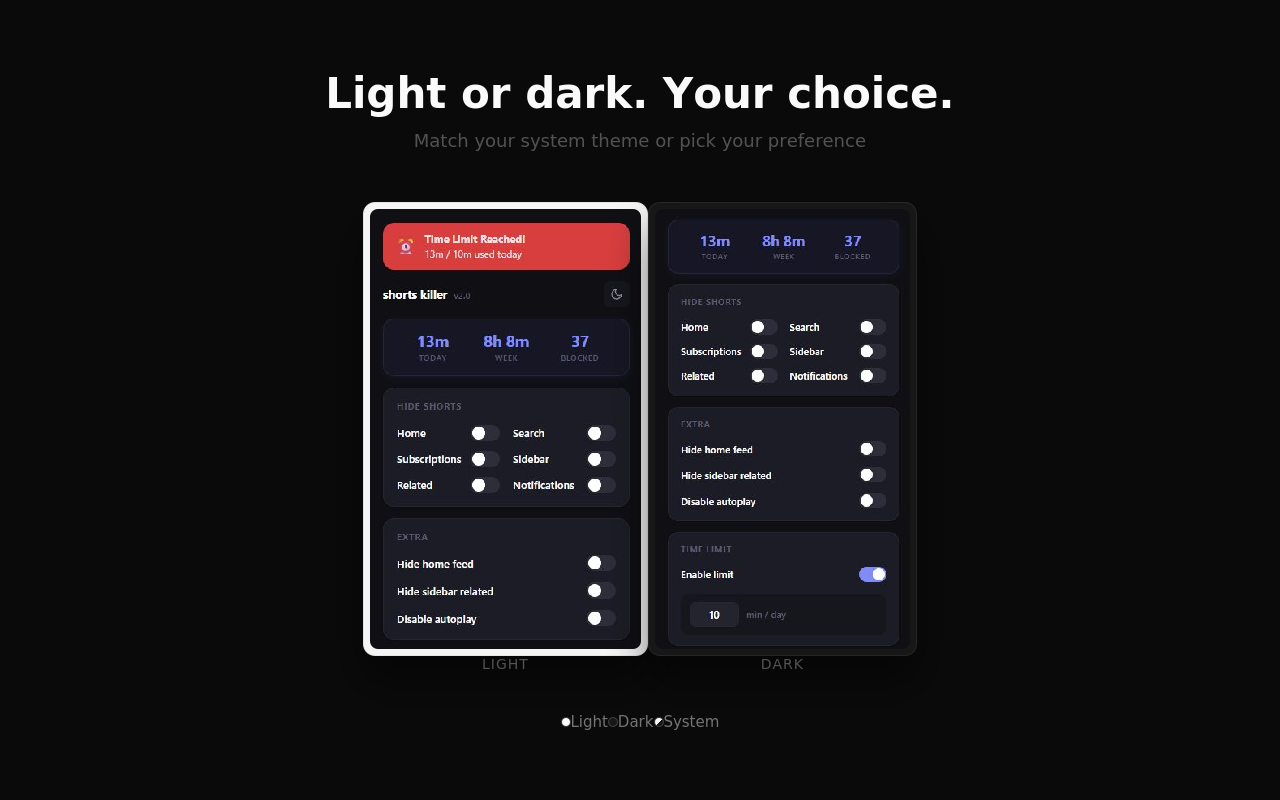
// overview
YouTube Shorts are highly addictive, and before you know it, hours have slipped away. Shorts Killer v1.1 completely removes Shorts from YouTube with page-specific controls, block statistics, and keyboard shortcuts. Take back control of your viewing experience.
What is Shorts Killer?
Shorts Killer is a free Chrome and Edge extension that completely removes YouTube Shorts from your browsing experience. It hides Shorts from the homepage, search results, channel pages, and sidebar, and automatically redirects away from Shorts URLs — so you can focus on long-form video content without distraction.
// how to use
- 1 Install Shorts Killer from the Chrome Web Store or Microsoft Edge Add-ons.
- 2 Go to YouTube — Shorts will no longer appear in your Home feed immediately.
- 3 Click the Shorts Killer icon in your toolbar to customize which page types to block (Home, Search, Channel, Video).
- 4 Use Alt+Shift+S to quickly toggle blocking on/off with a keyboard shortcut.
- 5 Check the popup to see how many Shorts you've blocked in total.
// features
Hide Shorts from home feed
Remove all Shorts videos from your YouTube homepage
Page-specific controls
Toggle blocking ON/OFF for Home, Search, Channel, and Video pages individually
Block counter
Track how many Shorts you've blocked - see your progress in the popup
Keyboard shortcut
Press Alt+Shift+S to instantly toggle blocking ON/OFF
Remove Shorts tab from sidebar
Clean up your navigation by hiding the Shorts tab
Auto-redirect from Shorts pages
Automatically redirect away from Shorts URLs
// recommended for
- People who want to reduce wasted time on YouTube
- Those who want to focus on long-form content
- Anyone practicing digital detox
// faq
Does Shorts Killer completely remove YouTube Shorts?
Yes. Shorts Killer removes Shorts from the YouTube homepage, search results, channel pages, and sidebar. It also auto-redirects you away from Shorts URLs so you can't accidentally land on a Shorts page.
Can I control which pages block Shorts?
Yes. You can toggle Shorts blocking independently for Home, Search, Channel, and Video pages from the popup. This lets you, for example, keep Shorts in search results while removing them from the homepage.
Will it affect my regular YouTube videos?
No. Shorts Killer only removes Shorts content. Regular videos, playlists, channels, subscriptions, and YouTube Music are completely unaffected.
Is Shorts Killer free?
Yes, Shorts Killer is completely free with no ads, no premium tier, and no in-app purchases.
Does it work on Microsoft Edge?
Yes. Shorts Killer is available for both Chrome and Microsoft Edge. The same extension works identically on both browsers.
Ready to Focus?
Install Shorts Killer now and take back control of your YouTube experience.