
Storage Inspector
localStorage, sessionStorage & Cookie Viewer
Browse, edit, and delete localStorage, sessionStorage, and cookies for any webpage — without opening DevTools. Inline editing with JSON pretty-print.
// screenshots


// overview
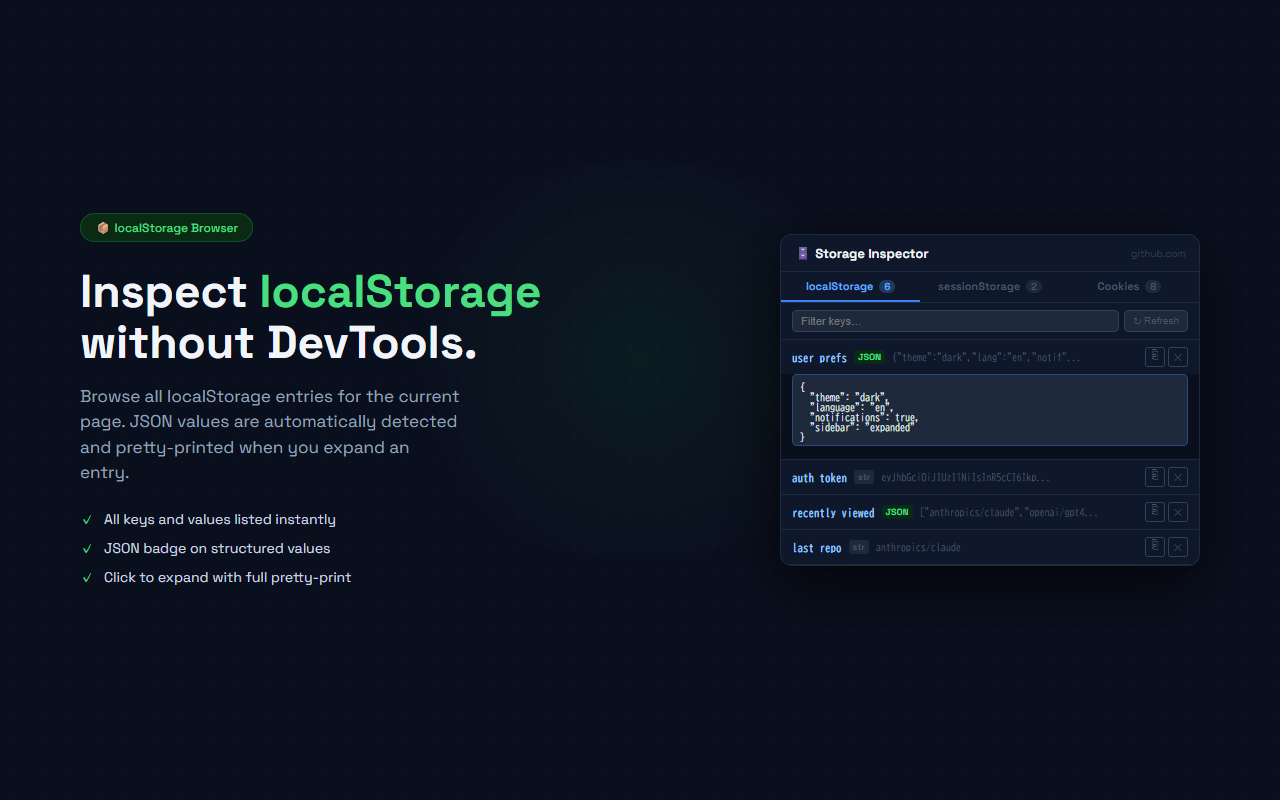
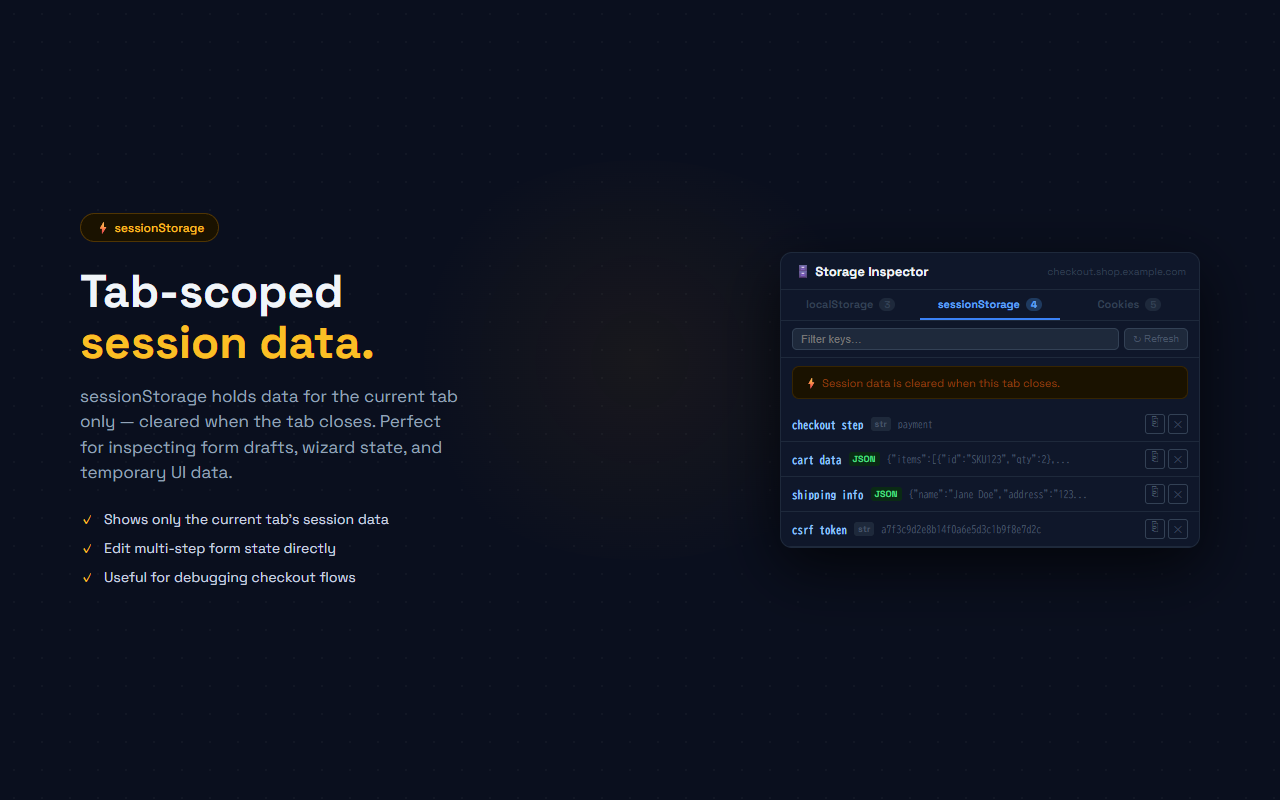
Storage Inspector gives you instant access to a page's localStorage, sessionStorage, and cookies from a single popup — no DevTools required. A 3-tab interface shows all stored keys and values. Click any entry to expand it and edit the value inline. JSON values are detected automatically and displayed with proper indentation. Use the copy button to grab any value to clipboard, or the delete button to remove an entry. A search filter narrows results across all three storage types. Cookies show Secure and HttpOnly flags alongside domain, path, and expiry date.
// features
3-Tab Interface
Switch between localStorage, sessionStorage, and Cookies in a single 460px popup
Inline Editing
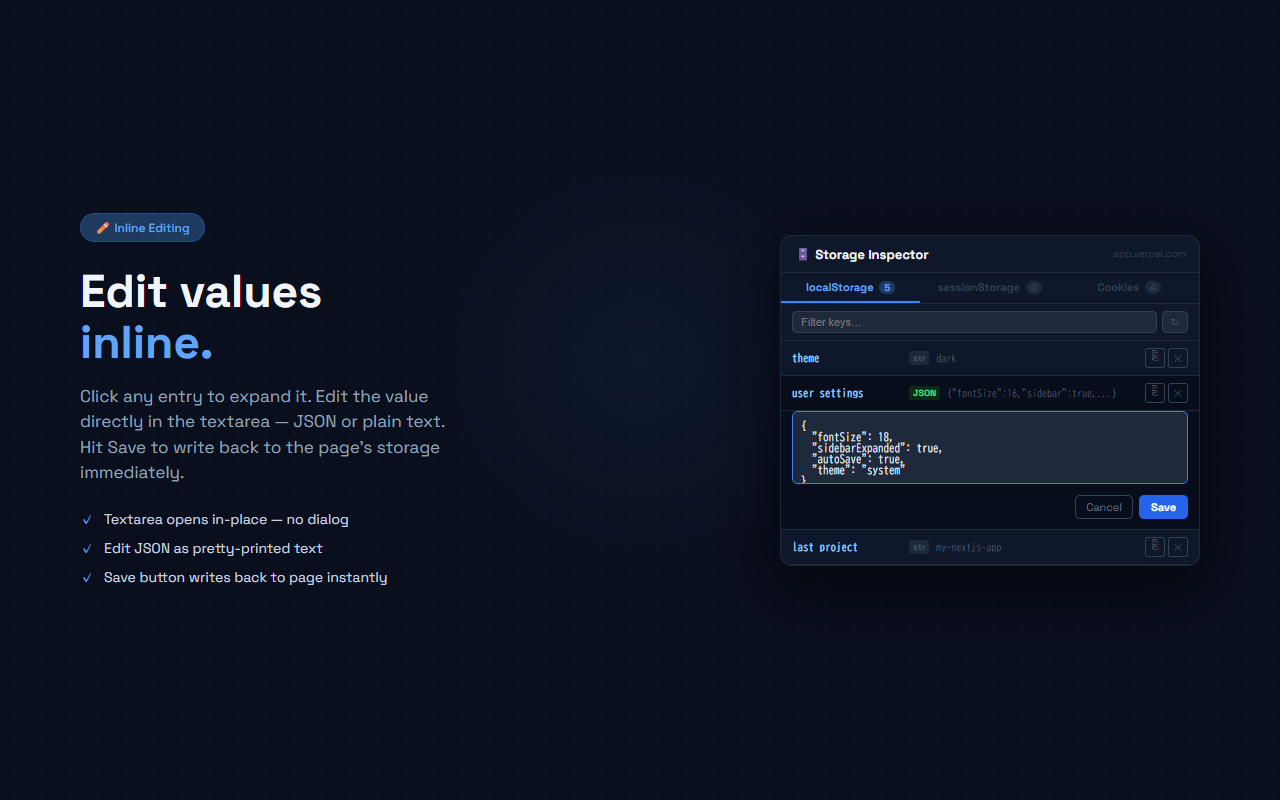
Click any entry to expand it and edit the value. Hit Save to write back to the page immediately
JSON Auto Pretty-Print
JSON values are detected and displayed with syntax-highlighted indentation. Edit as formatted text
One-Click Copy
⎘ button copies the raw value to clipboard. Useful for copying tokens or complex JSON structures
Cookie Flags
Secure and HttpOnly flags are highlighted in green and amber. Domain, path, and expiry are shown on expand
Search Filter
Filter by key name or value across all storage types. Shows match count in real time
// recommended for
- Front-end developers debugging authentication, session state, or feature flags
- QA engineers checking form wizard state or cart data without opening DevTools
- Web developers inspecting cookies and security flags during security reviews
- Anyone who needs quick access to browser storage during development or testing
// faq
Do I still need to open DevTools?
No. Storage Inspector shows all localStorage, sessionStorage, and cookie data directly in the extension popup. No DevTools required.
Can I edit values from the popup?
Yes. Click any entry to expand it and edit the value inline. For localStorage and sessionStorage, the Save button writes back to the page immediately. Cookie editing is not supported (cookies use browser flags that can't be modified via extension).
Does it work on every website?
Yes, for any website you're viewing. localStorage and sessionStorage are read via a content script. Cookies are read via the chrome.cookies API which works on all allowed URLs.
Is Storage Inspector free?
Yes, completely free with no Pro plan.
Does the extension send my data anywhere?
No. All storage access happens locally in your browser. No data is transmitted to any server.