
TabOrganizer
Tab Group Manager for Chrome
Organize your browser tabs into color-coded groups. Auto-detect same-domain tabs, collapse clutter, and save your entire layout as a named session.
// screenshots
// overview
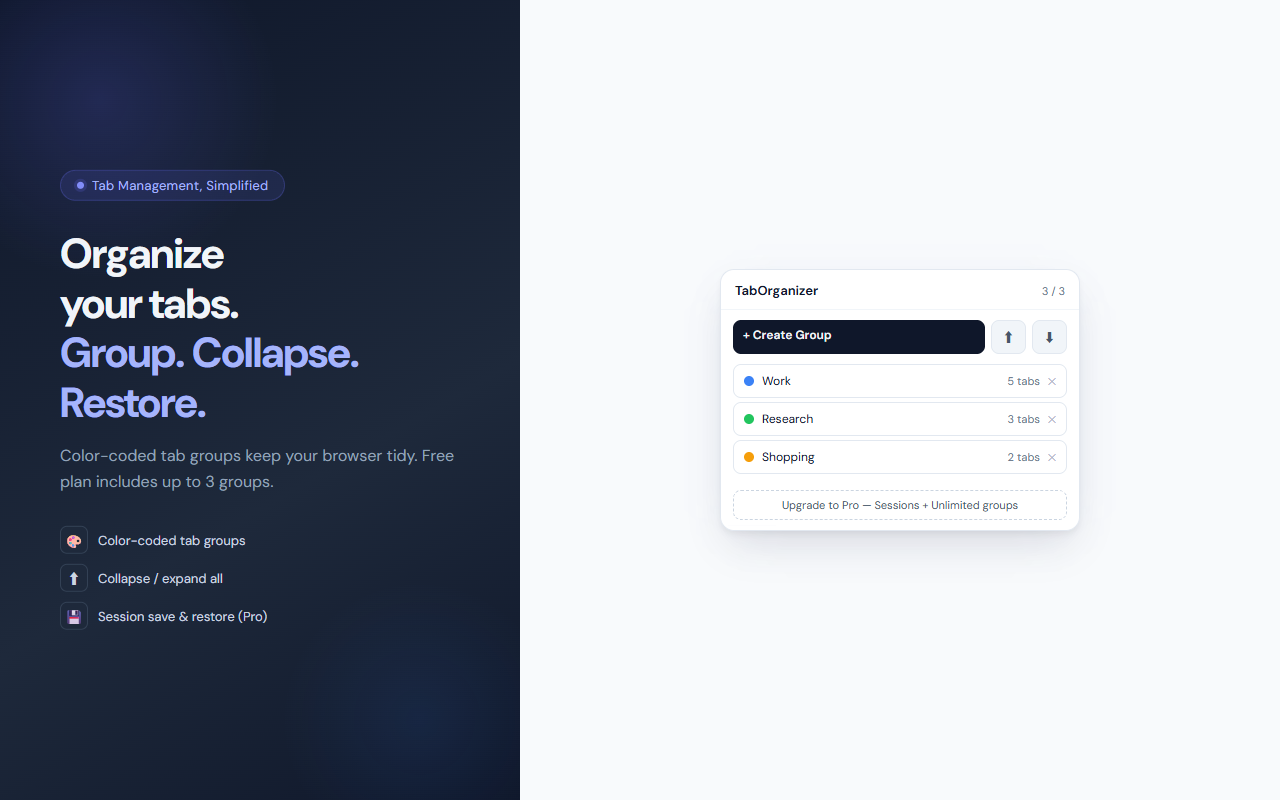
TabOrganizer brings order to a chaotic browser. It surfaces all your current Chrome tab groups in a clean popup, lets you create new groups with a name and one of 9 colors, and automatically suggests grouping when you have 2 or more tabs open from the same domain. Collapse all groups to focus, expand them to navigate, and — with Pro — save your entire layout as a named session and restore it later with one click.
// features
Color-Coded Tab Groups
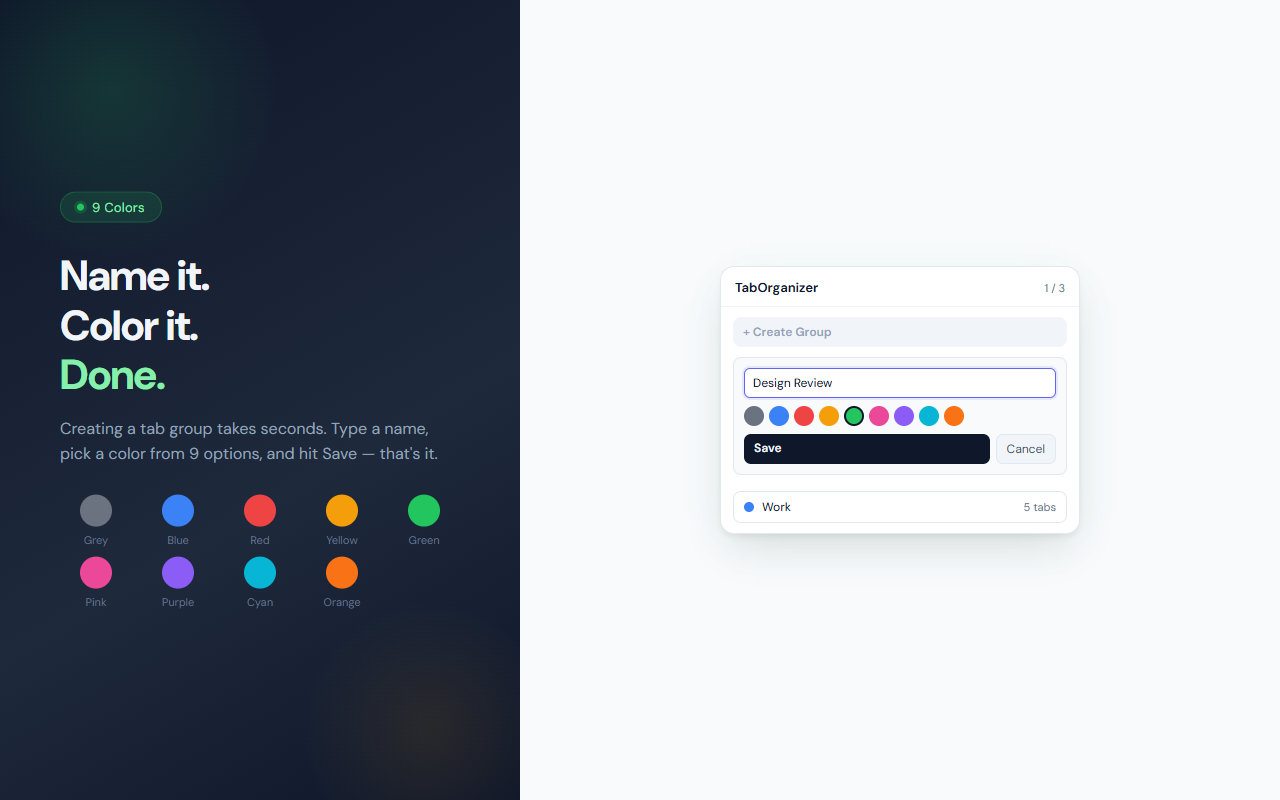
Create named tab groups with 9 color options. Groups appear in your Chrome tab bar exactly as configured.
Auto-Group Suggestions
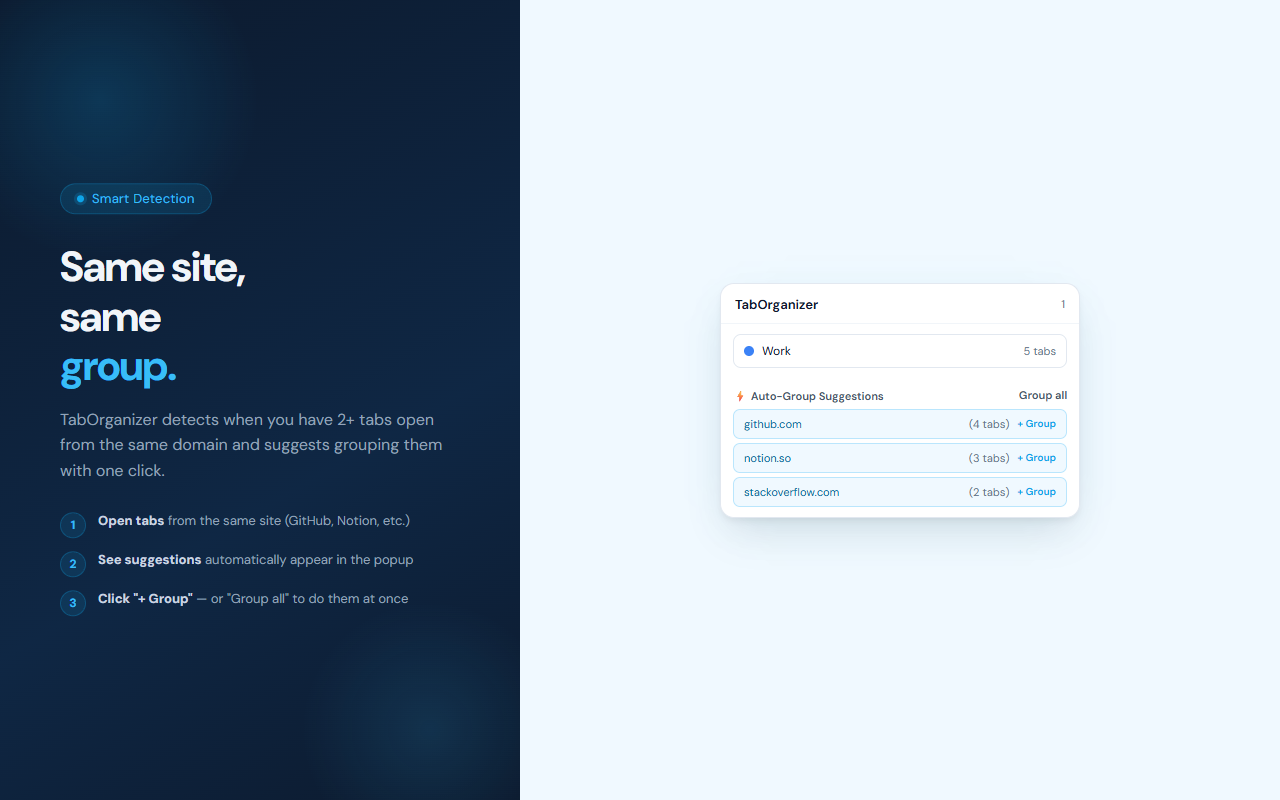
TabOrganizer detects when you have 2+ tabs open from the same domain and suggests grouping them — with a 'Group all' shortcut.
Collapse / Expand All
Collapse all groups at once to clear visual noise, then expand them when you're ready to switch context.
Session Save & Restore (Pro)
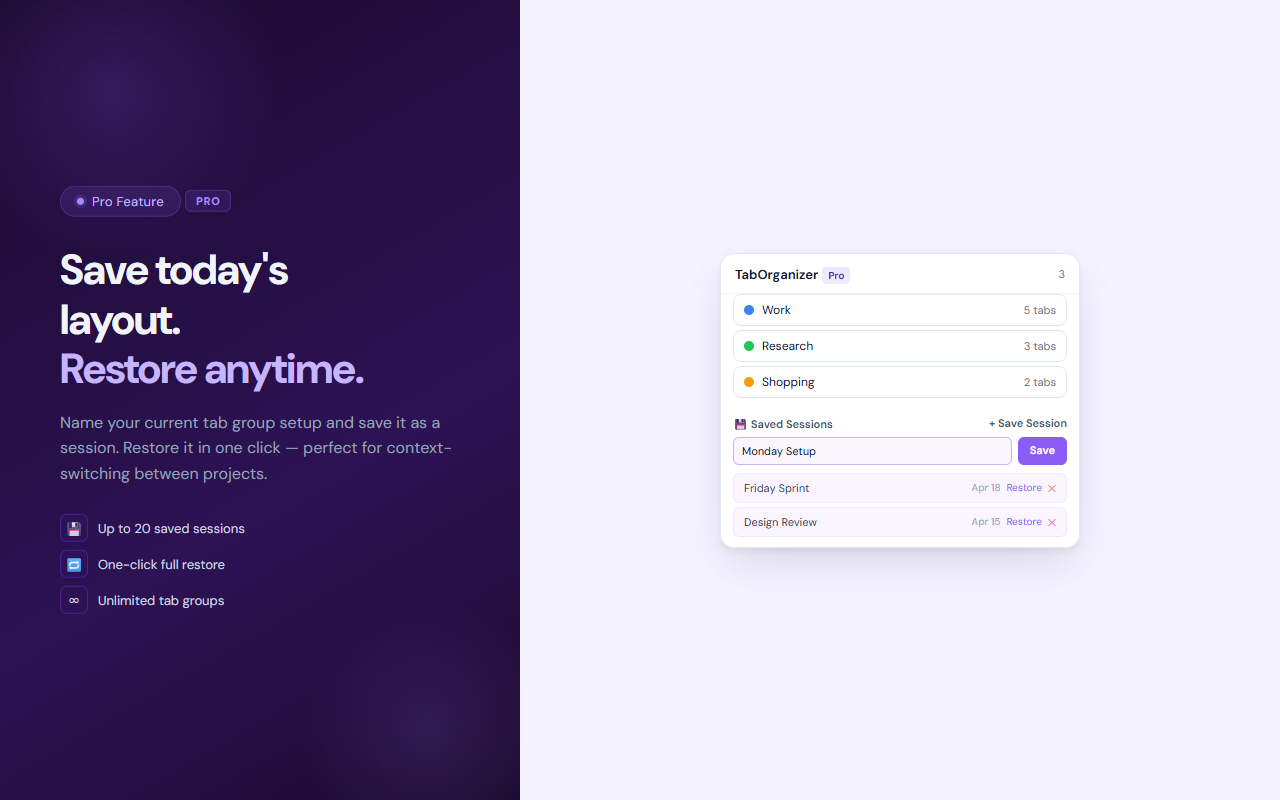
Save your current tab group layout as a named session. Restore it anytime — great for switching between projects.
Unlimited Groups (Pro)
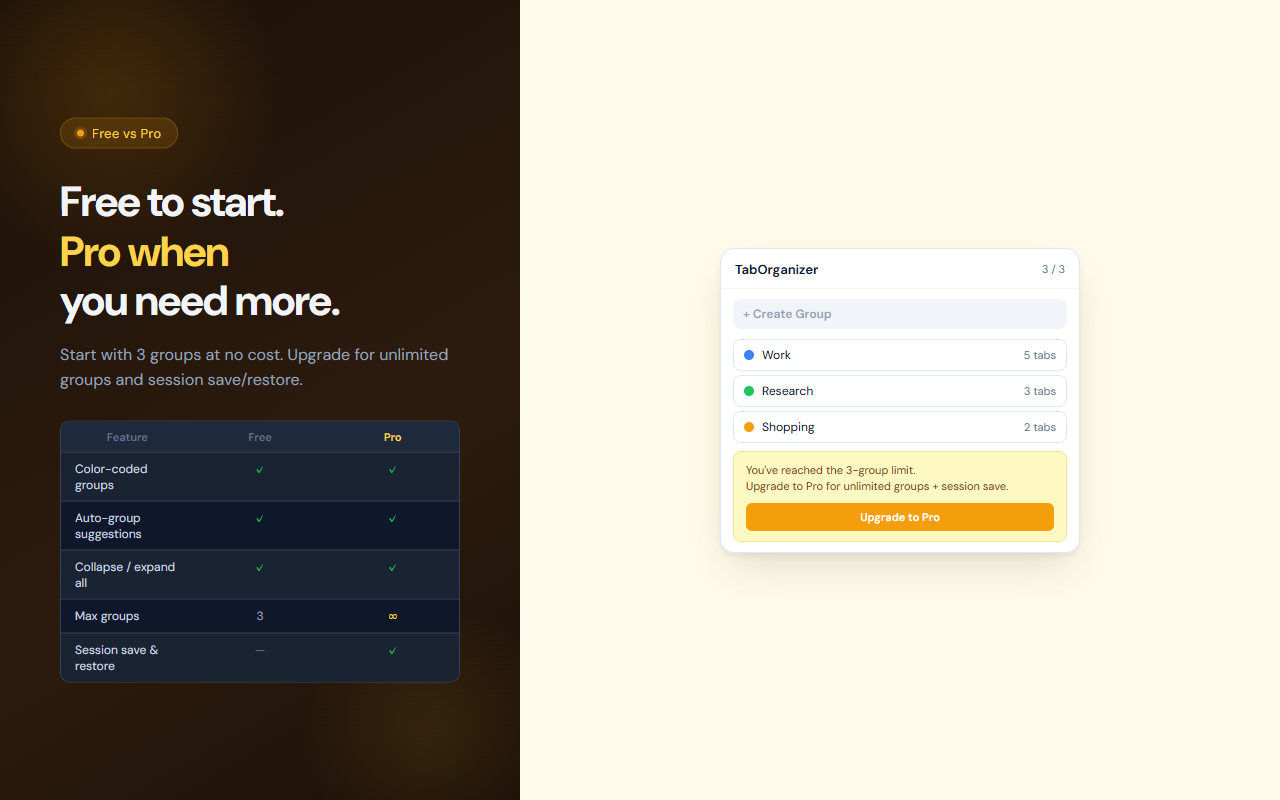
Free plan includes up to 3 groups. Pro unlocks unlimited groups and up to 20 saved sessions.
Zero External Requests
All tab data stays in your browser. No cloud sync, no account required.
// recommended for
- Developers juggling multiple projects across dozens of tabs
- Researchers who open many tabs from the same site
- Anyone who wants to reduce browser clutter without closing tabs
- Power users who switch between work, research, and personal browsing
// faq
What is TabOrganizer?
TabOrganizer is a Chrome extension that lets you create, manage, and collapse color-coded tab groups from a simple popup. It also auto-suggests grouping when you have multiple tabs from the same domain.
Is TabOrganizer free?
Yes. The free plan lets you create up to 3 tab groups with full color and auto-group support. Pro unlocks unlimited groups and session save/restore.
What does the session save feature do?
With Pro, you can save your current tab group layout — all groups, their colors, and the URLs inside — as a named session. You can restore it with one click, even after closing those tabs.
How does auto-group work?
TabOrganizer scans your open tabs and suggests grouping any tabs that share the same domain (e.g., 4 GitHub tabs). You can accept each suggestion individually or group all at once.
Does TabOrganizer sync across devices?
No. Tab groups are local to your current browser window. Session data is stored in Chrome's local storage and is not synced across devices or browsers.