CopyEnhancer
Clean & Format Copied Text
Strip HTML, fix whitespace, convert to Markdown, format JSON, or change case — all from your clipboard in seconds.
// screenshots
// overview
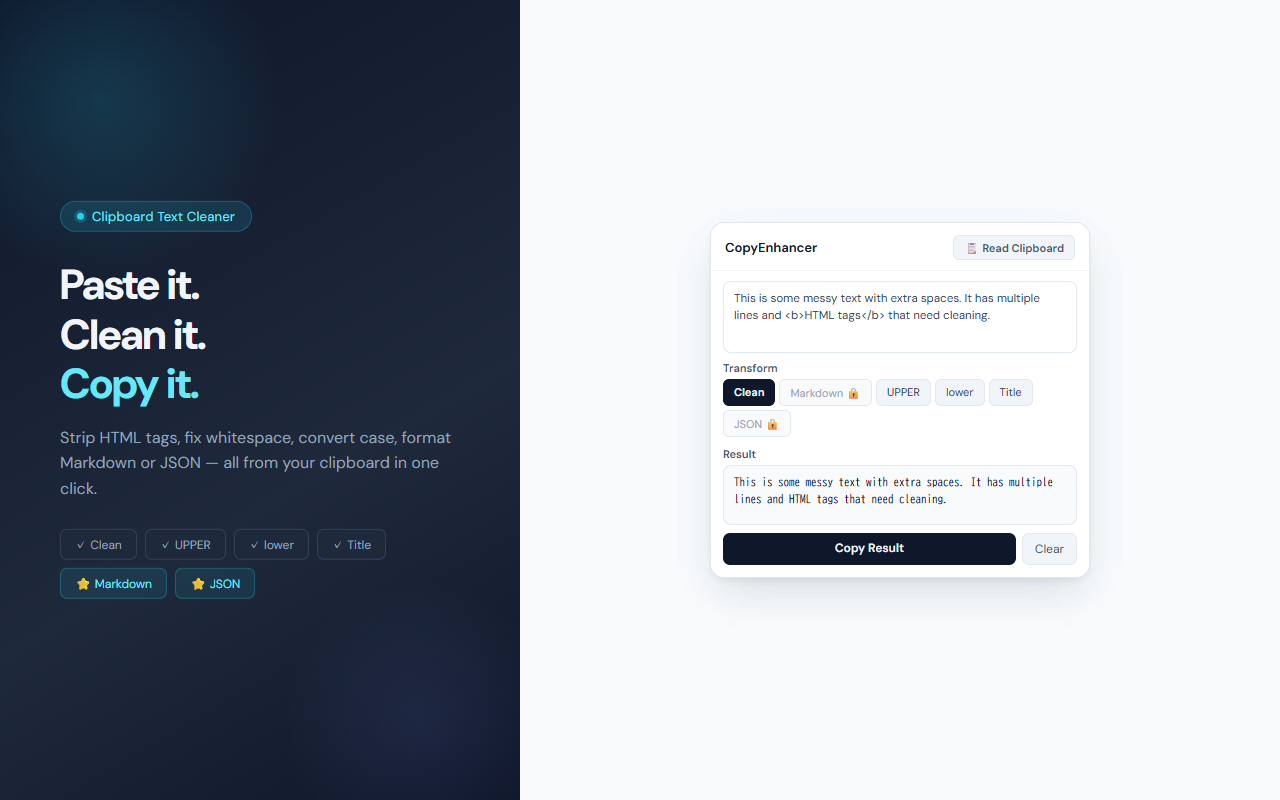
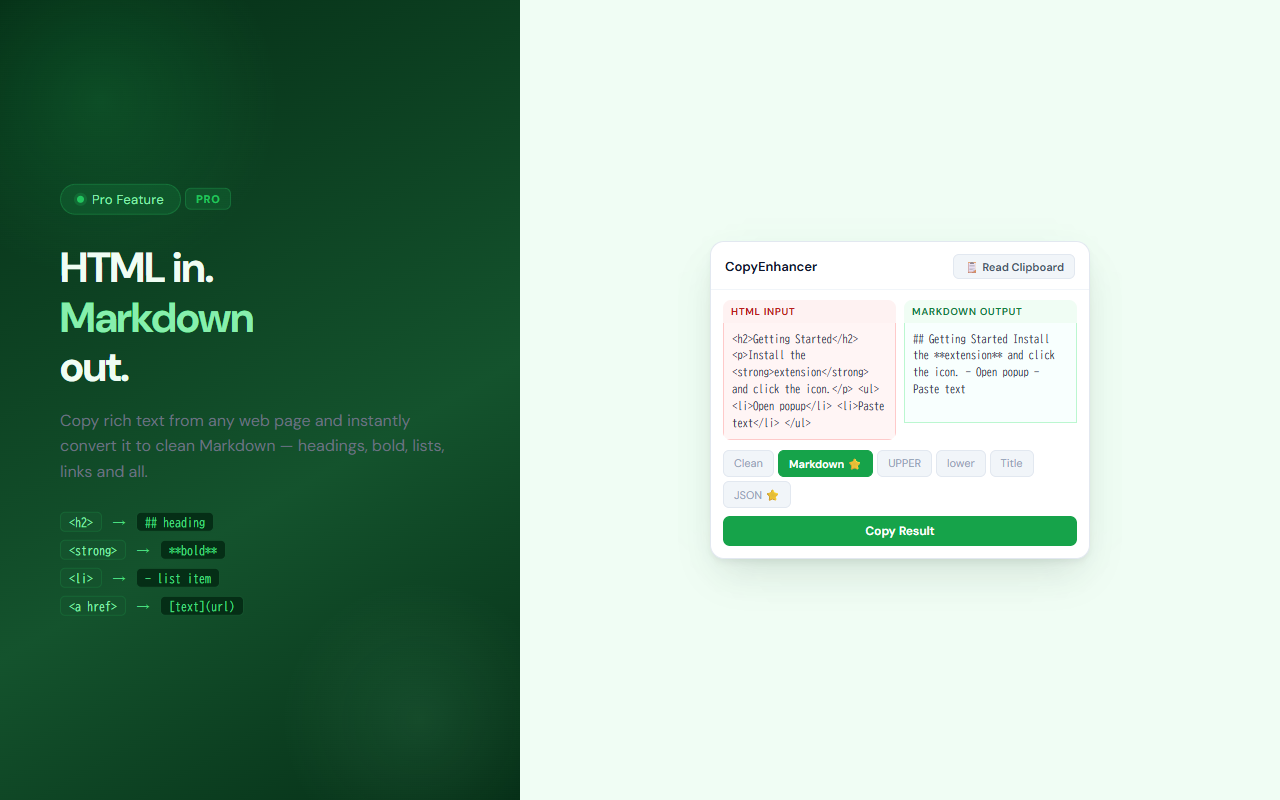
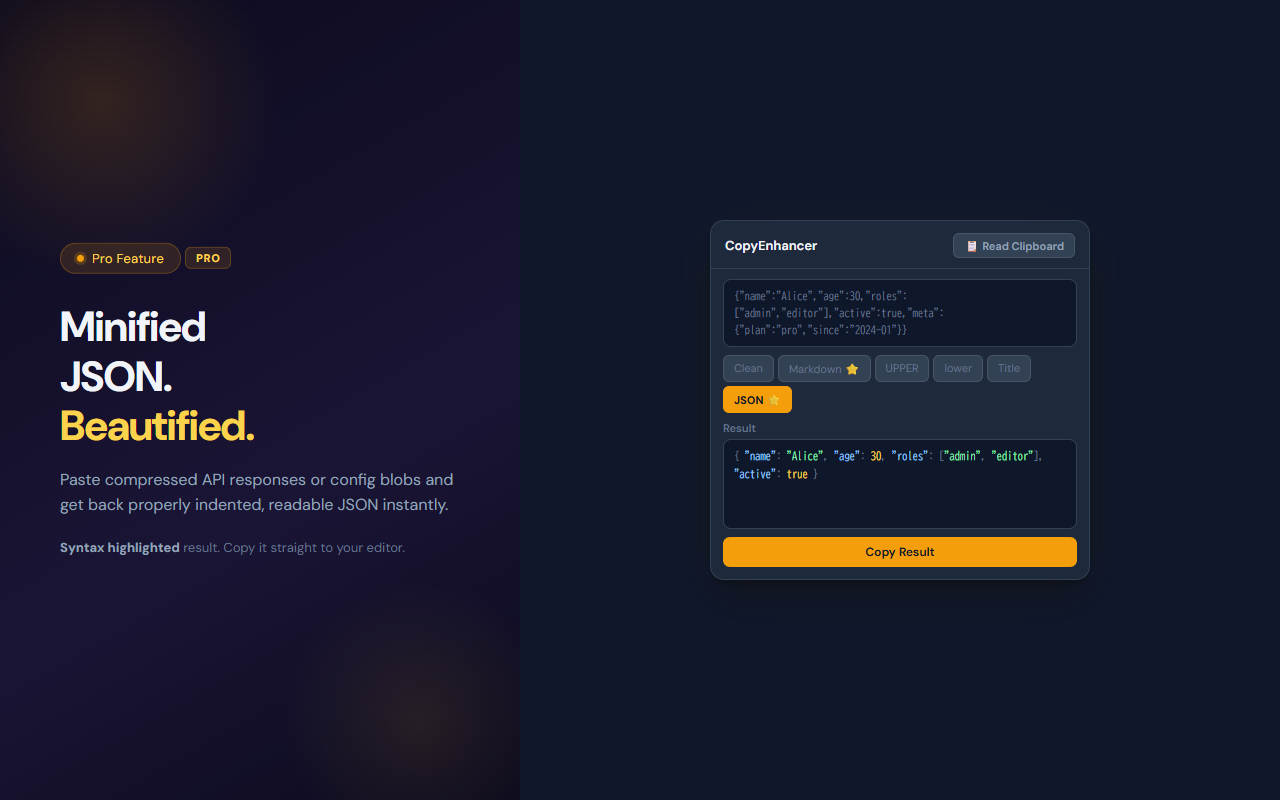
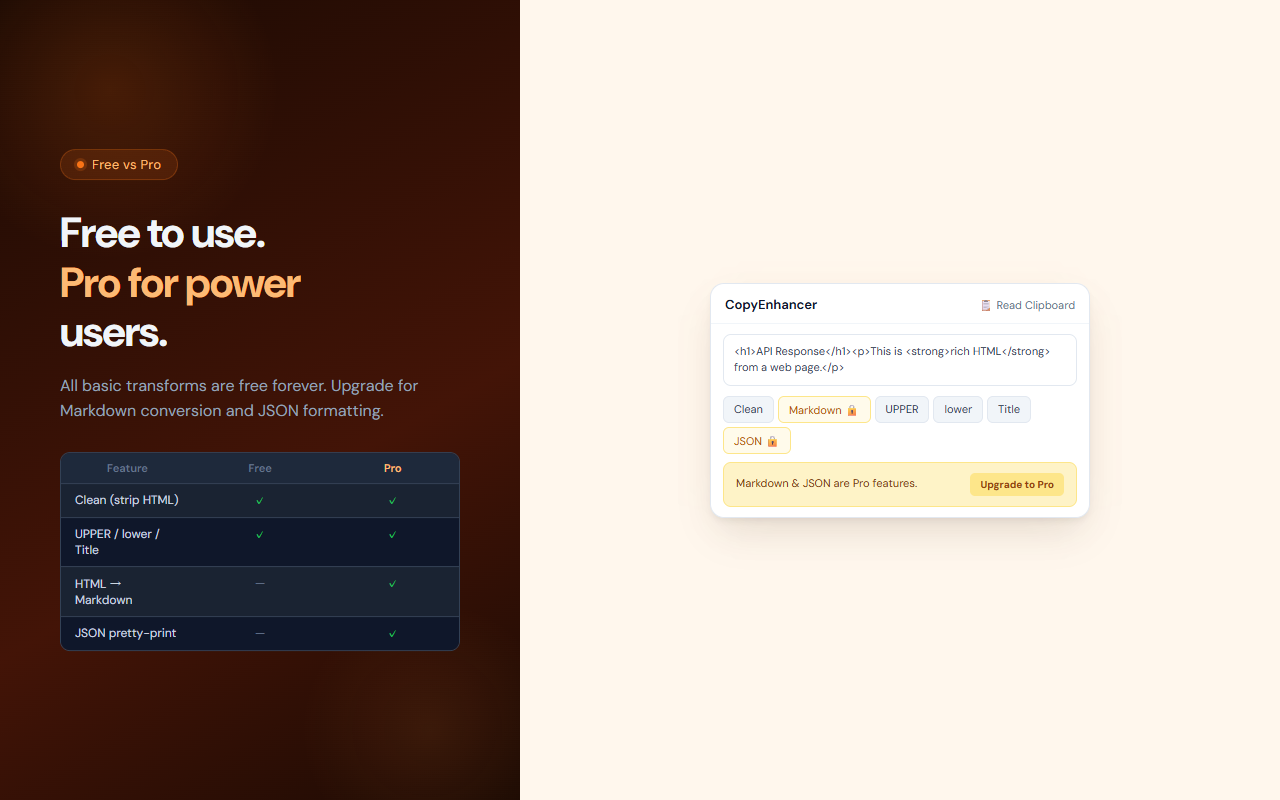
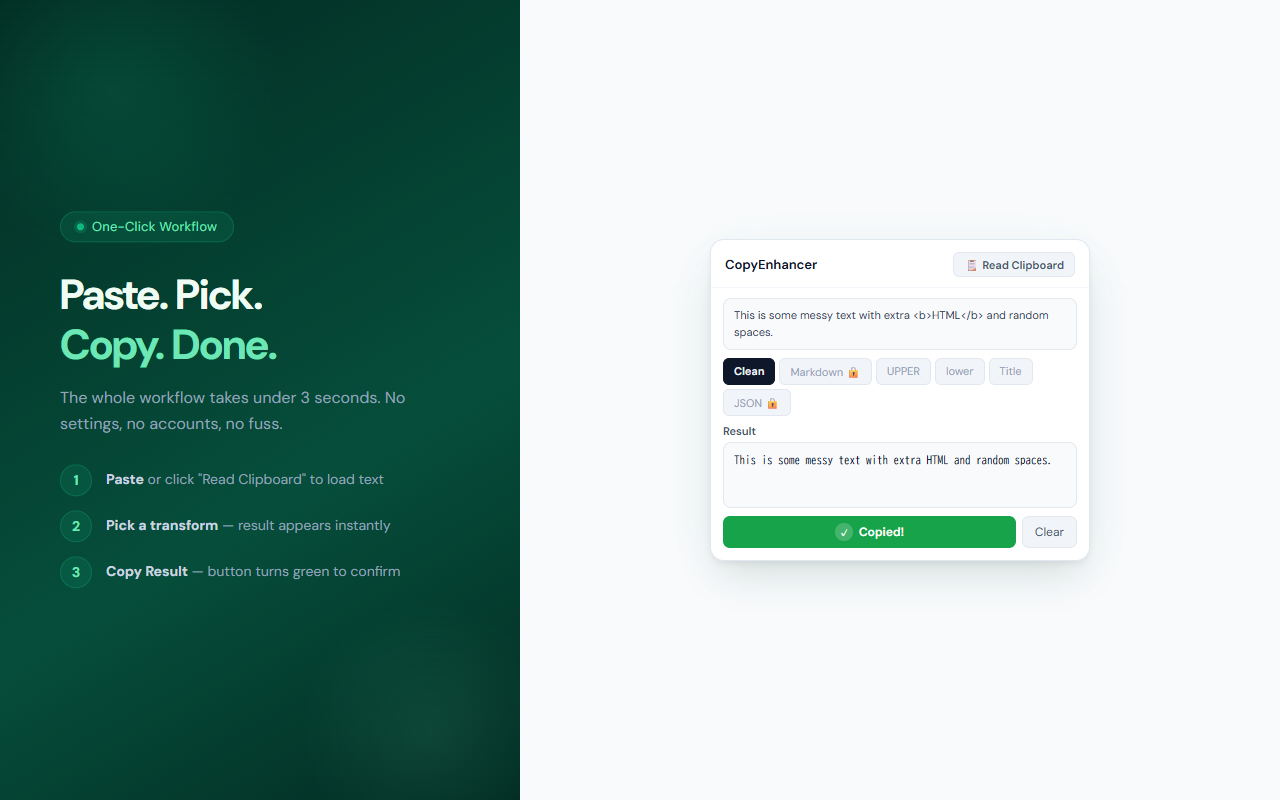
CopyEnhancer cleans up text the moment you copy it. Paste messy web text into the popup — or click 'Read Clipboard' to load it automatically — choose a transform mode, and copy the result. Free users get four modes: Clean (strips HTML tags and collapses whitespace), UPPER, lower, and Title Case. Pro unlocks Markdown conversion (turns rich HTML into clean Markdown syntax) and JSON pretty-printing.
// features
Clean Mode
Strip HTML tags, decode entities (&, <, etc.), and collapse extra whitespace and blank lines into clean plain text.
Case Conversion
Instantly switch between UPPERCASE, lowercase, and Title Case with a single click.
HTML → Markdown (Pro)
Convert h1–h4, bold, italic, code, links, and lists from HTML to proper Markdown syntax.
JSON Pretty-Print (Pro)
Take minified or compressed JSON from an API response or config and format it with proper indentation.
Read Clipboard
Click 'Read Clipboard' to load the current clipboard contents automatically — no manual paste required.
Instant Preview
Results appear immediately as you type or switch modes. Copy with one click — the button turns green to confirm.
// recommended for
- Developers copying JSON from API responses who need readable output
- Writers pasting content from websites that need HTML stripped
- Note-takers converting web content to Markdown for Obsidian or Notion
- Anyone who frequently copies messy text and needs it cleaned up fast
// faq
What does CopyEnhancer do?
CopyEnhancer transforms text you copy from the web. You can strip HTML tags, fix whitespace, change case, convert HTML to Markdown, or format minified JSON — all from a lightweight popup.
Is CopyEnhancer free?
Yes. Clean mode, UPPER, lower, and Title Case are free forever. Pro ($2.99/mo) adds HTML→Markdown conversion and JSON pretty-printing.
How does it read my clipboard?
CopyEnhancer uses the Chrome clipboard API (clipboardRead permission) only when you click the 'Read Clipboard' button. Nothing is read automatically in the background.
What HTML tags does the Markdown mode convert?
CopyEnhancer converts h1–h4 headings, bold (strong/b), italic (em/i), inline code, anchor links, list items, paragraphs, and line breaks to their Markdown equivalents.
Does CopyEnhancer send my clipboard data anywhere?
No. All processing happens locally in your browser. No text is ever sent to a server.