
DataBridge
Visual Data Transfer
Transfer data between web pages with visual element mapping. Match elements by number and transfer with one click.
// screenshots




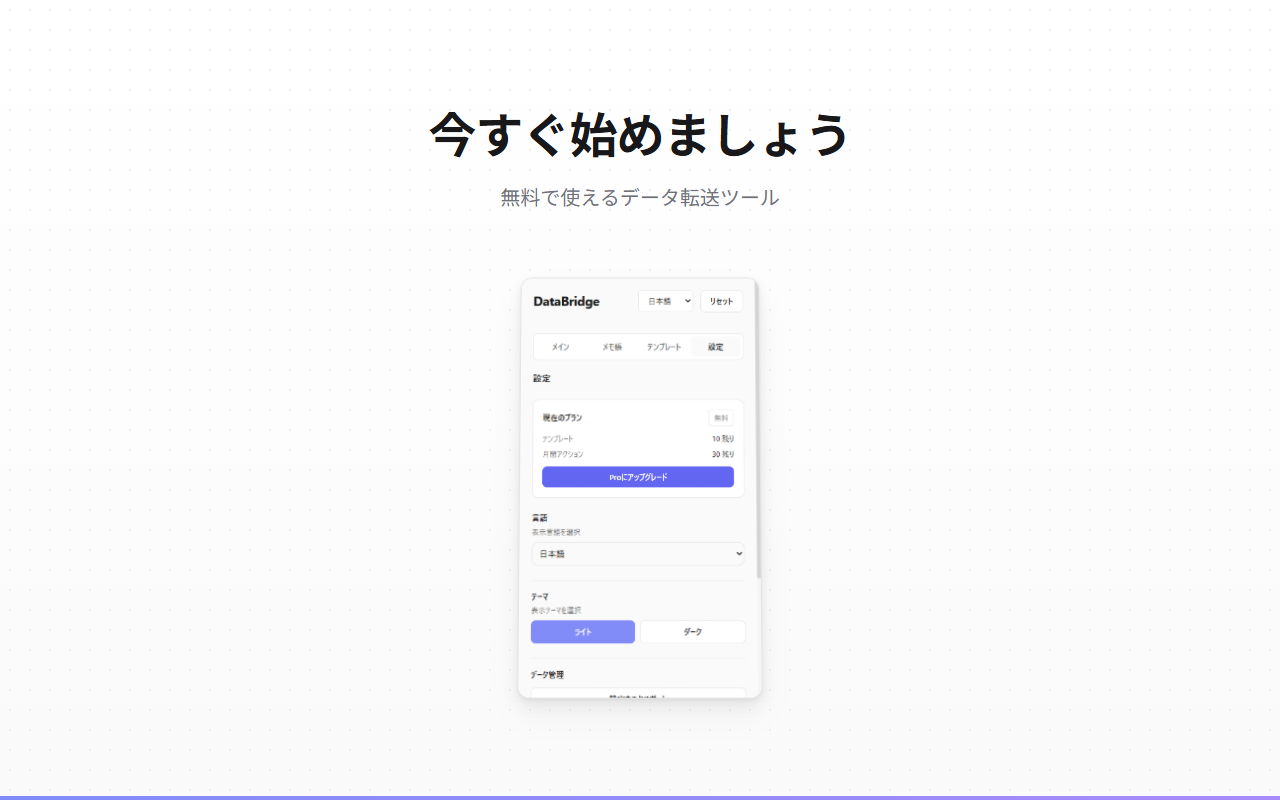
// overview
DataBridge is a Chrome extension that enables visual data transfer between web pages. Select elements from a source page, match them with target fields using numbered badges, and transfer data with a single click. Perfect for data entry, form filling, and repetitive copy-paste tasks across different systems. Free plan includes 10 templates and 30 actions/month. Pro unlocks unlimited usage.
// features
Visual Element Selection
Click elements on web pages to select them. Blue badges for source, green for target - intuitive visual mapping.
Number-Based Matching
Elements are automatically matched by their selection order. Same number = same data transfer.
One-Click Transfer
Transfer all mapped data between pages with a single button click. Supports input fields, textareas, and React/Vue framework forms.
Template System
Save your element mappings as templates. Reload them anytime to repeat the same transfer workflow. Free plan allows up to 10 templates.
Notepad Mode
Collect values from multiple elements into a notepad. Copy to clipboard or edit manually. Dedicated templates for notepad workflows.
Smart Selector Generation
Generates robust CSS selectors using ID, name, data attributes with multiple fallback strategies for reliability.
Export & Import
Export your settings and templates as JSON for backup or transfer between devices. Import to restore everything.
Multi-Language & Dark Mode
Available in 8 languages (EN, JA, KO, ZH, FR, IT, DE, ES) with light and dark theme support.
// recommended for
- Office workers transferring data between business systems
- E-commerce sellers copying order details across platforms
- Sales and support teams entering data into CRM systems
- Anyone doing repetitive copy-paste between web applications
// faq
Is DataBridge free?
The free plan includes 10 templates and 30 data transfer actions per month. Pro ($6/mo or $39 lifetime) unlocks unlimited templates and actions.
How do I install DataBridge?
Click 'Add to Chrome' on the Chrome Web Store. After installation, open any webpage, click the DataBridge icon, and follow the visual mapping guide.
Does DataBridge collect my data?
No. DataBridge operates entirely within your browser. No page content or personal data is sent to external servers.
Which websites does DataBridge work on?
DataBridge works on any standard webpage. It uses CSS selector generation to map source and target elements, so it supports virtually any form or data-entry interface.