DataPick
No-code Web Scraping with Sidebar UI
Extract data from any website without writing a single line of code. Persistent sidebar panel, comparison table modal, and reusable scraping recipes.
// screenshots
// overview
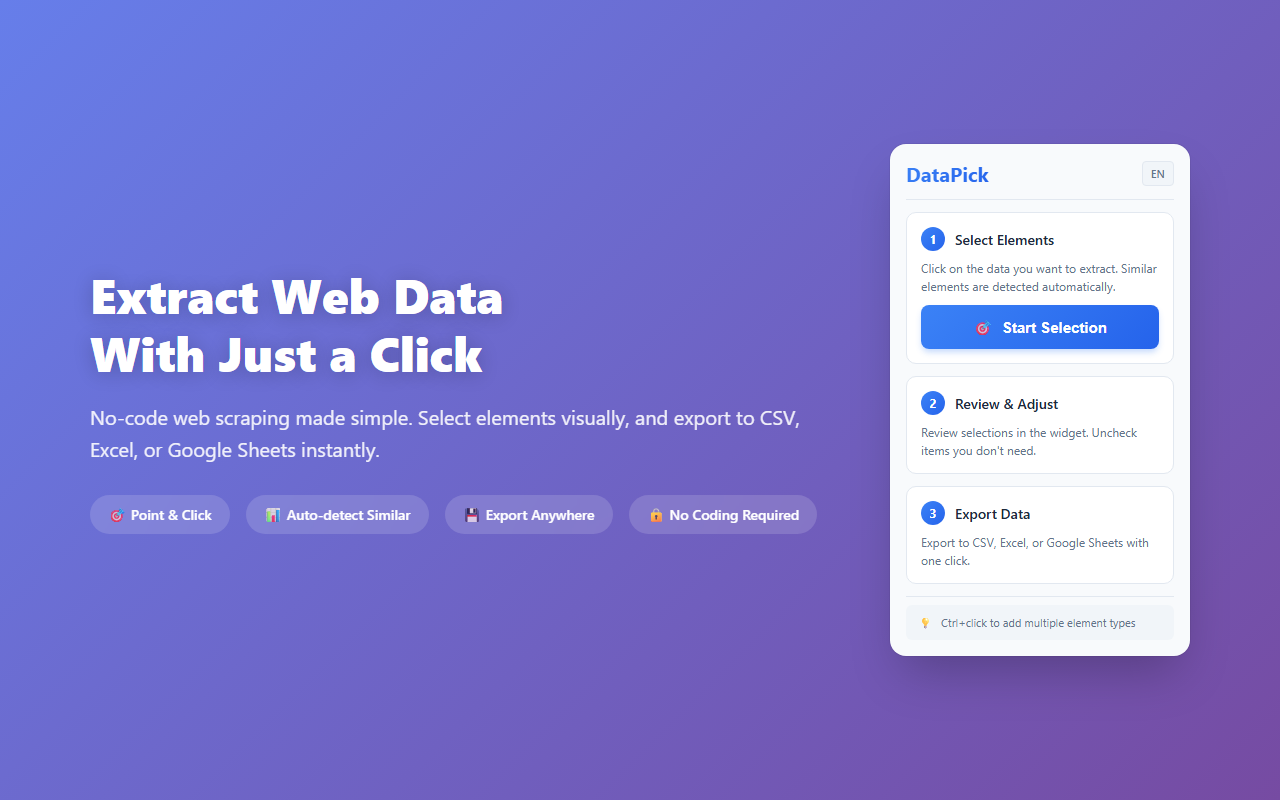
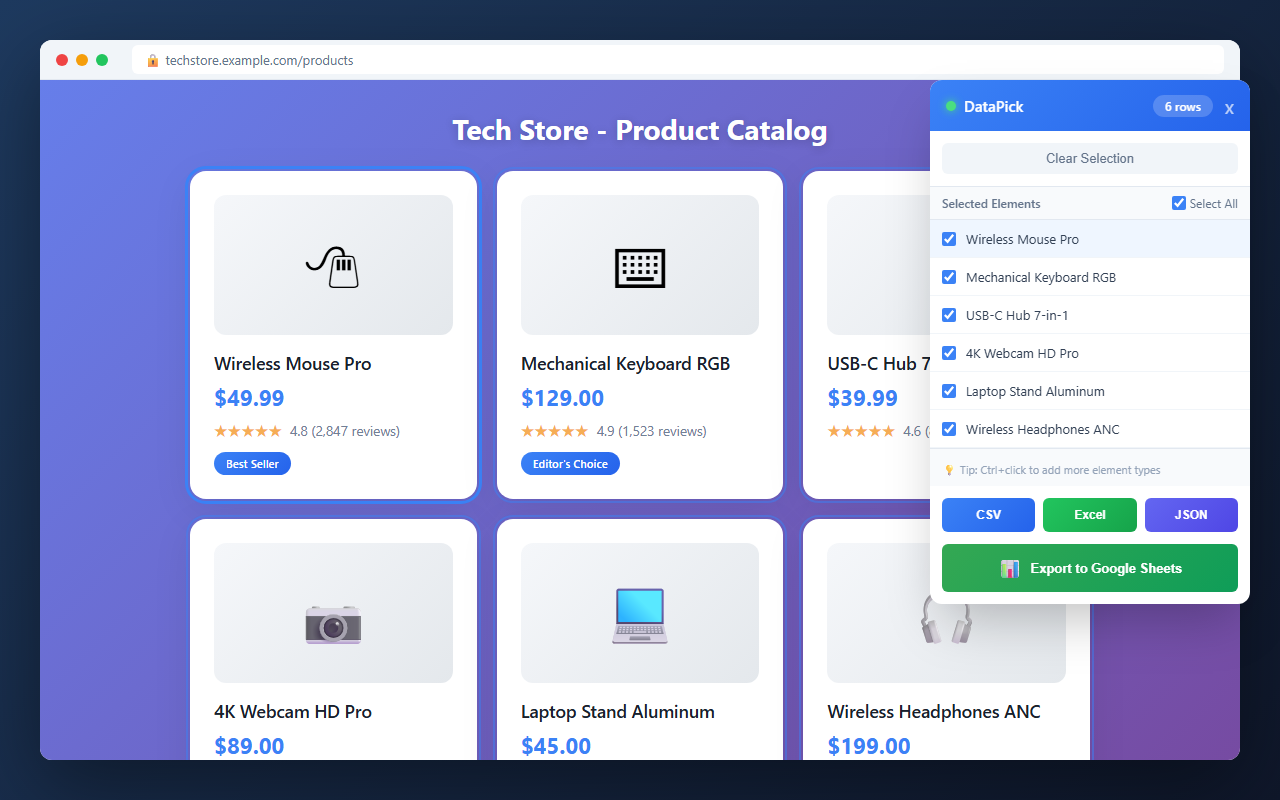
Tired of copying and pasting data from websites one by one? DataPick lets you scrape any website with just a few clicks. A persistent sidebar panel (340px, anchored to the right edge) stays open as you browse — click on the data you want, and DataPick automatically finds all similar elements on the page. The comparison table modal lets you review and clean extracted data before export. Save your selection setup as a named recipe and replay it on the same site any time. CSV, Excel and JSON exports are unlimited on the free plan; the full row preview and direct Google Sheets export are Pro ($19 one-time). Every new install gets 3 days of full access. No coding skills required.
What is DataPick?
DataPick is a Chrome extension that extracts structured data from any webpage using a point-and-click interface — no code, no CSS selectors required. Click on one item in a repeating list (product, row, card), and DataPick automatically finds all similar elements and exports them as CSV, JSON, or directly to Google Sheets. It works with JavaScript-rendered pages including React and Vue apps.
// how to use
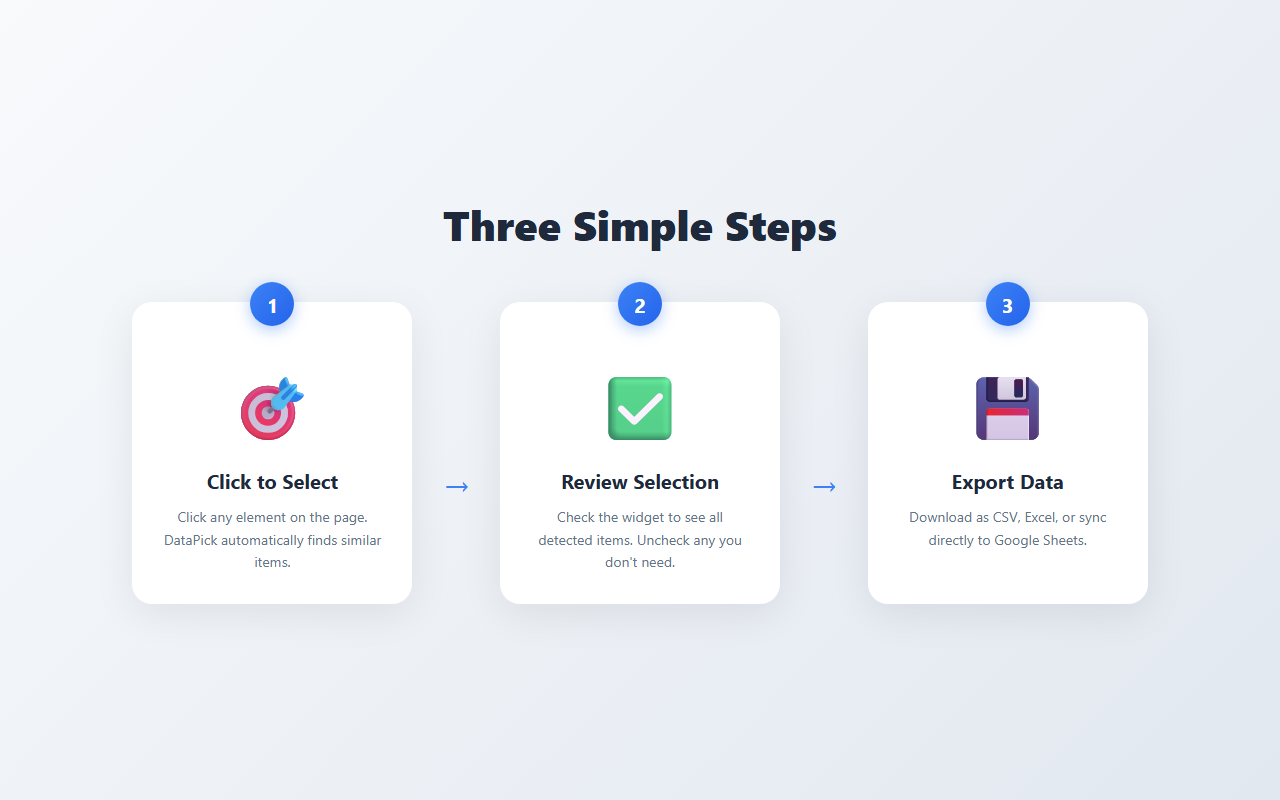
- 1 Install DataPick from the Chrome Web Store.
- 2 Navigate to the webpage containing the data you want to extract.
- 3 Click the DataPick icon — a 340px sidebar panel opens on the right side of the page.
- 4 Click on one example item in the list (a product, a row, a card) — DataPick detects all similar elements automatically.
- 5 Open the comparison table modal to review, clean, and confirm your extracted rows.
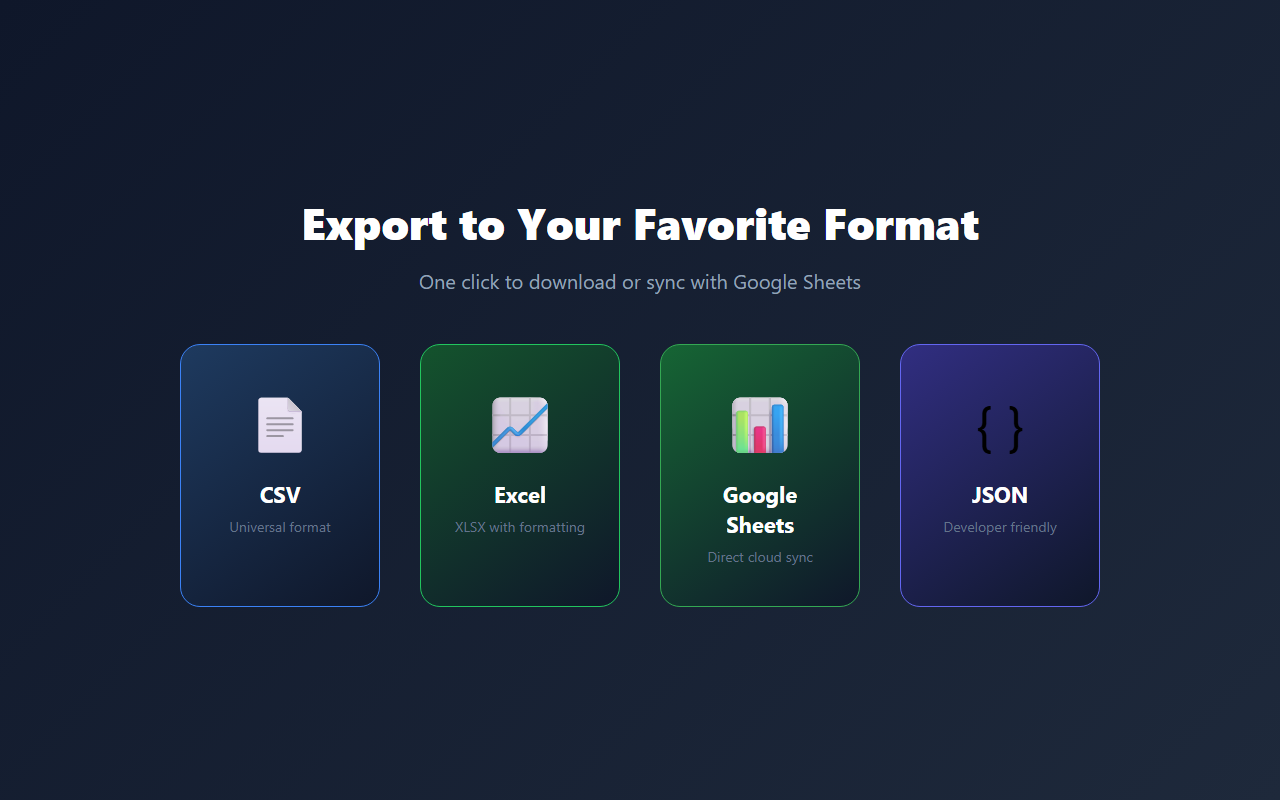
- 6 Click Export and choose CSV, JSON, Excel, or Google Sheets. Optionally save the setup as a recipe for next time.
// features
Persistent Sidebar Panel
340px panel anchored to the right edge — stays open as you browse and navigate between pages
Point & Click Selection
Click on one example item; DataPick detects all matching elements on the page automatically
Comparison Table Modal
Review all extracted data in a full-screen modal table before export — clean, reorder, and deselect rows
Save Scraping Recipes
Save your selection setup as a named recipe and replay it on the same site any time, no reconfiguration needed
Multiple Export Options
CSV, Excel (XLSX) and JSON — unlimited on the free plan. Direct Google Sheets export is Pro
Live Data Preview
See your extracted data in the sidebar as you click — the free plan previews the first 10 rows, Pro previews every row
Multi-page Scraping
Follow pagination links to collect data across pages in a single session
Duplicate Warning
Warns you when the selected rows contain duplicate text, so you can fix the selection before export
// recommended for
- E-commerce sellers researching competitor listings
- Sales teams building lead lists from directories
- Recruiters extracting candidate information
- Researchers gathering data for analysis
// faq
Do I need coding skills to use DataPick?
No. DataPick uses a point-and-click interface. Click on the data you want, and DataPick automatically finds all similar elements on the page. No CSS selectors or programming required.
What types of data can I extract?
DataPick extracts text, links (URLs), prices, dates, and image URLs. It works on product listings, directories, search results, tables, and any structured webpage content including JavaScript-rendered pages.
What formats can I export to?
CSV (for Excel/Google Sheets), JSON (for developers) and Excel (XLSX) — all unlimited on the free plan. Direct export to Google Sheets requires DataPick Pro.
What does Pro add?
Pro previews every row you selected (the free plan previews the first 10) and exports directly to Google Sheets. Every new install gets 3 days of full access before the free limits apply.
Is DataPick a subscription?
You can buy Pro once for $19 with no recurring fees. A $4.99/month plan is also offered inside the extension if you prefer to pay monthly.
Can I scrape multiple pages automatically?
Yes. Multi-page scraping follows pagination links and collects data across pages in a single session, on the free plan too.
Start Extracting Data
Point, click, and export — web scraping made simple.