ReShapic
Image Conversion Chrome Extension
Resize, convert, and optimize images right from your browser toolbar. Batch processing, 8 languages, and a freemium Pro plan.
// screenshots
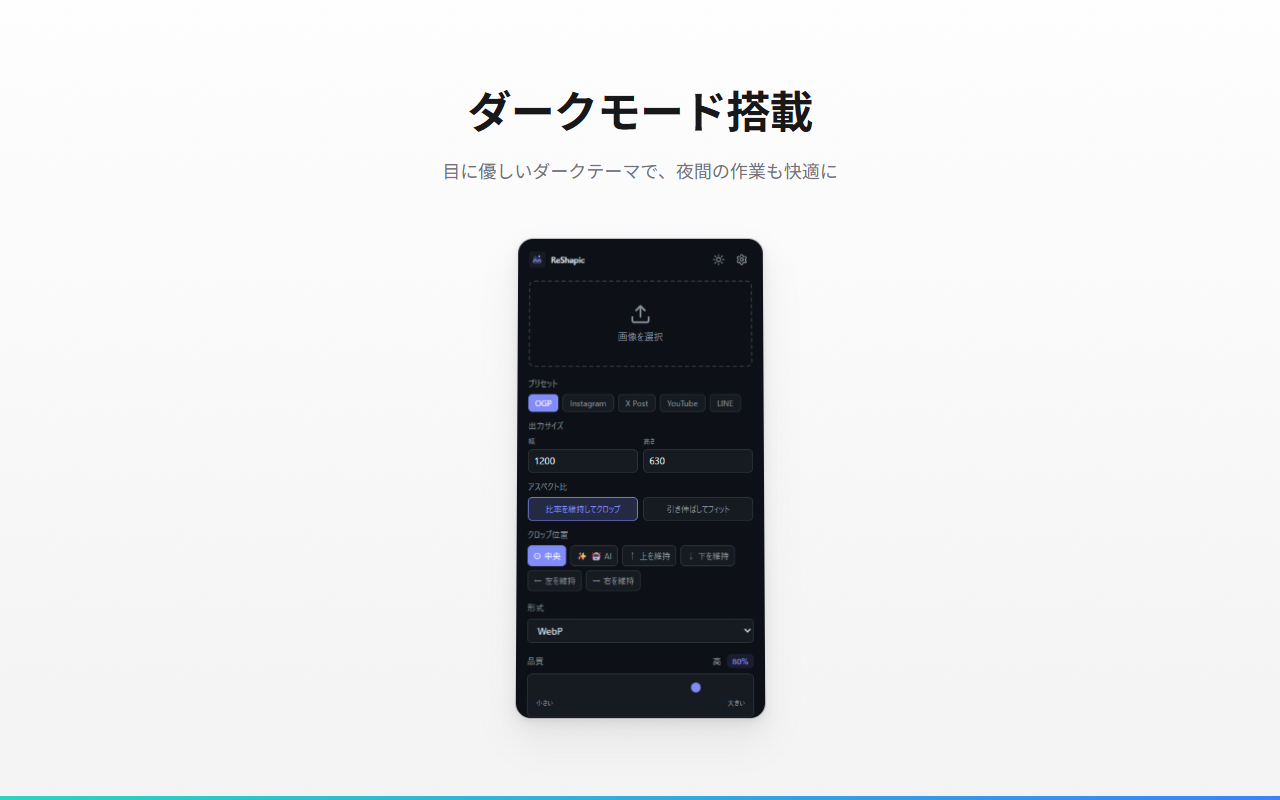
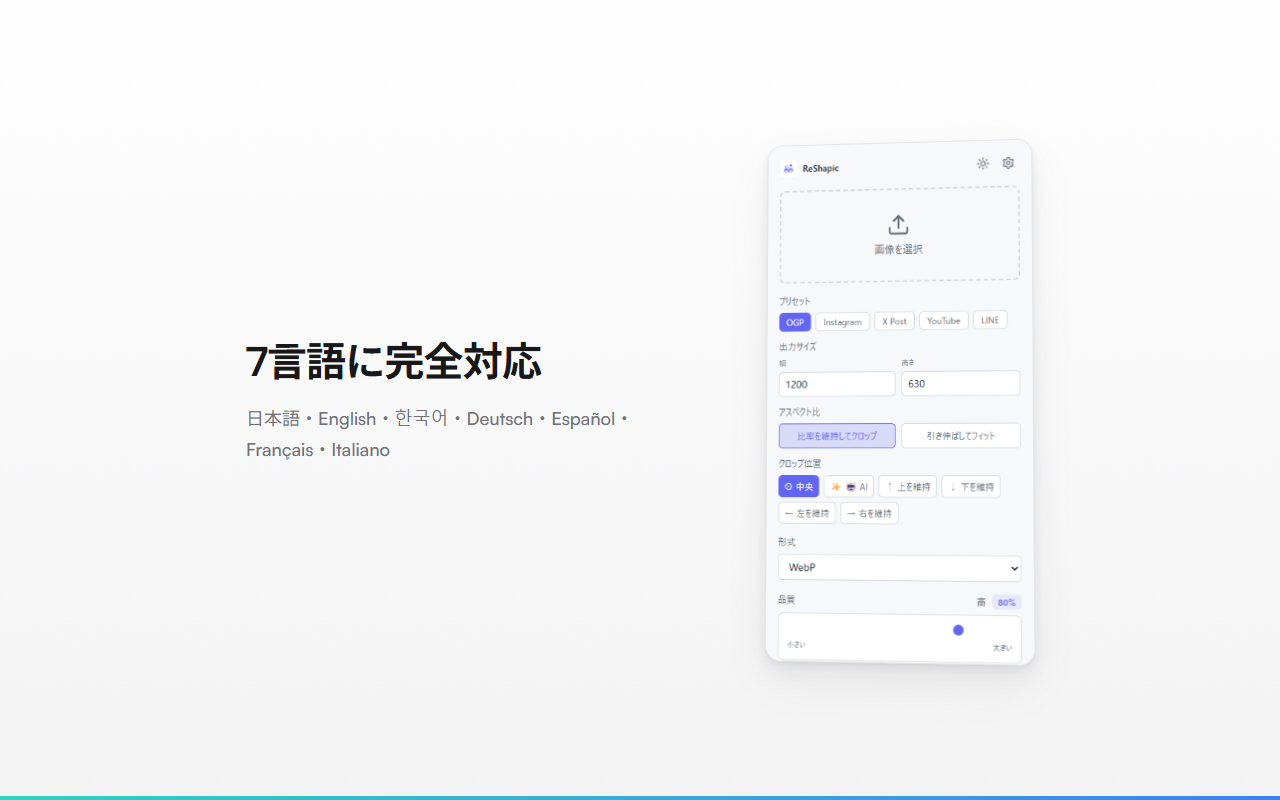
// overview
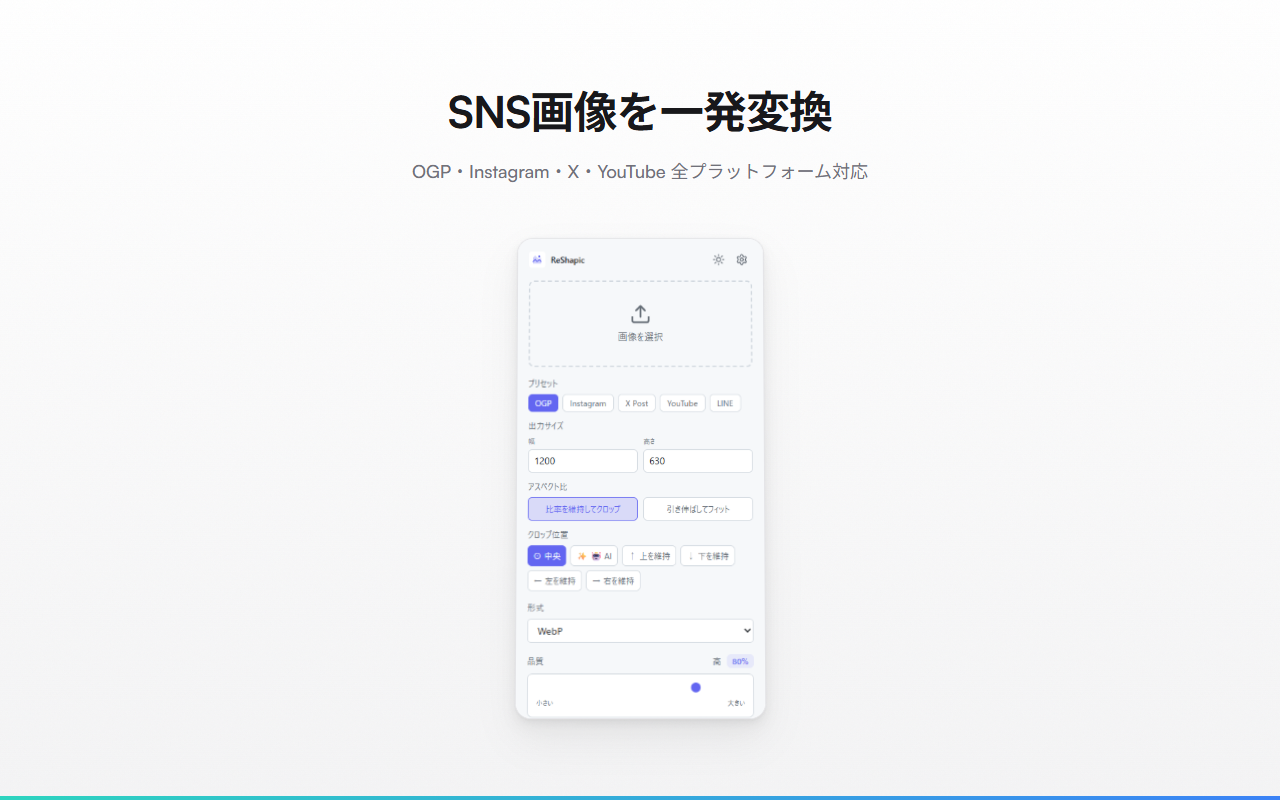
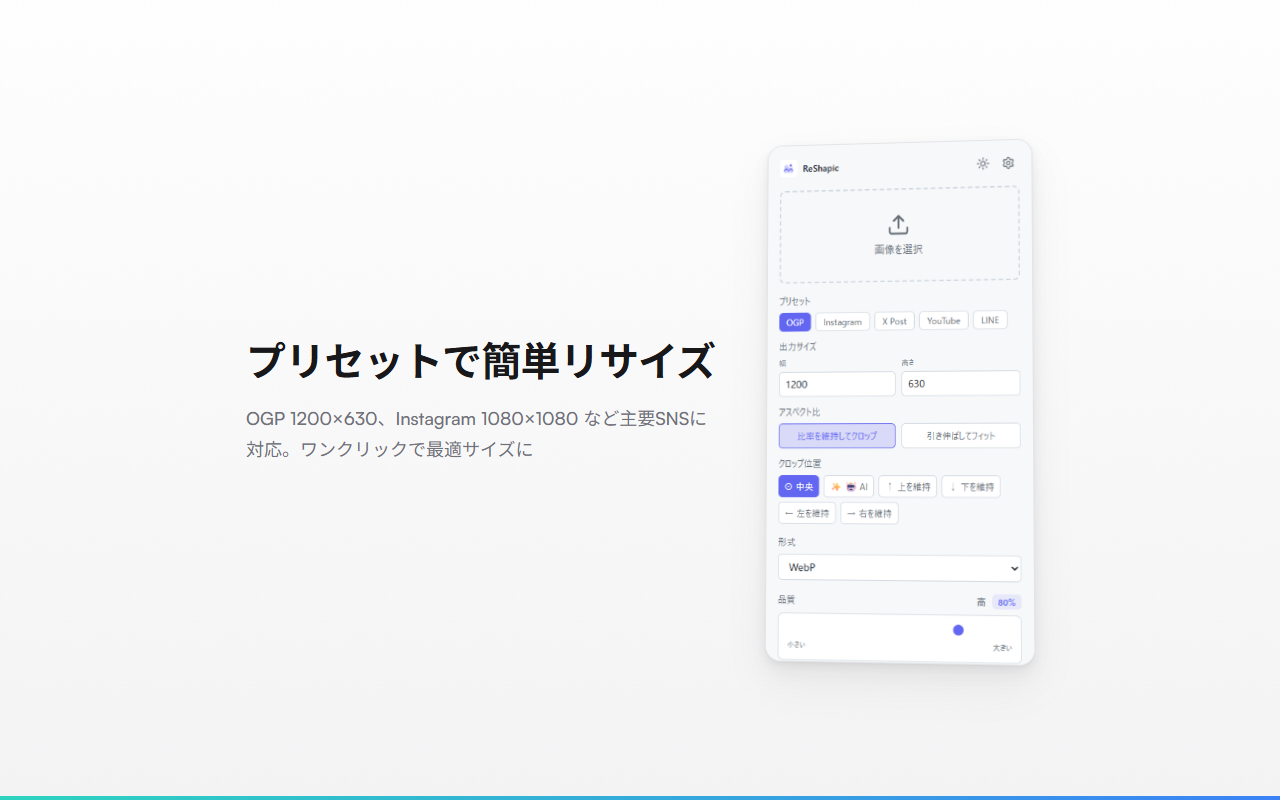
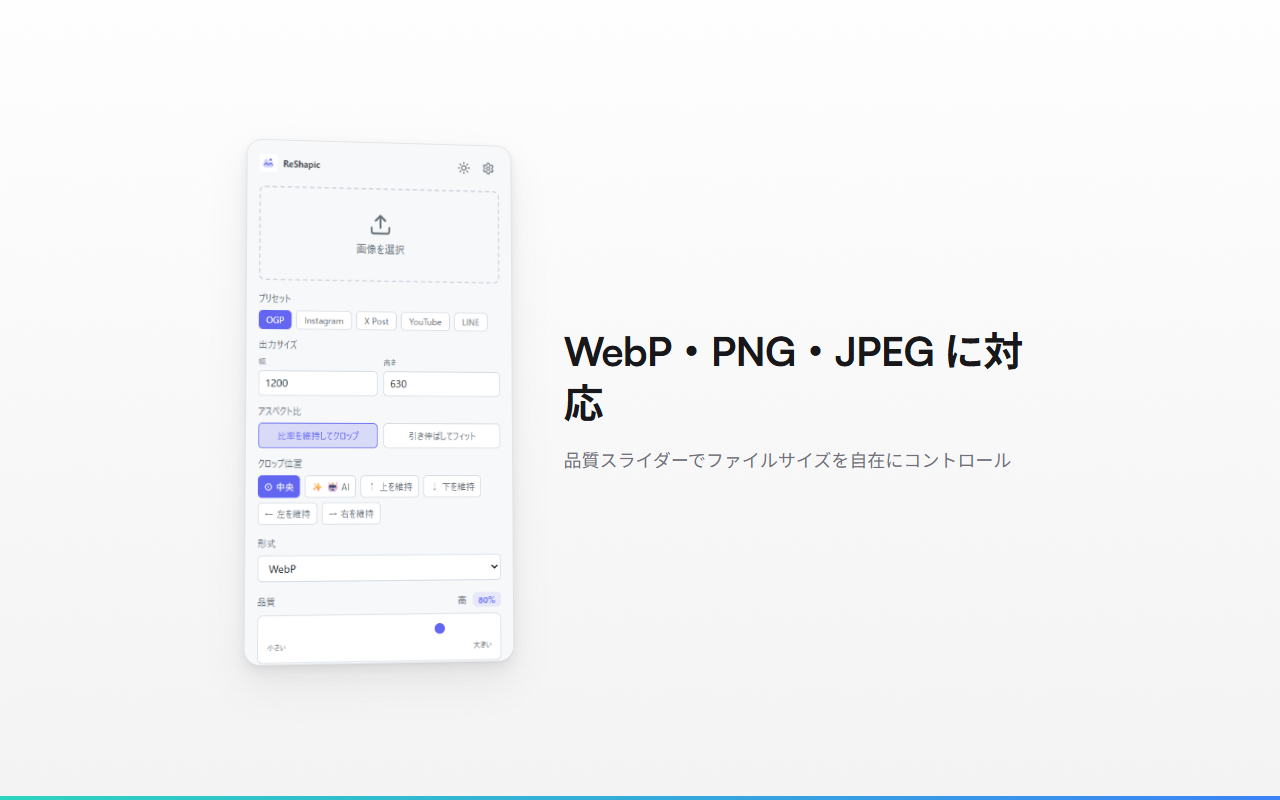
ReShapic is a Chrome extension for fast, private image processing. Resize images to preset SNS sizes (OGP, Instagram, X, YouTube, LINE), convert between WebP/PNG/JPEG, and adjust quality — all without uploading to any server. Free users get 5 conversions per day with files up to 5 MB. Pro users ($19 one-time) unlock unlimited conversions, batch processing with ZIP download, and 50 MB file support. Available in 8 languages with a manual language selector. Also available as a web app at reshapic.dev-tools-hub.xyz for quick access without installation.
// supported services
// features
SNS Presets
One-click sizing for OGP, Instagram, X (Twitter), YouTube, and LINE
Batch Processing (Pro)
Select up to 20 images, convert them all at once, and download as a single ZIP
Smart Crop & AI Crop
Maintain aspect ratio with position control (top, center, bottom, left, right) or AI-based subject detection
8 Languages
English, Japanese, Korean, Italian, French, German, Spanish, and Portuguese with a manual language selector
Freemium Model
5 free conversions/day (5 MB limit). Pro unlocks unlimited conversions, batch, and 50 MB files
Privacy First
All processing happens locally in your browser — no images are uploaded to any server
Dark / Light Mode
Theme toggle that saves your preference across sessions
Context Menu
Right-click any image on a webpage to open it directly in ReShapic
// keyboard shortcuts
// recommended for
- Social media managers who need consistent image sizes across platforms
- Content creators preparing thumbnails for YouTube and other platforms
- Web developers optimizing images for better page performance
- Anyone who wants quick image conversion without installing heavy software
- Privacy-conscious users who prefer local-only processing
// faq
Is ReShapic free?
Yes, the free plan includes 5 conversions per day with files up to 5 MB. The Pro plan ($19 one-time) unlocks unlimited conversions, batch processing, and 50 MB file support.
Are my images uploaded to any server?
No. All image processing happens locally in your browser. No images are ever uploaded to external servers.
What image formats are supported?
ReShapic supports WebP, PNG, and JPEG formats for both input and output.
Is there a web app version?
Yes. You can use ReShapic at reshapic.dev-tools-hub.xyz without installing the Chrome extension.