
PromptStash
AI Prompt Manager
Save prompts, use variables, and insert instantly with slash commands. Works with ChatGPT, Claude, Gemini and other AI chats.
// screenshots
// overview
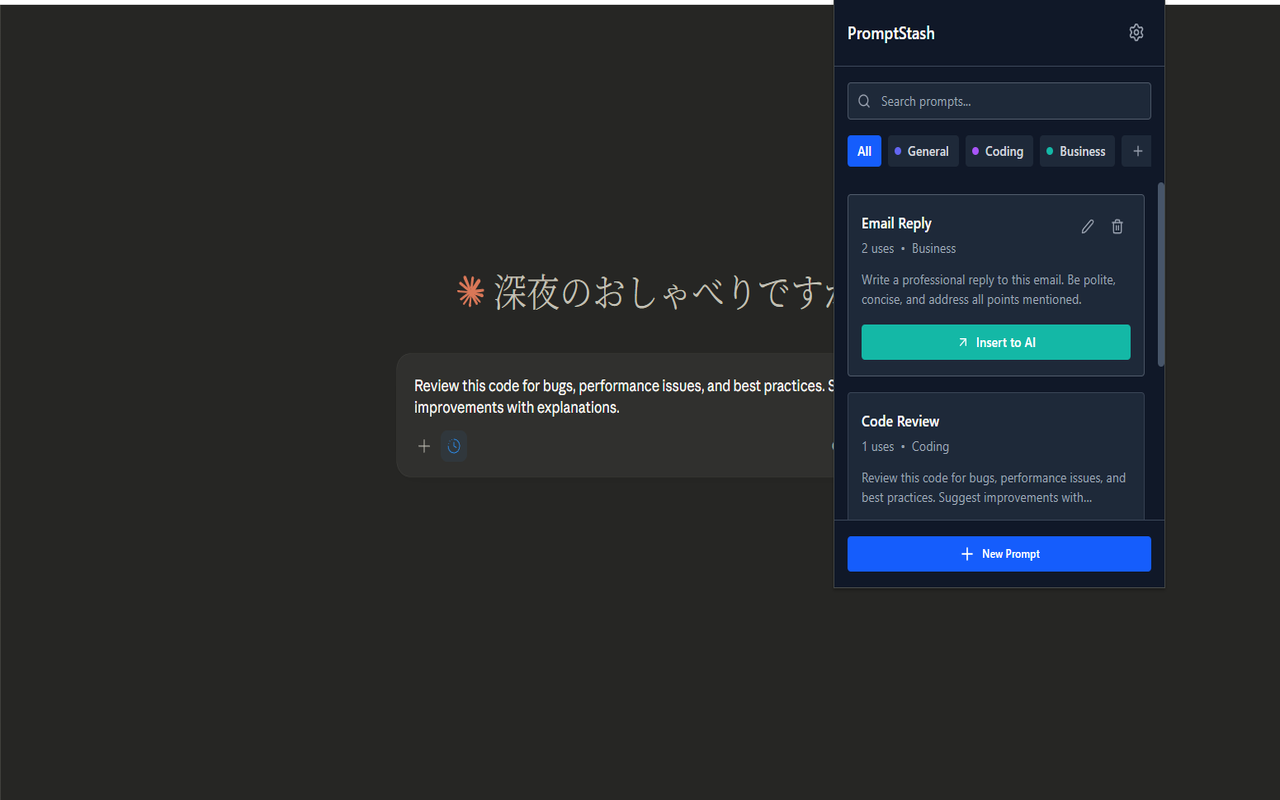
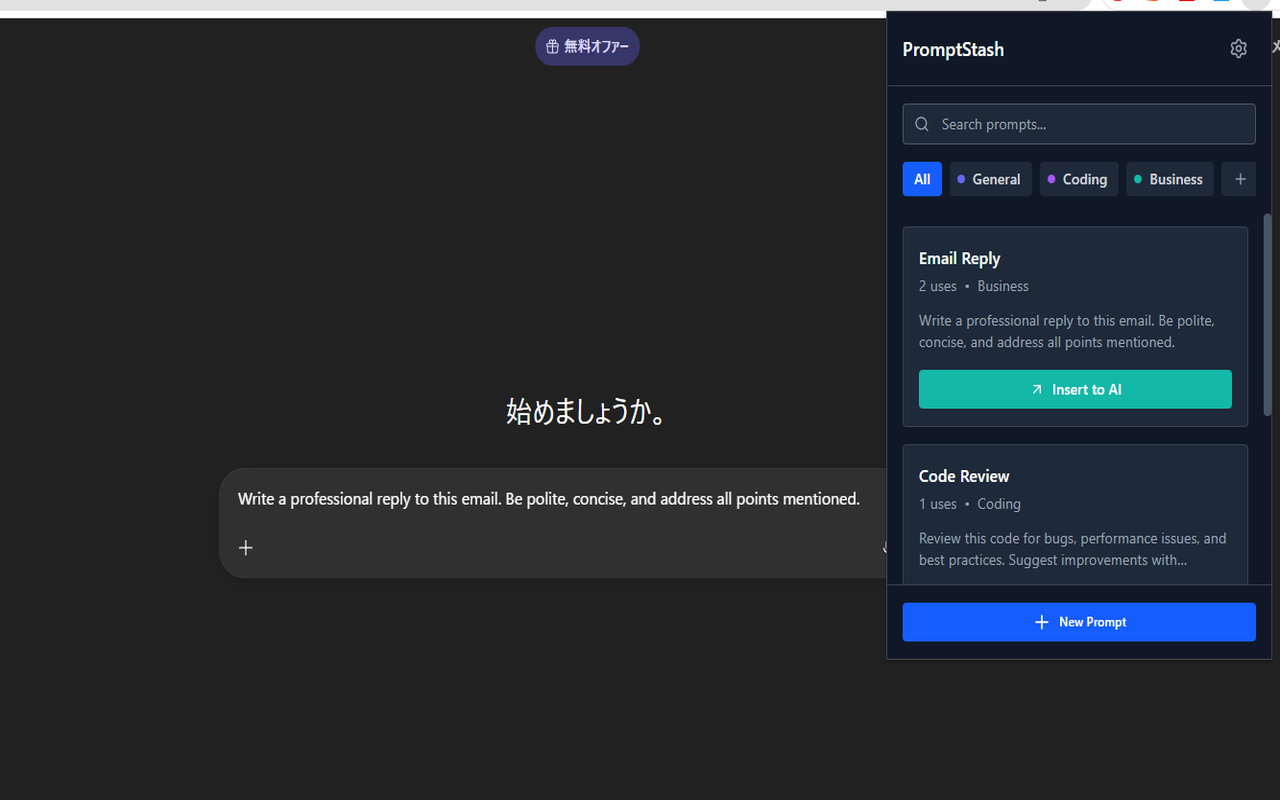
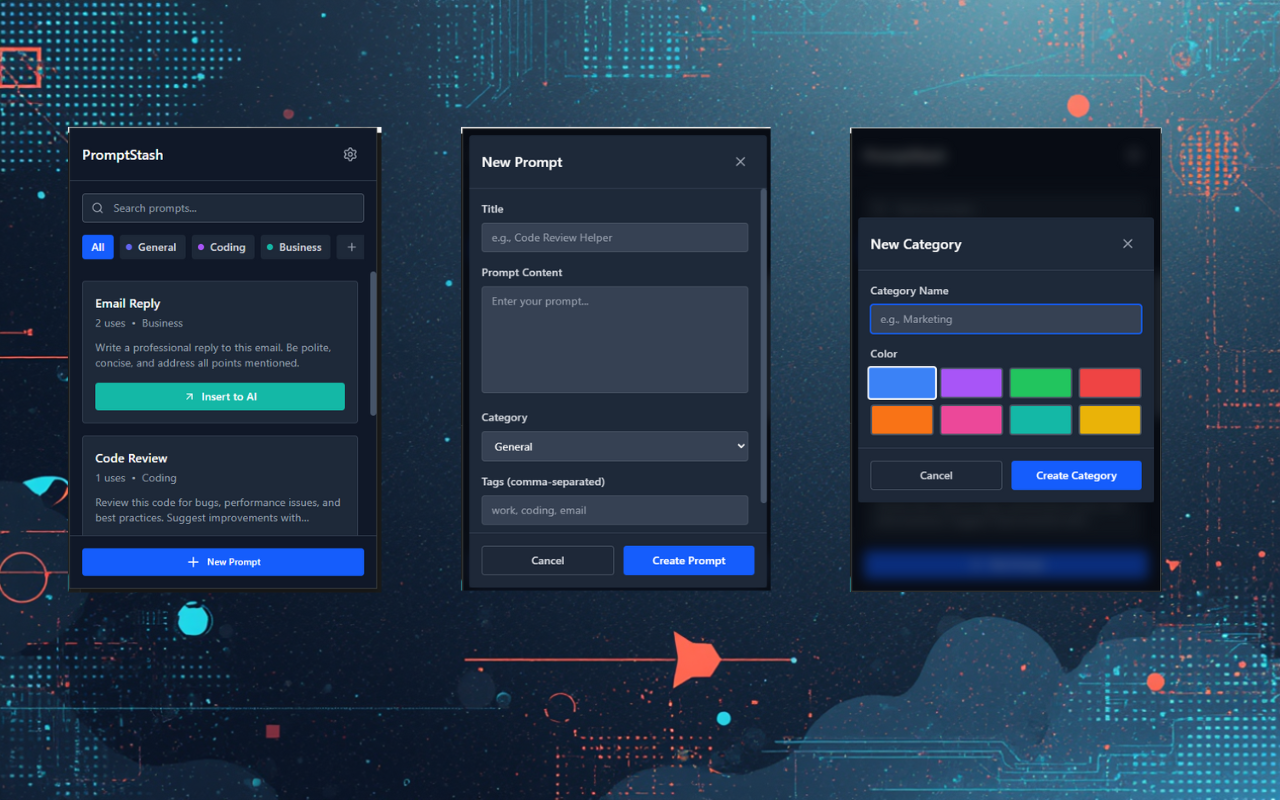
Using multiple AI services like ChatGPT, Claude, and Gemini, do you ever find yourself thinking 'Where was that prompt?' PromptStash lets you save your favorite prompts and instantly recall them with slash commands, variable templates, and context-aware insertions, in whichever supported AI chat you're using.
// supported services
// features
Variable Templates
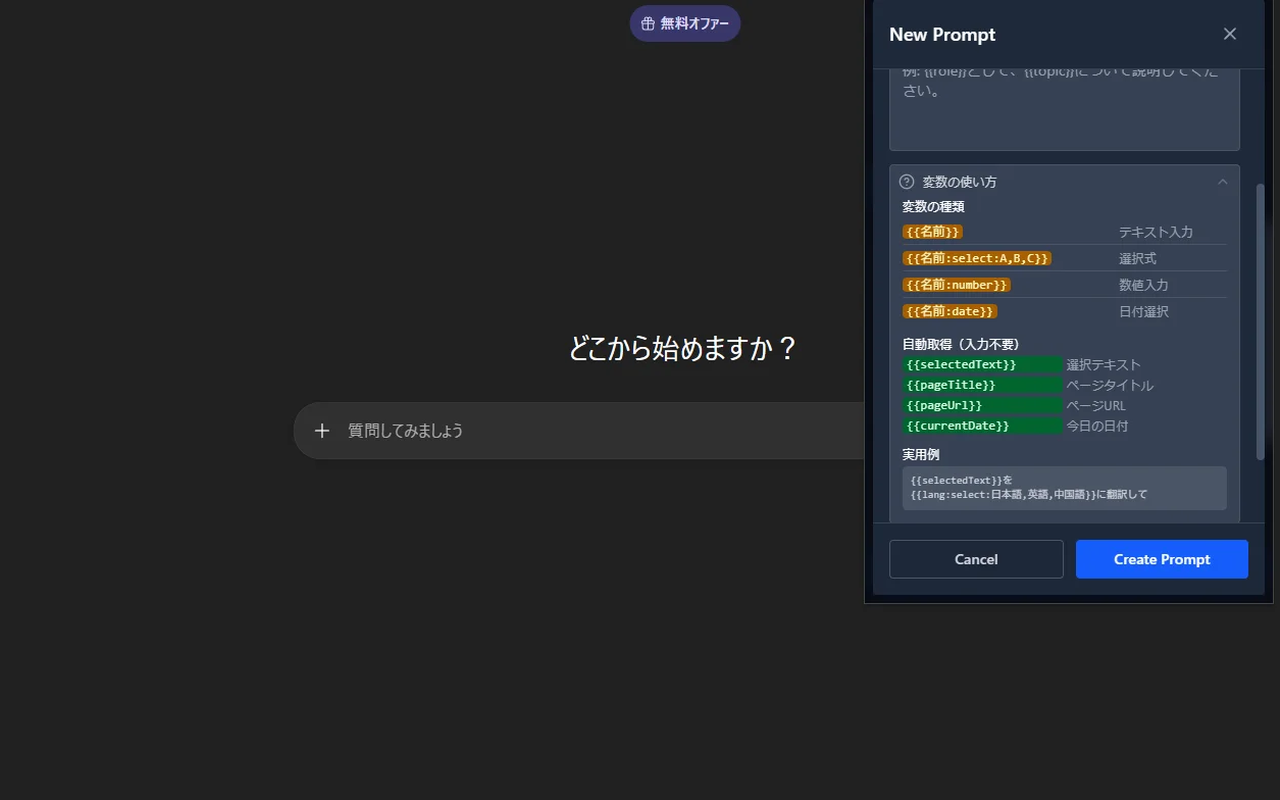
Use {{variableName}} syntax to create dynamic prompts with text, dropdown, number, and date inputs
Prompt Chains
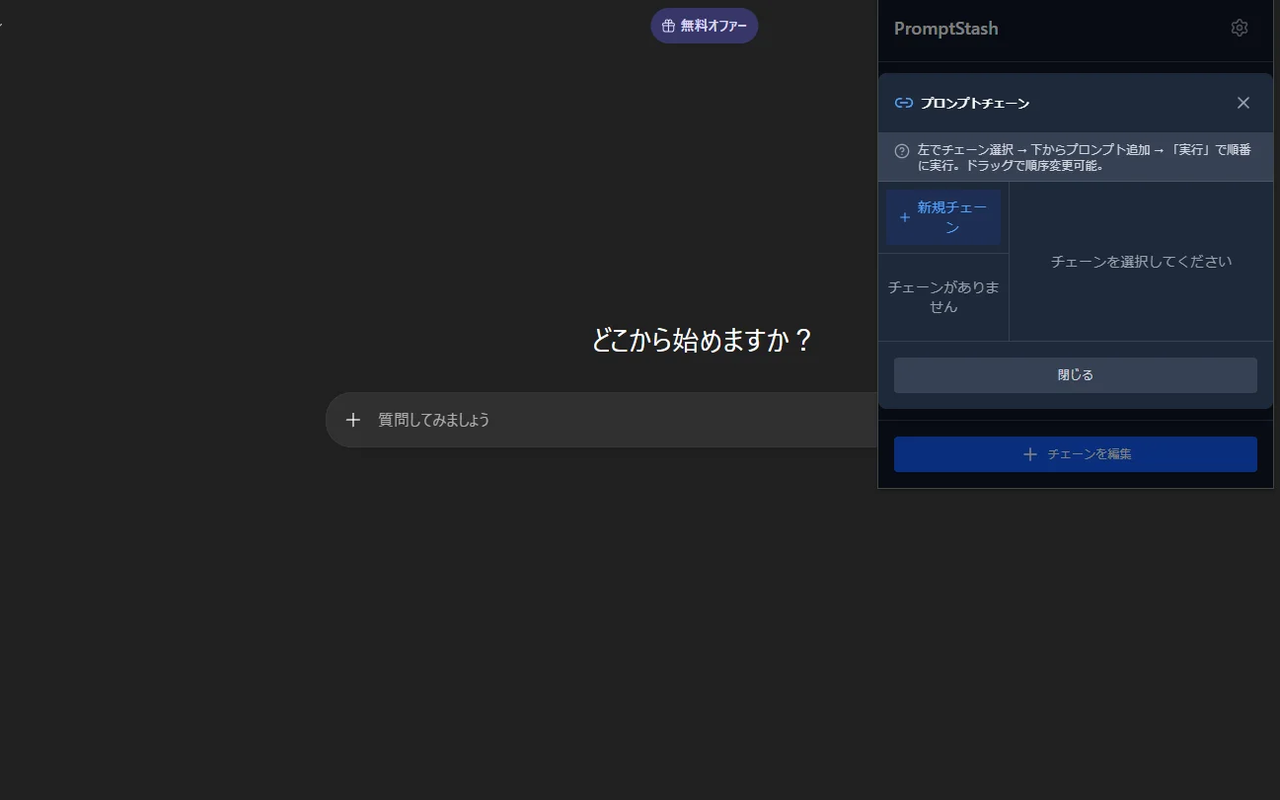
Run multiple prompts in sequence — perfect for multi-step workflows like 'Requirements → Design → Code'
Slash Commands
Type '/' in any AI chat to instantly search and insert your saved prompts
Context Variables
Auto-insert selected text, page URL, current date/time with built-in variables
Works Across AI Chats
Works with ChatGPT, Claude, Gemini, Perplexity, DeepSeek, Grok, Copilot and more
Tag & Favorites (Pro)
Organize with custom tags and mark your most-used prompts as favorites
Import/Export
Backup and restore your prompts as JSON files. Easy migration between devices
Keyboard Shortcut
Press Ctrl+Shift+P (Cmd+Shift+P on Mac) to quickly access your prompts
// recommended for
- People using multiple AI services daily
- Those with frequently-used prompts
- Anyone looking to optimize their prompt engineering workflow
// faq
How do I save prompts in ChatGPT and reuse them?
Save the prompt once in PromptStash. Next time, type "/" in the ChatGPT message box, search for the prompt, and press Enter to insert it. The same saved prompts work in Claude, Gemini and the other supported AI chats, so you don't keep a separate copy for each.
Can I use PromptStash as a prompt library for Claude?
Yes. PromptStash works on claude.ai: type "/" in the chat box to search and insert a saved prompt, and use {{variables}} to fill in the parts that change. PromptStash is not affiliated with Anthropic, PBC.
Where are my prompts stored?
Your prompts and folders are stored in your browser. There is no cloud sync and no account. PromptStash sends anonymous usage statistics through Google Analytics, and license checks go through ExtensionPay.
Which AI services does PromptStash support?
PromptStash works with many AI chat services, including ChatGPT, Claude, Gemini, Perplexity, DeepSeek, Grok, Copilot, Poe, Mistral, HuggingChat, and more.
Is PromptStash a subscription?
Pro is available as a monthly subscription you can cancel anytime, or as a one-time purchase. The free plan has a limit on saved prompts, with no account and no time limit, so you can decide whether Pro is worth it before paying anything. See the Chrome Web Store listing for current pricing.
How do slash commands work?
Type '/' in any supported AI chat input to open a search overlay. Start typing to filter your saved prompts, then select one to insert it instantly.
Can I use variables in my prompts?
Yes. Use {{variableName}} syntax to create dynamic prompts. PromptStash supports text, dropdown, number, and date variable types.
Supercharge Your AI Workflow
Get PromptStash now and never lose a great prompt again.