Procshot
Auto-Generate Step-by-Step Guides
Auto-record browser actions to create step-by-step guides with screenshots.
// screenshots
// overview
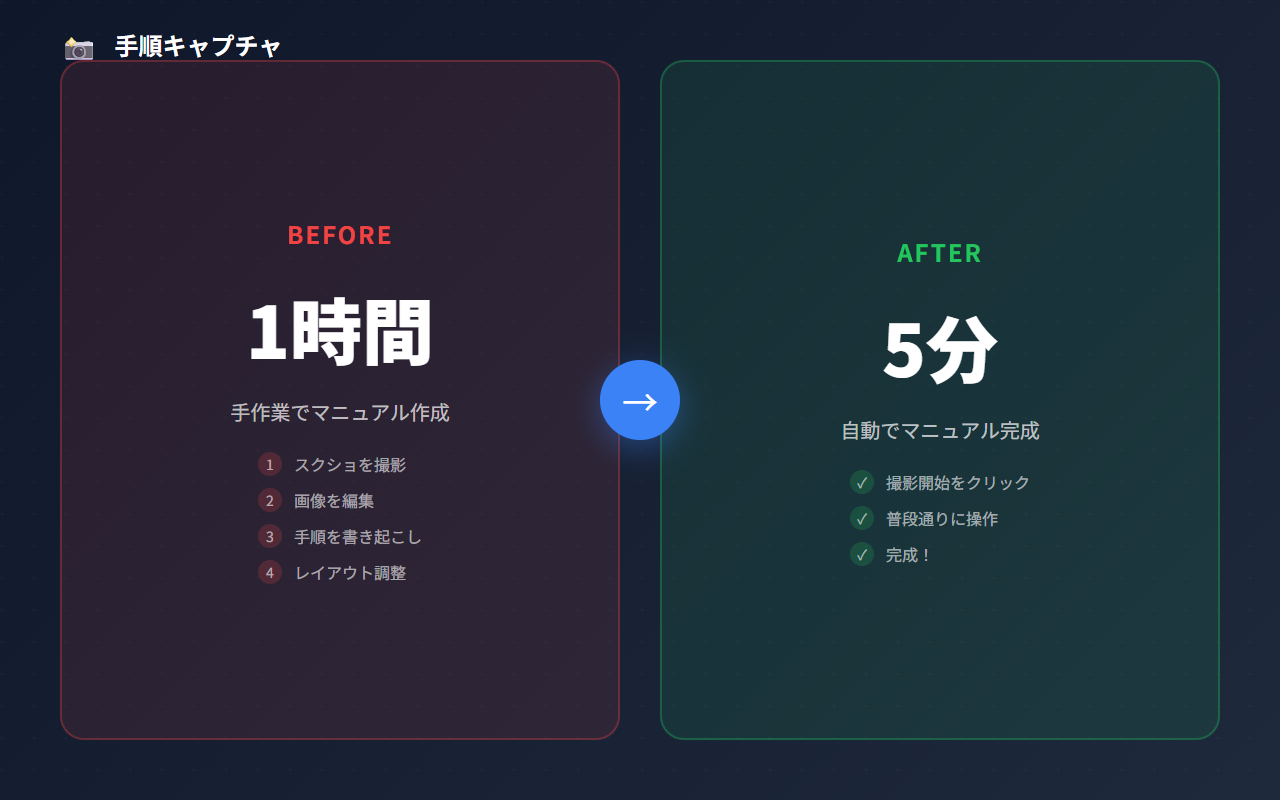
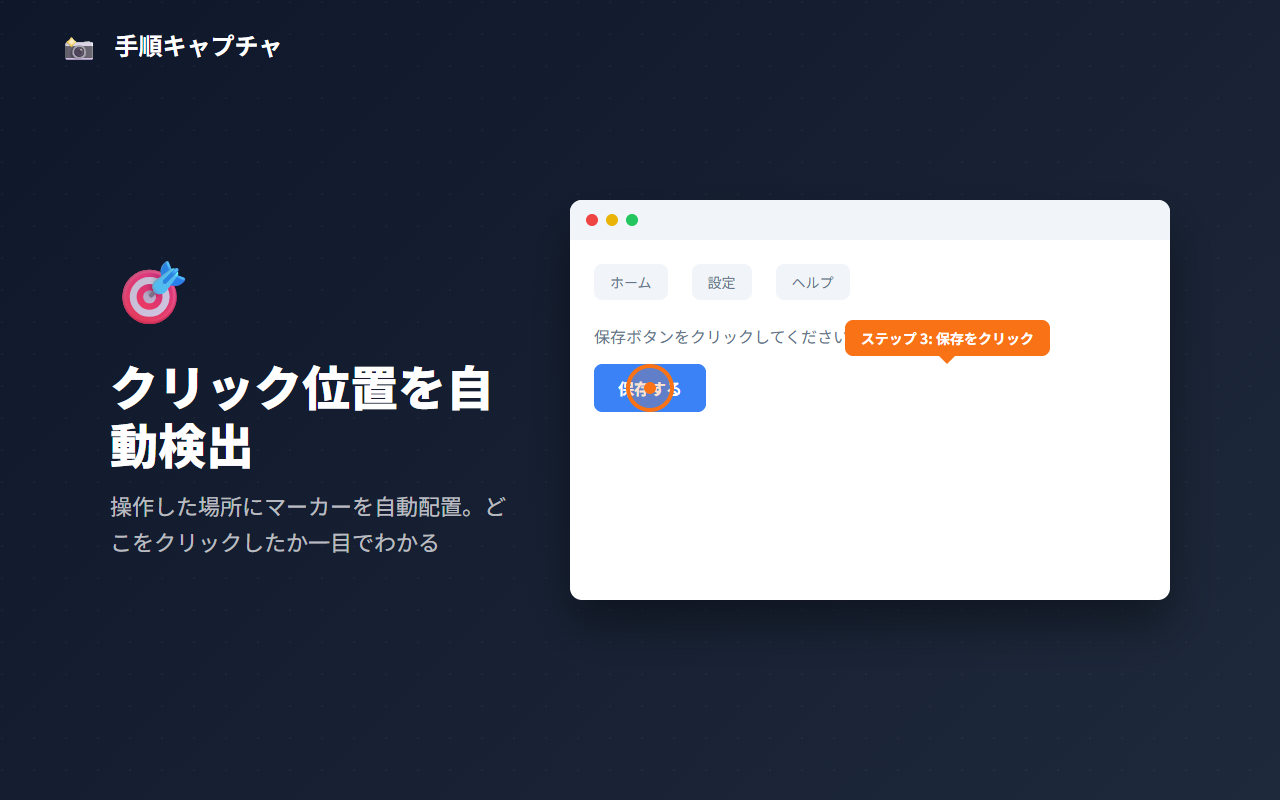
Procshot automatically records your browser clicks and keystrokes to generate step-by-step guides with screenshots, marking each clicked spot with a box. Start capturing, perform your workflow, and get a ready-to-share document. Export as Markdown or HTML; Pro adds PDF export (with Japanese font support) and annotation tools for arrows, text, and blur. Ideal for creating onboarding materials, SOPs, and training documents.
What is Procshot?
Procshot is a Chrome extension with a free plan that automatically records your browser actions — clicks (including links to other pages) and text inputs — and generates step-by-step guides with screenshots. It requires no screen recording software and does not upload your guides; recording and export run in your browser, and guides export as Markdown or HTML (PDF with Pro).
// how to use
- 1 Install Procshot from the Chrome Web Store.
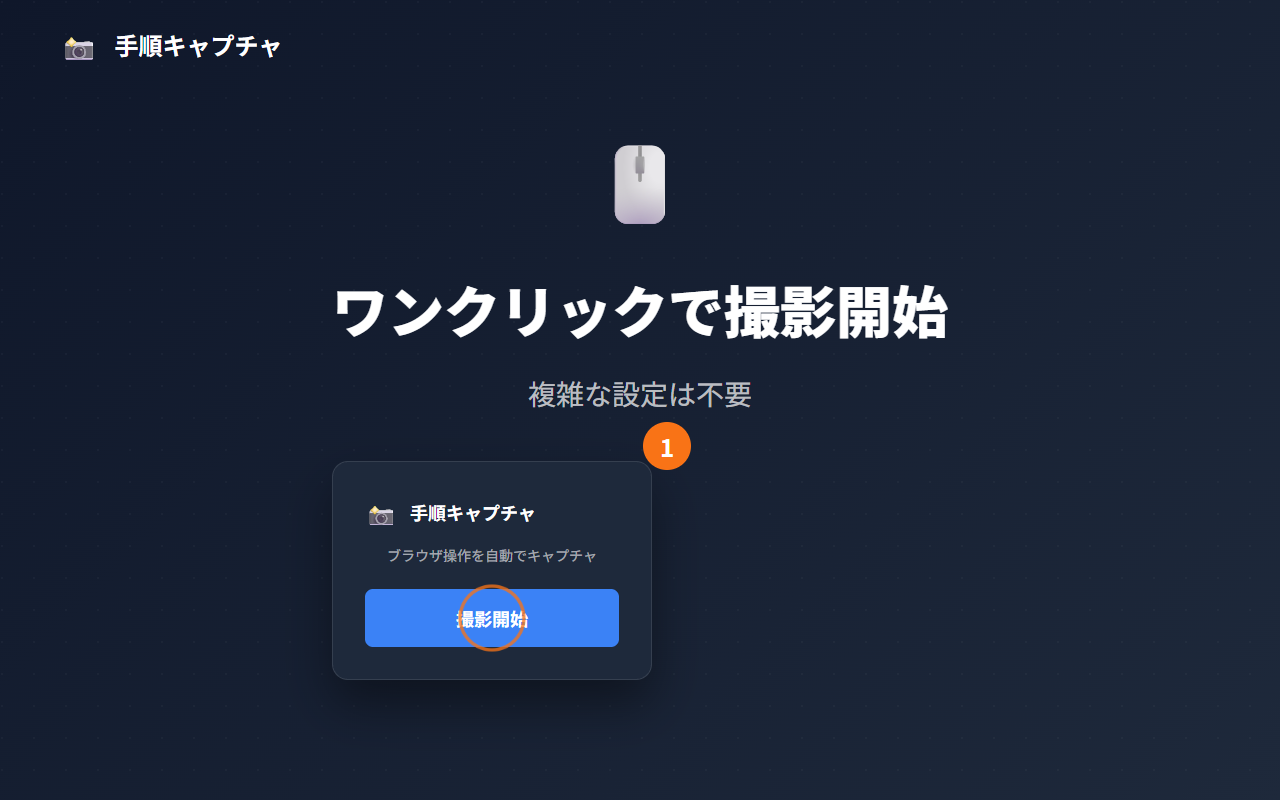
- 2 Click the Procshot icon in your toolbar to open the popup.
- 3 Click 'Start Recording' — Procshot captures every click and input automatically.
- 4 Perform the workflow you want to document across any website.
- 5 Click 'Stop Recording' when finished.
- 6 Review the auto-generated steps and, on Pro, add annotations (arrows, highlights, blur) if needed.
- 7 Export as Markdown or HTML (PDF with Pro) to share your guide instantly.
// features
Auto-Record Actions
Automatically capture clicks (including links to other pages) and inputs with screenshots as you browse
Smart Step Descriptions
Auto-generate step descriptions from DOM elements — no manual writing needed
Screenshot Annotations (Pro)
Add boxes, arrows, text labels, and blur effects to annotate screenshots
Multi-Format Export
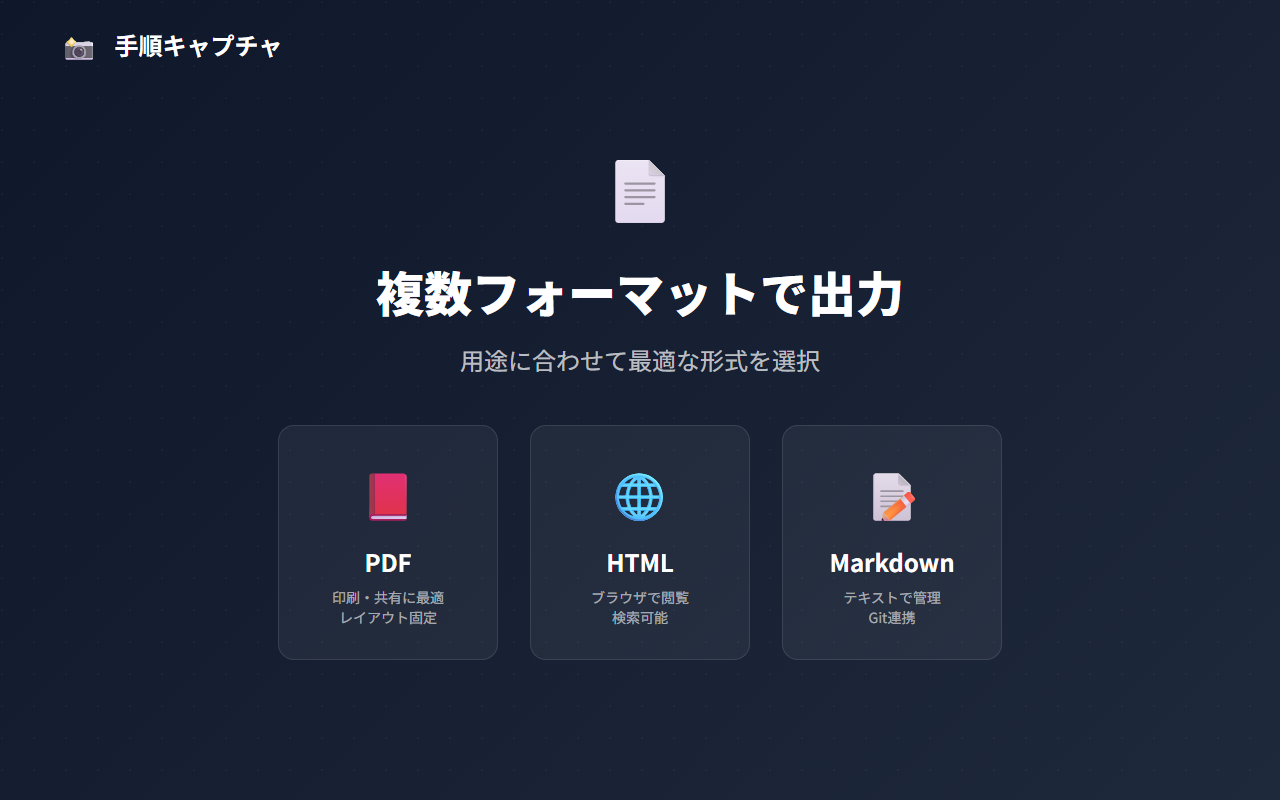
Export guides as Markdown or HTML with bundled images; PDF export (Japanese font supported) is Pro
Guide Management
Save, organize, duplicate, and edit guides in the sidebar panel
Multi-Page Workflows
Clicking a link to another page is recorded as a step, so one guide can follow a workflow across pages
// recommended for
- SaaS support teams creating user guides
- Business process documenters writing SOPs
- Training teams building onboarding materials
- Anyone who needs to document browser workflows quickly
// faq
What makes Procshot different from Loom or screen recorders?
Procshot records browser actions (clicks, including links to other pages, and inputs) and auto-generates step-by-step guides with screenshots — not video. The output is immediately usable as documentation without any editing, ideal for SOPs, onboarding docs, and support materials.
What formats can I export guides?
The free plan exports Markdown or HTML with bundled images. PDF export (with Japanese font support) requires Pro. PDF is ideal for sharing, while Markdown works great for GitHub wikis and documentation sites.
How many guides can I create for free?
On the free plan, new captures pause while you have 5 guides from the current month, and exports carry a watermark. Procshot Pro removes the guide limit and the watermark, and unlocks PDF export, annotations, adding steps, replacing screenshots and branding — $4.99/month or $35.88/year.
Does Procshot collect my data?
Screenshots and guide content are stored on your device and are not uploaded. Procshot does send anonymous usage statistics and error reports, and checks your license through ExtensionPay.
Does it work on all websites?
Procshot works on all standard webpages and captures events regardless of the site framework (React, Vue, plain HTML). Some sites with very strict Content Security Policy may have limitations.