
EmojiPicker
Quick Emoji Search & Copy
Search and copy any emoji in seconds. Press Alt+Shift+E to open, type to search, click to copy.
// screenshots
// overview
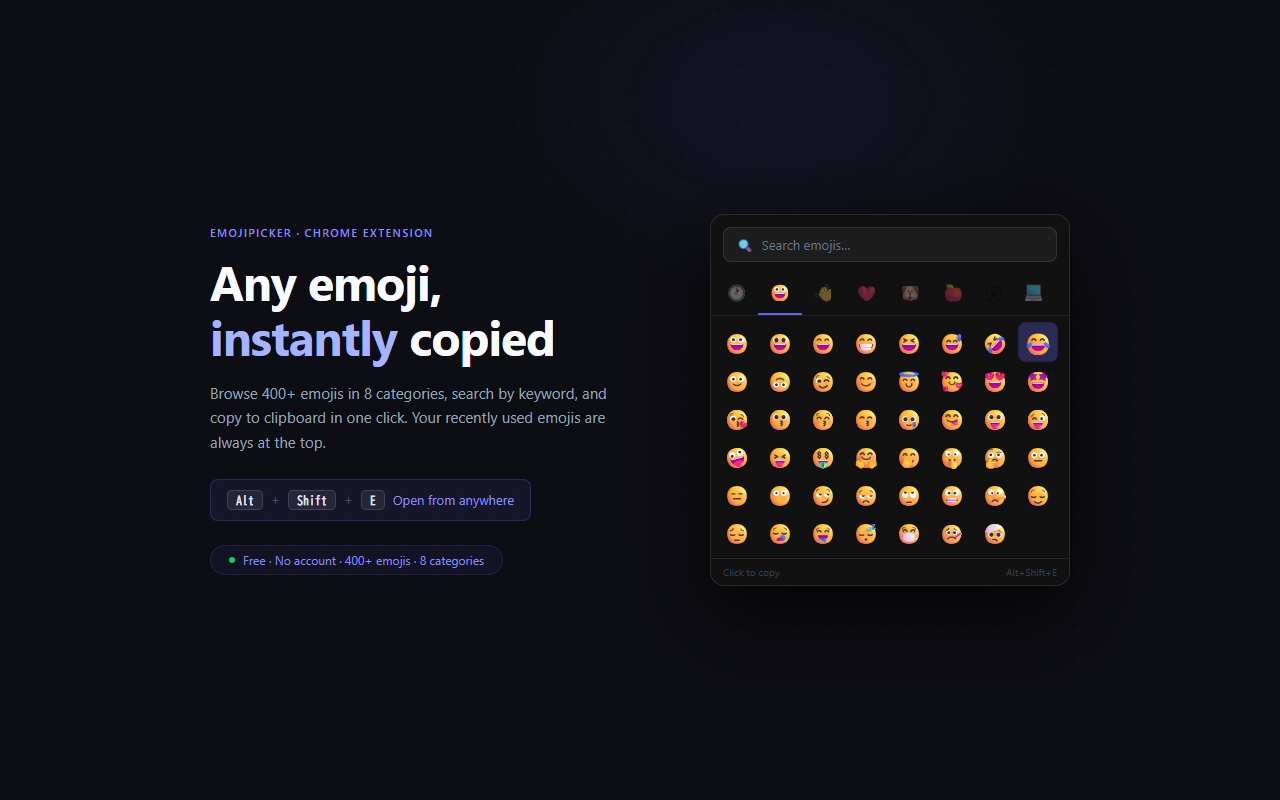
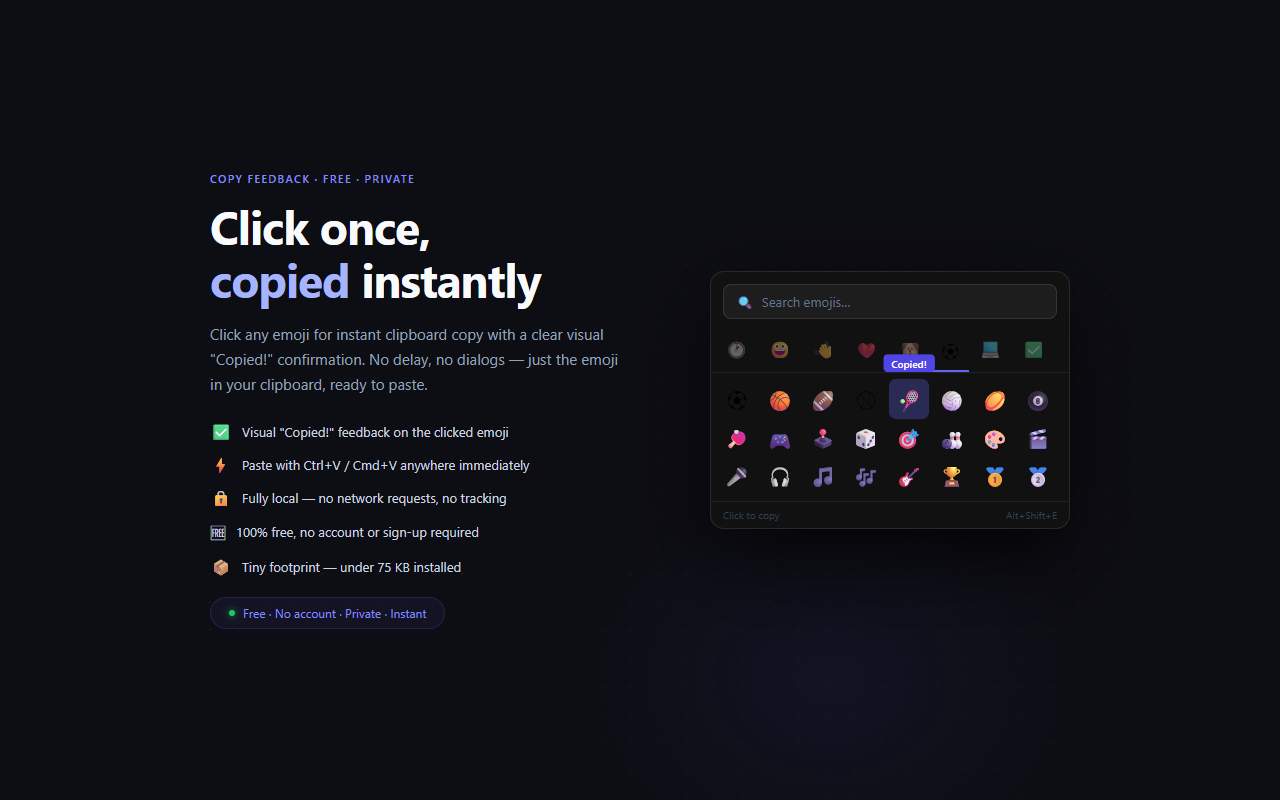
EmojiPicker puts the full emoji library at your fingertips without leaving your current tab. Press Alt+Shift+E to open the popup instantly, type any keyword to search across all emoji names and tags, and click to copy to your clipboard. Your recently used emojis are always one click away in the Recent tab.
// features
Instant Search
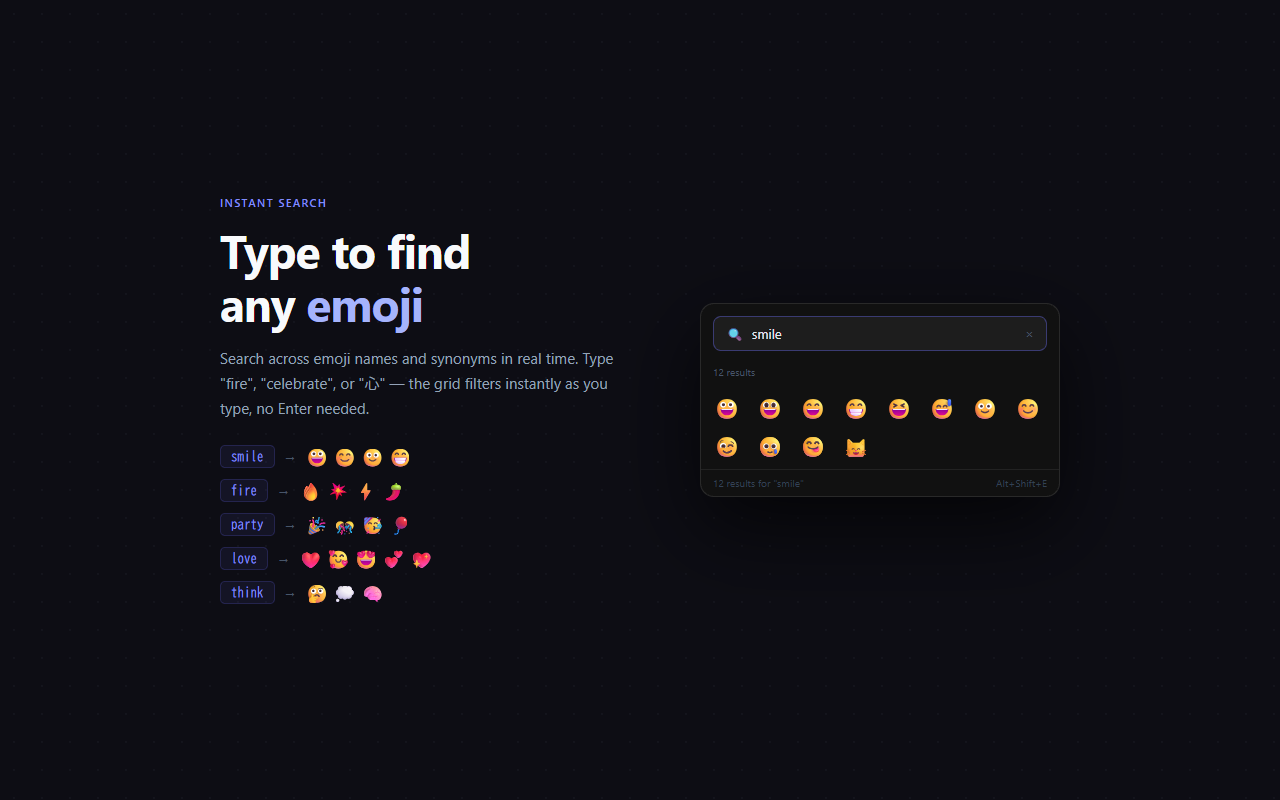
Type 'smile', 'fire', 'party', or any keyword to filter the emoji grid in real time. Searches across emoji names and synonyms.
Recent History
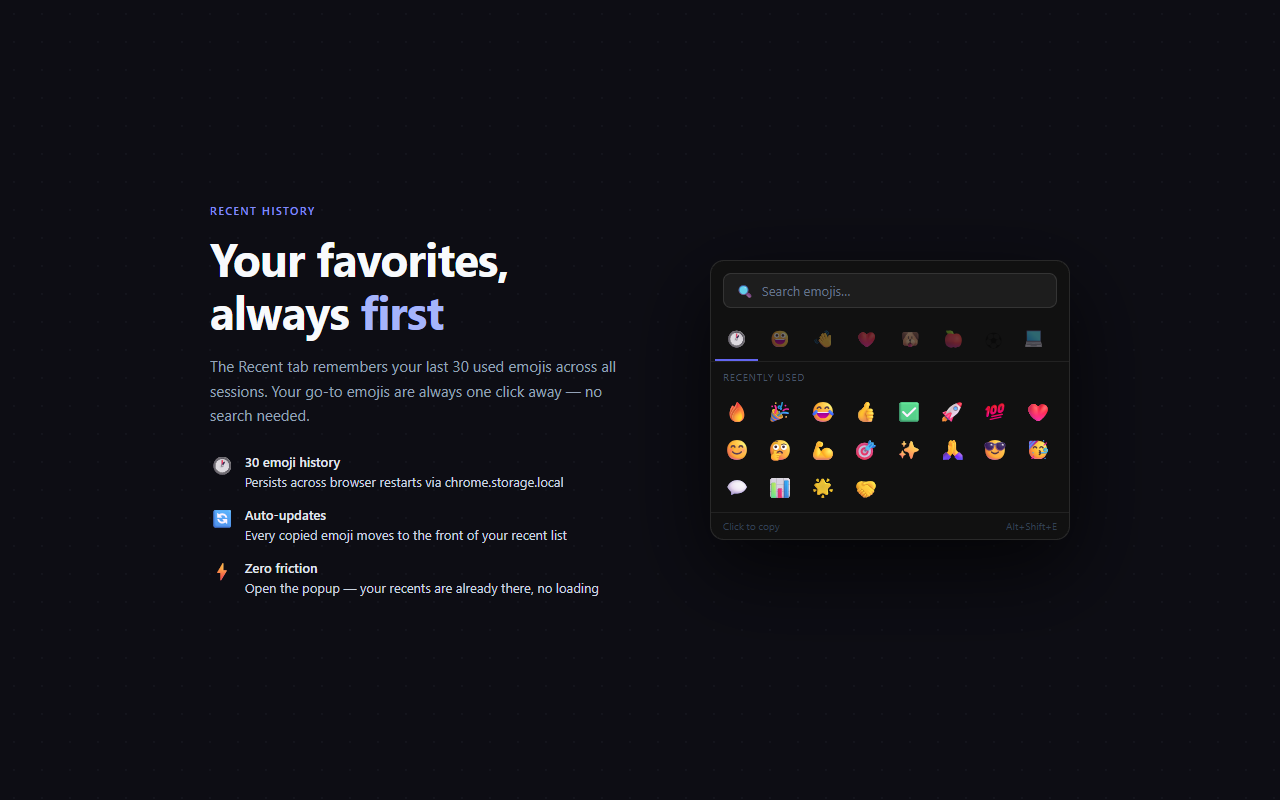
Your last 30 used emojis appear in the Recent tab so your go-to emojis are always one click away.
Category Tabs
Browse by Smileys, Gestures, Hearts, Animals, Food, Activities, Objects, and Symbols — over 400 emojis organized.
Keyboard Shortcut
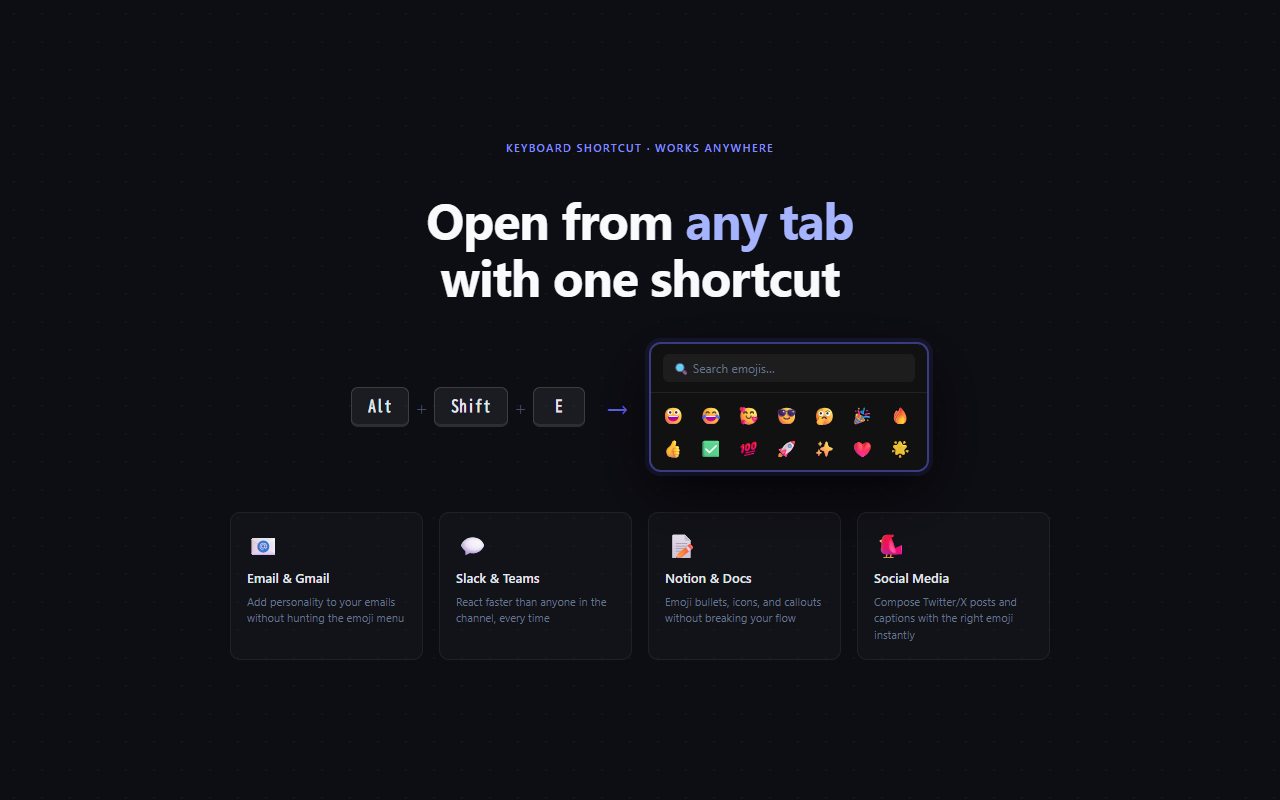
Press Alt+Shift+E to open from anywhere, without leaving your document, email, or chat window.
// recommended for
- Anyone who uses emojis frequently in writing or chat
- Marketers and social media managers
- Developers writing docs, comments, or changelogs
- Teams communicating in Slack, Notion, or email