SnapReply for Gmail
Quick Email Templates
Reply templates for Gmail. Insert one with a click or a /keyword; variables and conditional blocks with Pro.
// screenshots
// overview
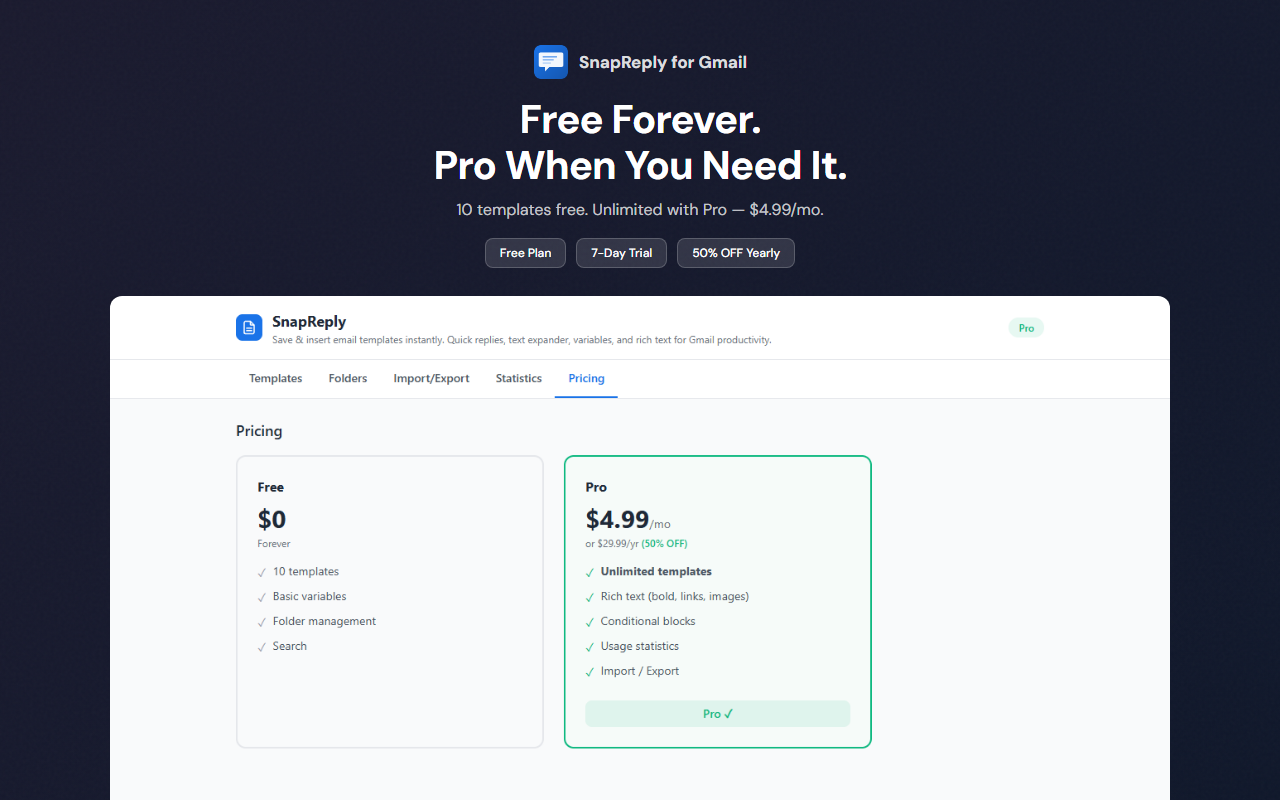
SnapReply for Gmail lets you create, manage, and insert email templates directly within Gmail. Define reusable templates with variable placeholders like {{name}} and {{company}}, organize them in folders, and insert them in one click or by typing a /keyword. 15 Japanese business email templates are bundled. The free plan covers up to 10 of your own templates, folders, and auto-filled date and time. Pro is a one-time ¥1,500 purchase and adds unlimited templates, variables and conditional blocks, rich text, import/export, usage statistics, share links, and the 5 bundled templates with variables. If you used SnapReply before version 1.0.16, variables and conditional blocks stay free for you.
// features
Template Variables (Pro)
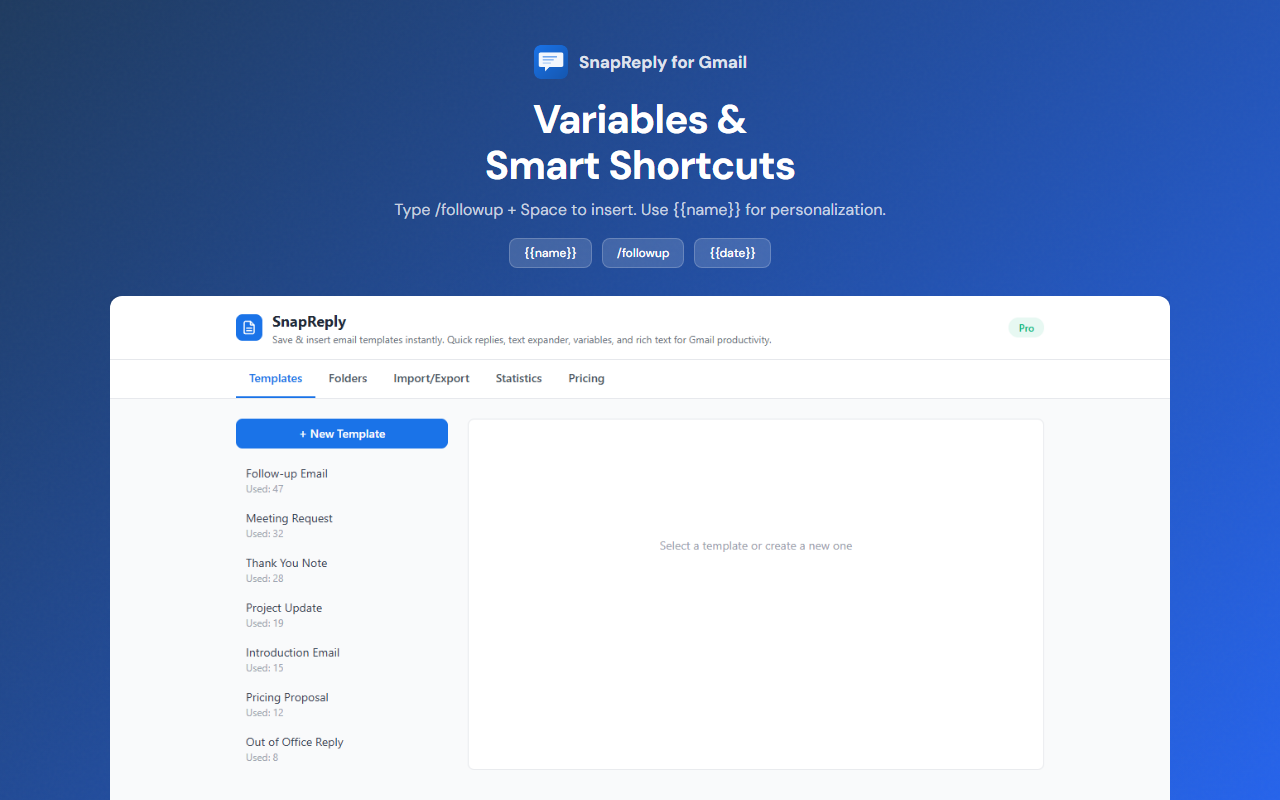
Use {{name}}, {{company}}, etc. as placeholders that get filled in before insertion — {{date}} and {{time}} fill themselves on the free plan
Bundled Japanese Templates
15 ready-made Japanese business email templates — 10 plain ones free, 5 with variables in Pro
Shortcut Keywords
Type /followup or custom shortcuts to quickly find and insert templates
Folder Organization
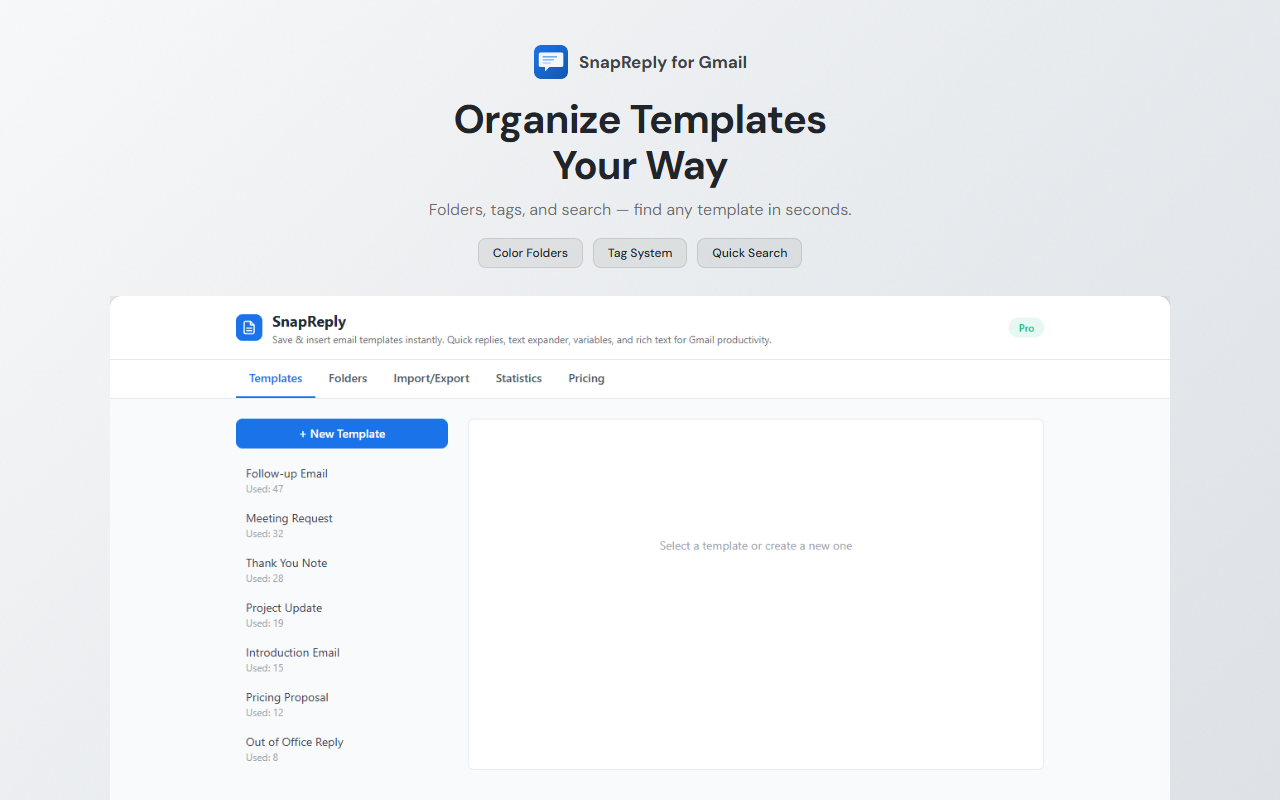
Group templates into folders for easy management across different use cases
Insert Position Control
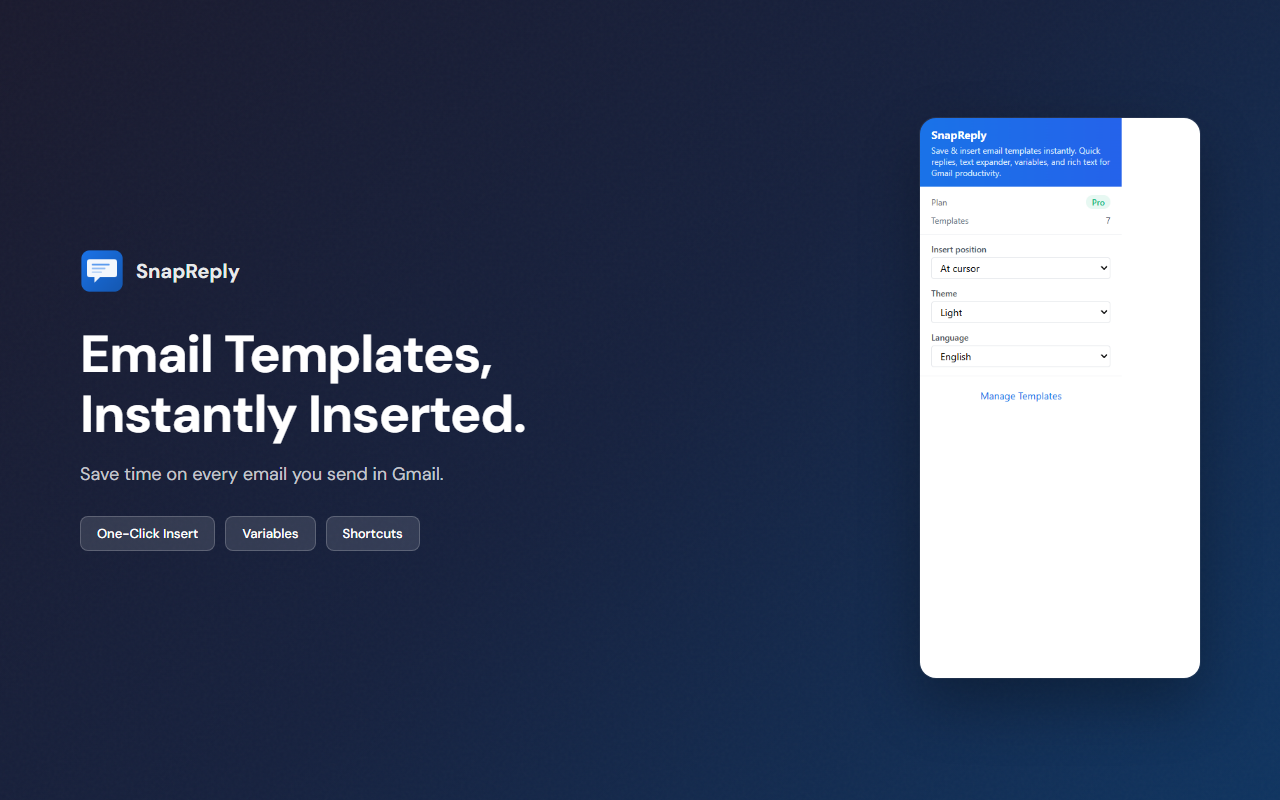
Choose to insert at cursor position, top of email, or bottom of email
Usage Statistics (Pro)
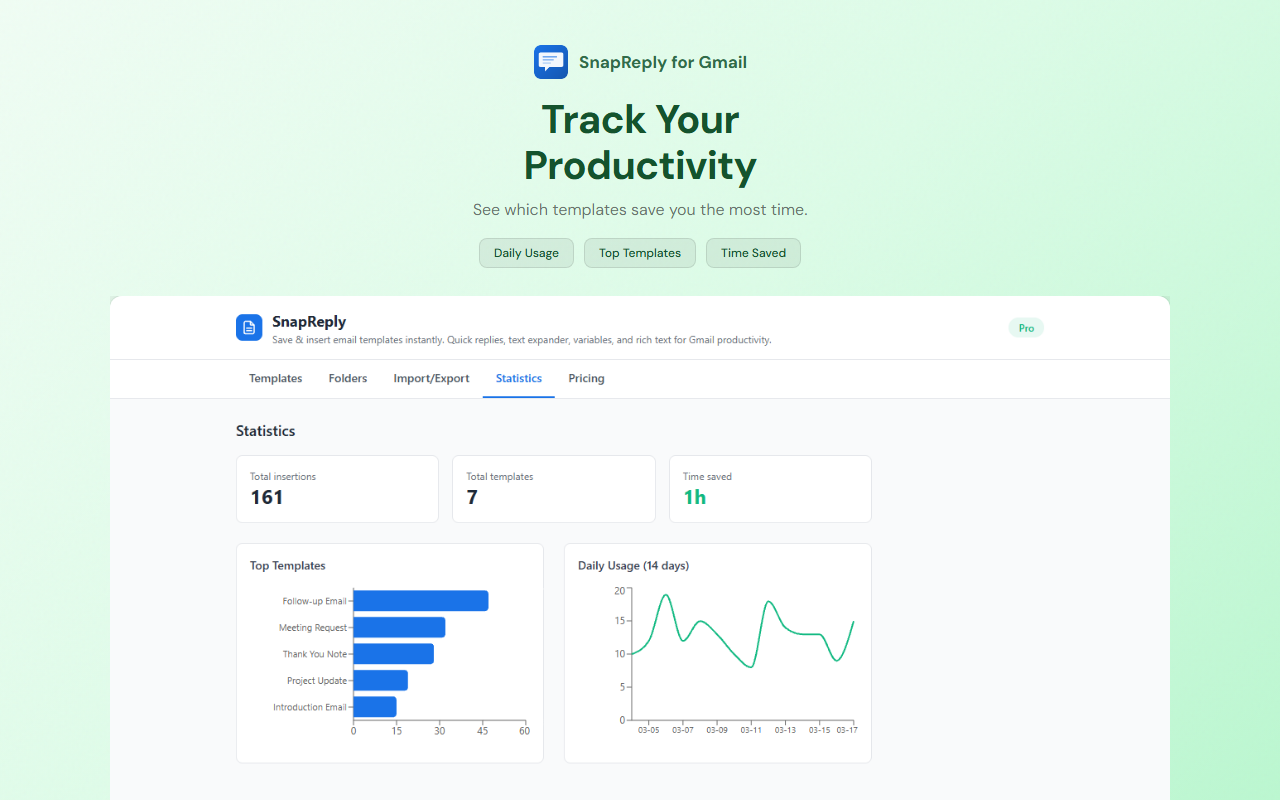
Track how often each template is used and how much time you've saved
Import & Export (Pro)
Backup and share your template library with JSON import/export
// recommended for
- Busy professionals handling repetitive email replies
- Customer support teams responding to common inquiries
- Sales representatives sending follow-up emails
- Gmail power users who want to save time on email
// faq
Is SnapReply for Gmail free?
Yes. The free plan includes up to 10 templates of your own, folders, auto-filled date and time, and the 10 bundled plain Japanese templates. Pro is a one-time ¥1,500 purchase (no subscription) and unlocks unlimited templates, variables and conditional blocks, rich text, import/export, usage statistics, share links, and the 5 bundled templates with variables. A 7-day trial of Pro is available. If you used SnapReply before version 1.0.16, variables and conditional blocks stay free for you.
How do I install SnapReply for Gmail?
Click 'Add to Chrome' on the Chrome Web Store. After installation, open Gmail and click the SnapReply icon within the compose window to access your templates.
Does SnapReply collect my email data?
No. SnapReply stores all templates locally in your browser. No email content or template text is sent to external servers. SnapReply does send anonymous usage statistics and error reports, and checks your license through ExtensionPay.
How do template variables work?
Use double curly braces like {{name}} or {{company}} in your templates. When you insert a template, SnapReply prompts you to fill in the variables before inserting the finalized text. Variables and conditional blocks are part of Pro (users from before version 1.0.16 keep them free); {{date}}, {{time}}, {{year}}, {{month}} and {{day}} fill themselves on every plan.