
TextStats
Word Count & Reading Time
Instant word count, character count, and reading time for selected text or the full page. Floating badge on selection. Japanese-aware.
// screenshots
// overview
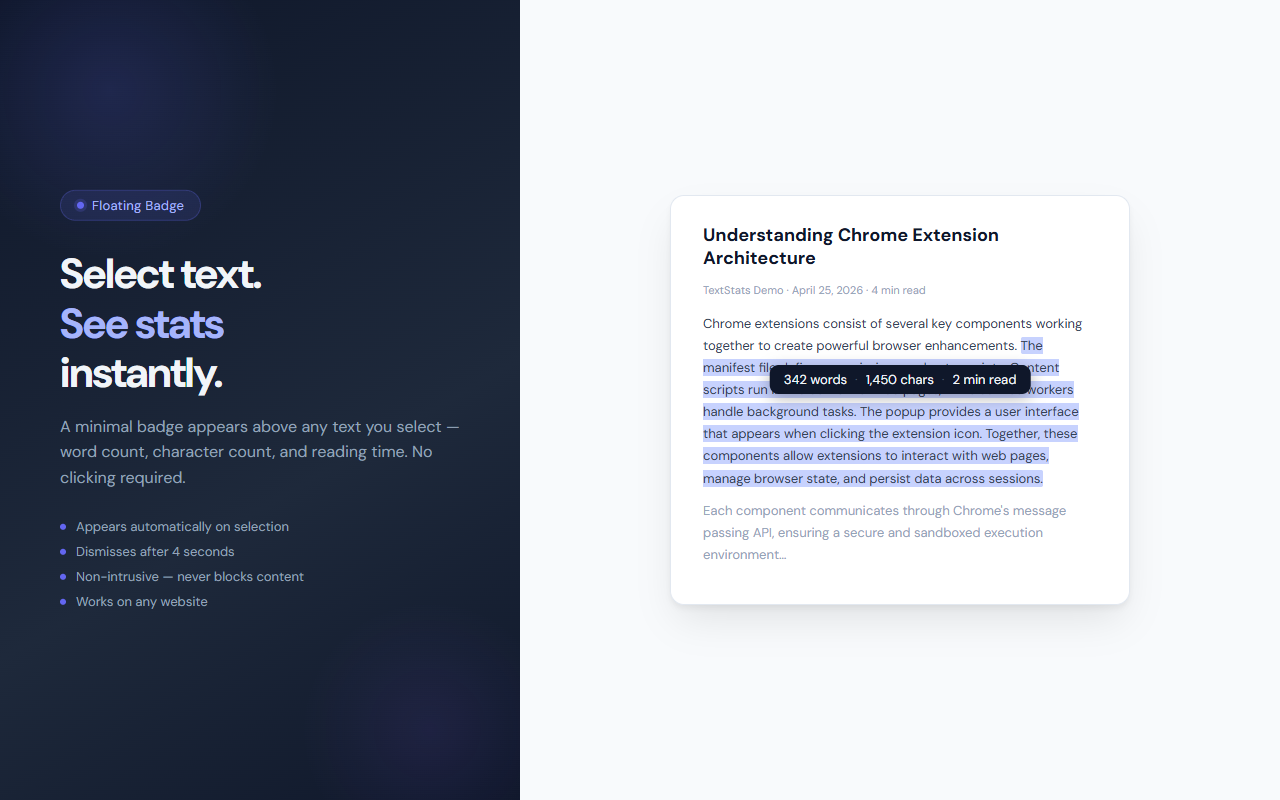
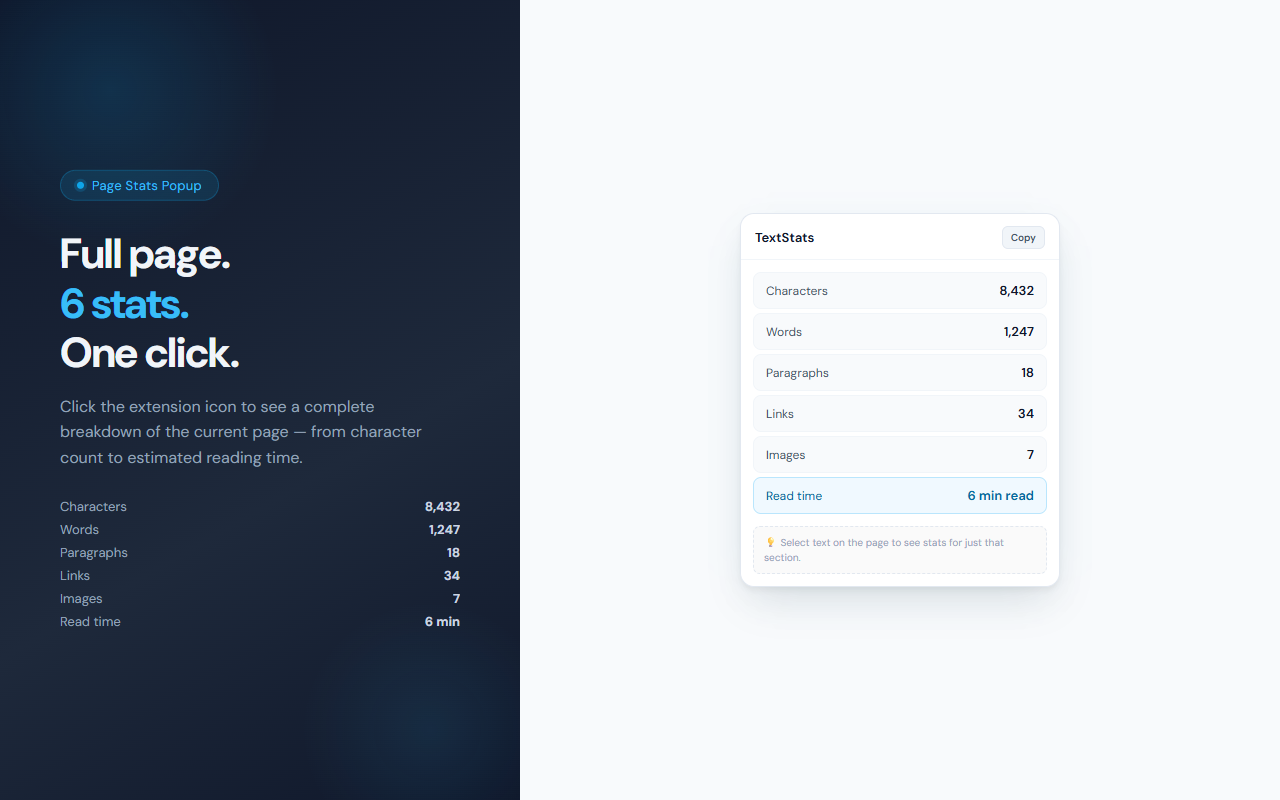
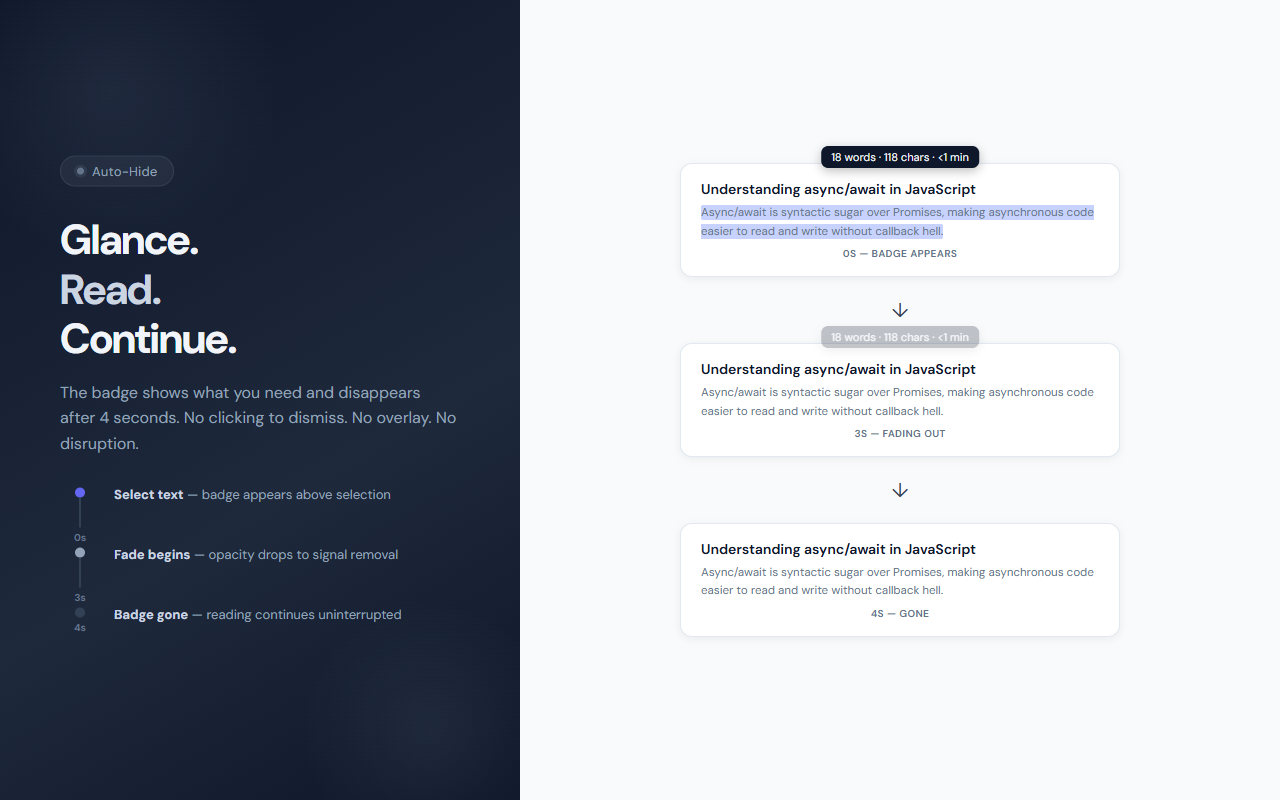
TextStats adds two layers of text analysis to your browser. First, a floating badge: whenever you select text on any page, a small badge appears above your selection showing word count, character count, and estimated reading time — then disappears after 4 seconds without any interaction. Second, a popup: click the extension icon to get a full breakdown of the current page (characters, words, paragraphs, links, images, and reading time), with a one-click copy button. TextStats is fully Japanese-aware, counting CJK characters individually at 500 characters per minute.
// features
Floating Badge on Selection
Select any text and a badge instantly appears showing word count, character count, and reading time. Disappears after 4 seconds.
Full Page Stats Popup
Click the icon to get 6 stats for the entire page: characters, words, paragraphs, links, images, and reading time.
Japanese (CJK) Aware
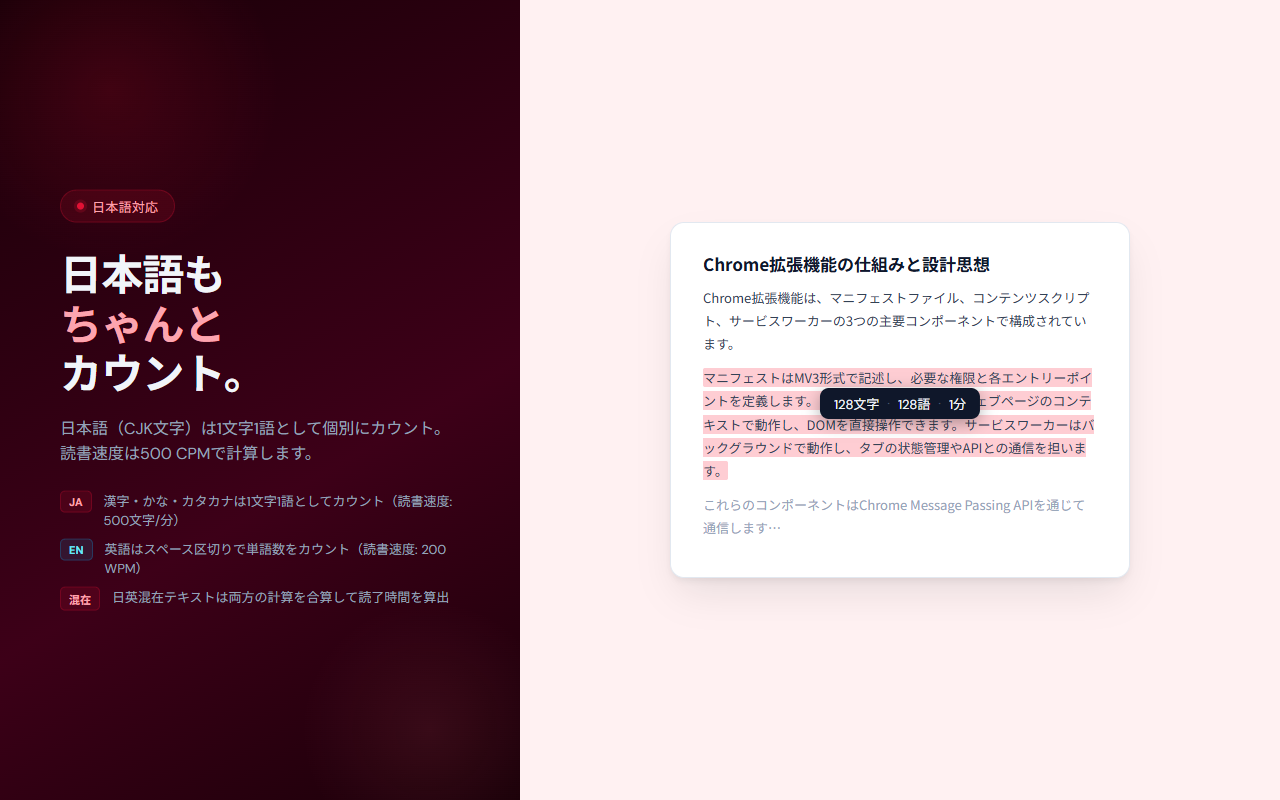
CJK characters are counted individually at 500 CPM. Latin text uses 200 WPM. Mixed text combines both calculations.
Copy Stats
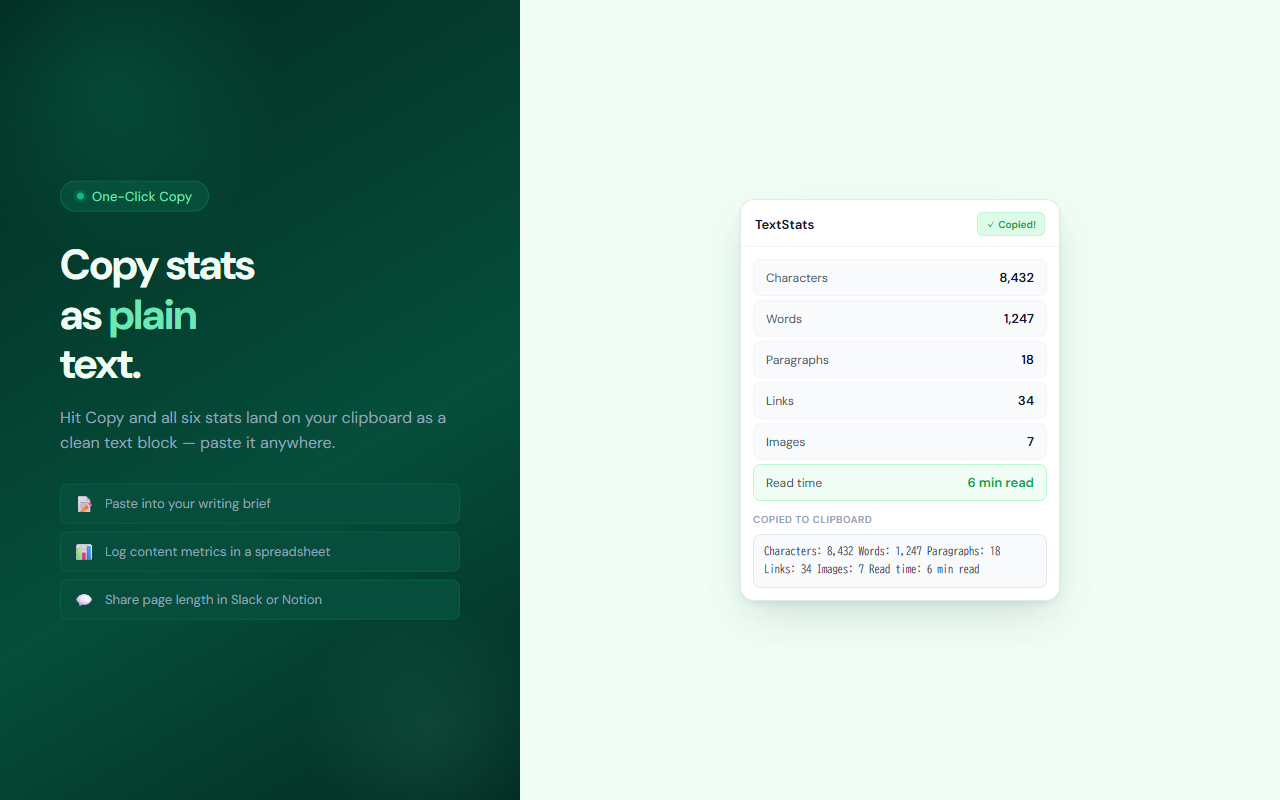
One click copies all stats as a plain-text block to your clipboard — ready to paste into a document or Slack.
Zero Configuration
No settings, no accounts, no permissions beyond activeTab. Install and it works everywhere immediately.
Completely Free
All features are free with no usage limits or Pro tier.
// recommended for
- Writers tracking article length and reading time
- Content editors checking page word counts
- Japanese content creators monitoring character counts
- Researchers estimating how long a page will take to read
// faq
What does the floating badge show?
When you select text on any webpage, TextStats shows a small badge above your selection with the word count, character count, and estimated reading time. It disappears automatically after 4 seconds.
How does TextStats handle Japanese text?
Japanese, Chinese, and Korean (CJK) characters are counted individually — each character counts as one word. Reading speed is calculated at 500 characters per minute for CJK text and 200 words per minute for Latin text.
Is TextStats free?
Yes, TextStats is completely free with no usage limits, no Pro tier, and no ads.
What does the popup show?
The popup shows 6 stats for the current page: character count, word count, paragraph count, link count, image count, and estimated reading time. You can copy all stats to your clipboard with one click.
Does TextStats need any special permissions?
TextStats uses the activeTab and scripting permissions to read the current page's text content when you open the popup. It does not read your pages in the background or send any content to servers.