
WebRSS
RSS Feed Detector for Chrome
Automatically detects RSS and Atom feeds embedded in any webpage. Copy URL, open feed, or save feeds to your list. Badge shows feed count.
// screenshots
// overview
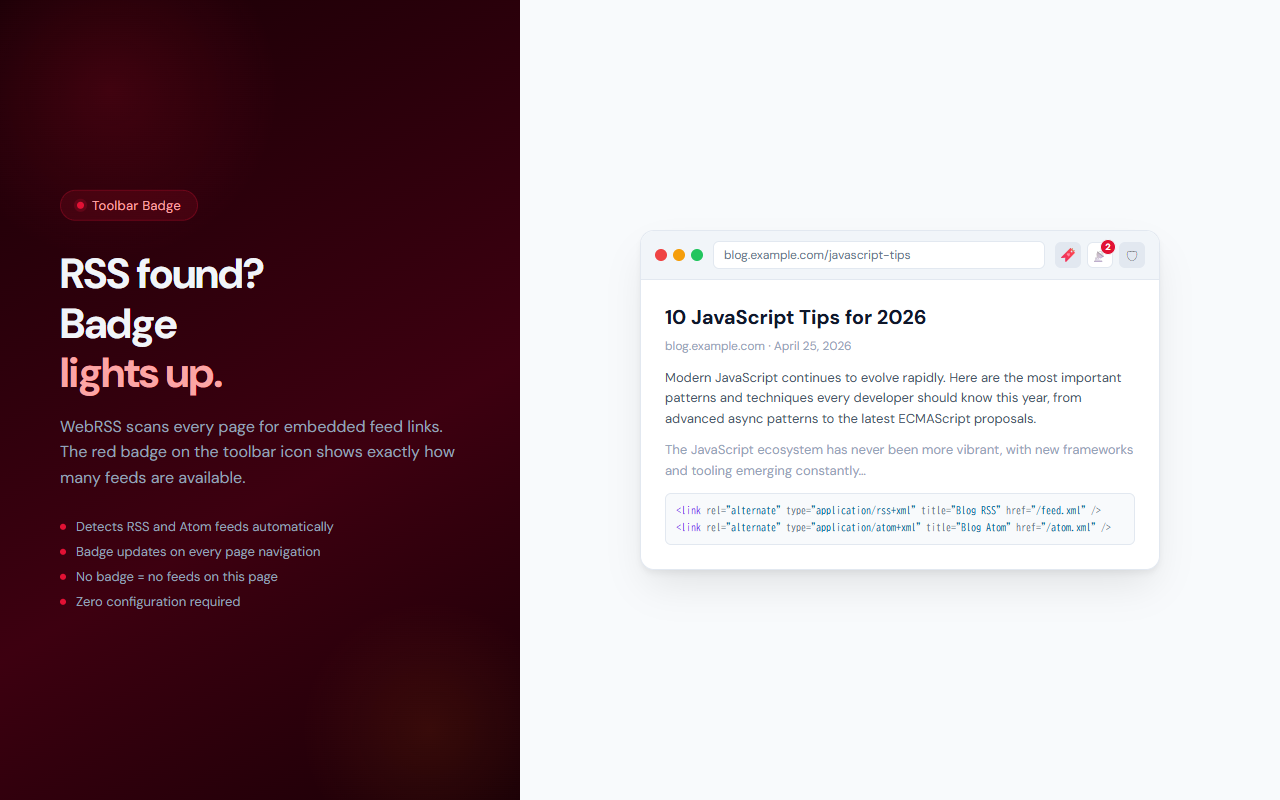
WebRSS scans every page you visit for embedded RSS and Atom feeds — the standard link tags that most blogs, news sites, and podcasts include in their HTML. When it finds feeds, it updates the toolbar badge with the count so you always know at a glance whether a site has a subscribable feed. Open the popup to see all detected feeds, copy their URLs to paste into your RSS reader, or save them to your persistent feed list for later reference.
// features
Automatic Feed Detection
Detects RSS and Atom feeds from <link rel="alternate"> tags on every page you visit. Works with blogs, news sites, podcasts, and more.
Toolbar Badge Counter
The extension icon badge shows the number of feeds found on the current page — red badge for RSS, purple for Atom.
Copy Feed URL
Copy any feed URL to your clipboard with one click and paste it into your preferred RSS reader (Feedly, Inoreader, NetNewsWire, etc.).
Open Feed Directly
Click Open to view the raw feed XML in a new tab — useful for verifying feed contents before subscribing.
Saved Feeds List
Save feeds to a persistent list and access them from the Saved tab. Remove feeds when no longer needed.
Completely Free
All features are free with no limits. No account required.
// recommended for
- RSS readers who want to quickly check if a site has a subscribable feed
- News junkies who aggregate content from multiple sites
- Developers building RSS aggregators or feed parsers
- Anyone who uses Feedly, Inoreader, or another RSS reader regularly
// faq
How does WebRSS detect RSS feeds?
WebRSS scans the page's HTML for <link rel="alternate"> tags with RSS, Atom, or XML MIME types. These are standard tags that most sites with feeds include automatically.
Which RSS readers work with WebRSS?
WebRSS copies the feed URL to your clipboard, so it works with any RSS reader: Feedly, Inoreader, NetNewsWire, Reeder, NewsBlur, and others. Just copy the URL and paste it into your reader's subscribe dialog.
Is WebRSS free?
Yes, WebRSS is completely free with no usage limits or Pro tier.
What's the difference between RSS and Atom feeds?
Both are XML-based feed formats used to distribute content. RSS is more common; Atom is a slightly newer standard. WebRSS detects both and labels them in the popup.
Does WebRSS read my browsing history?
No. WebRSS only scans the current page's HTML for feed link tags. It does not access your browsing history or read page content.