ReadMark
Smart Reading Position Saver
Never lose your place again. Continue reading exactly where you left off.
// screenshots
// overview
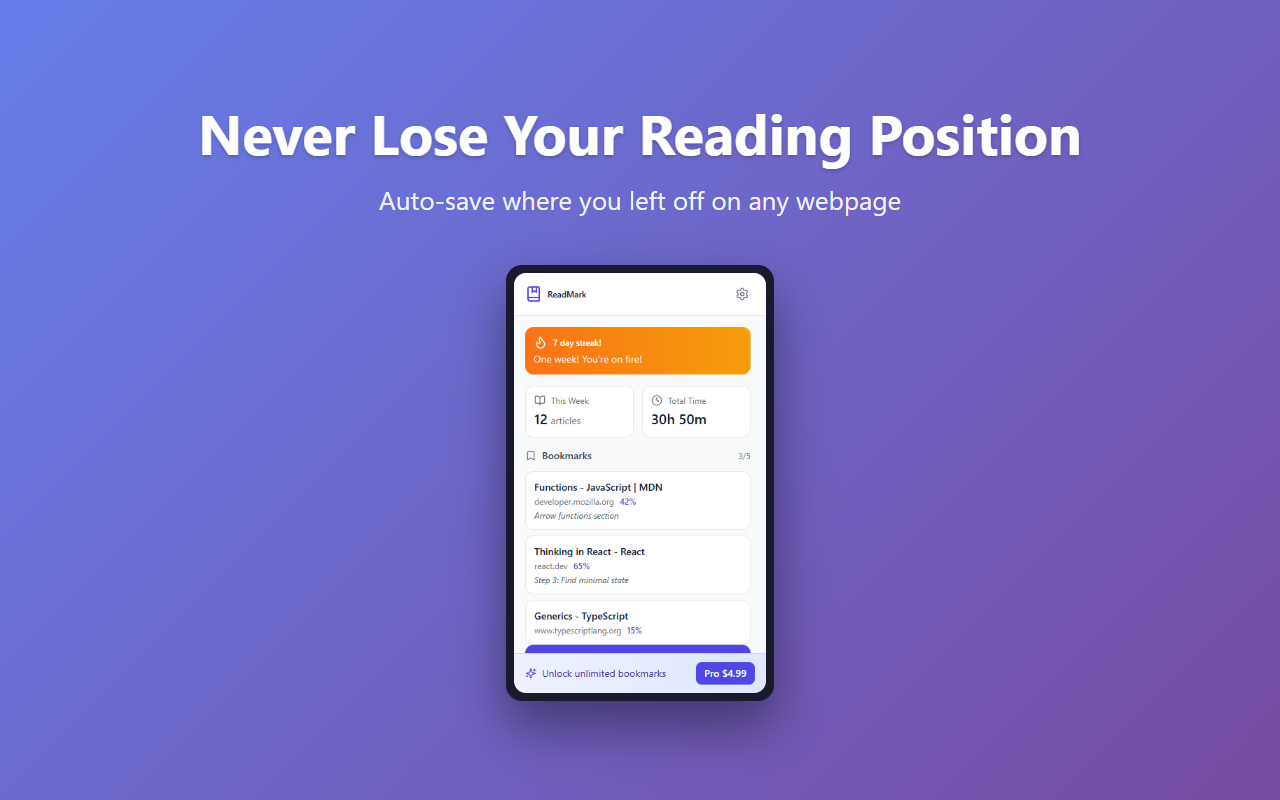
Ever closed a tab and lost your place in a long article? ReadMark automatically saves your scroll position on every webpage, so you can always pick up right where you left off. Unlike other bookmark tools that require manual saving, ReadMark works silently in the background. Share specific passages with friends using our smart link feature, track your reading streaks, and build better reading habits. All data stays on your device.
What is ReadMark?
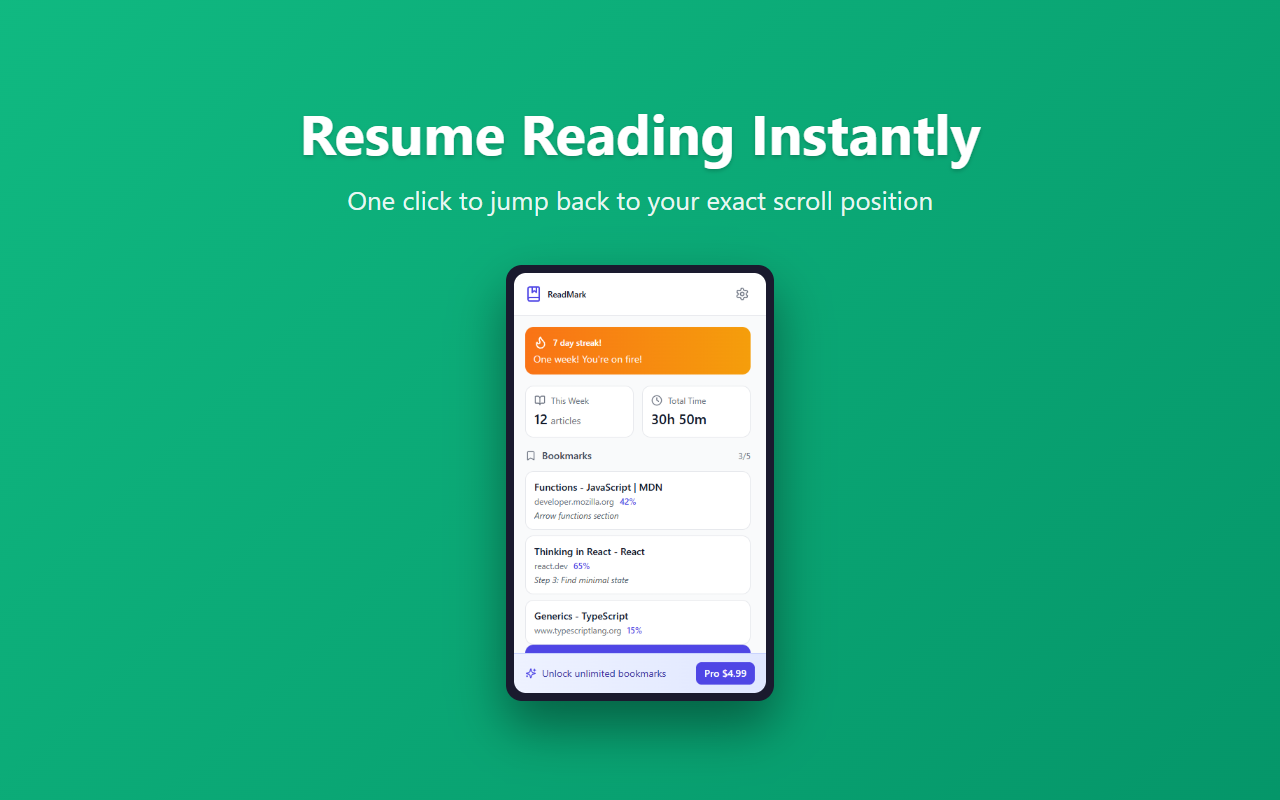
ReadMark is a free Chrome and Edge extension that automatically saves your scroll position on every webpage you visit. When you return to the same page — even after closing the tab or browser — it restores you to exactly where you left off, without any manual saving. Reading positions are saved in your browser — ReadMark runs no server of its own for them. If you connect the optional ReadBox integration, ReadMark sends the page URL and title of saved items to ReadBox.
// how to use
- 1 Install ReadMark from the Chrome Web Store or Microsoft Edge Add-ons.
- 2 Browse the web normally — ReadMark starts saving your scroll position automatically on every page.
- 3 Close a tab or the browser. When you return to the same URL, ReadMark offers to restore your position.
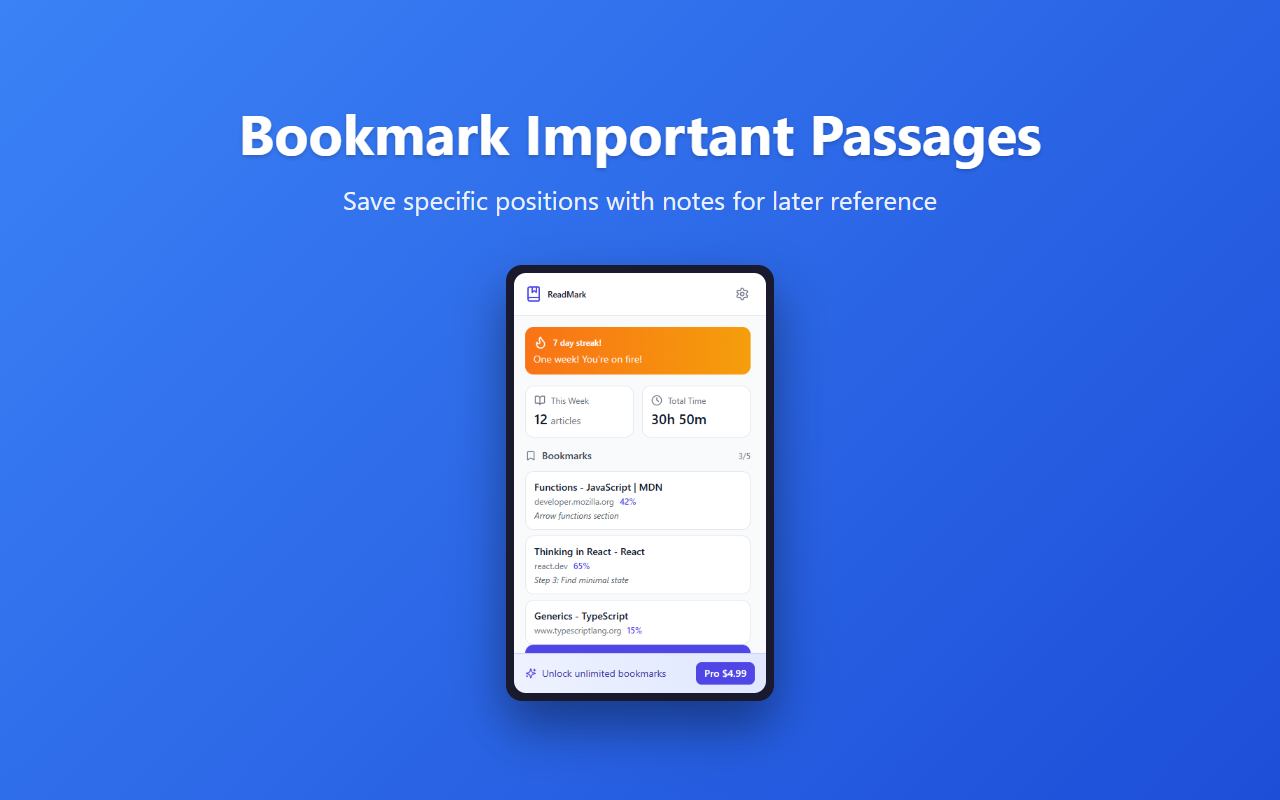
- 4 Click the ReadMark icon in your toolbar to view your saved reading positions and reading streak.
- 5 Use the Smart Share Links feature to generate a link pointing to a specific passage in any article.
// features
Auto-Save Positions
Automatically saves scroll position when you leave any page
One-Click Restore
Return to your exact reading position instantly
Smart Share Links
Generate links to specific text passages using Text Fragments
Reading Streaks
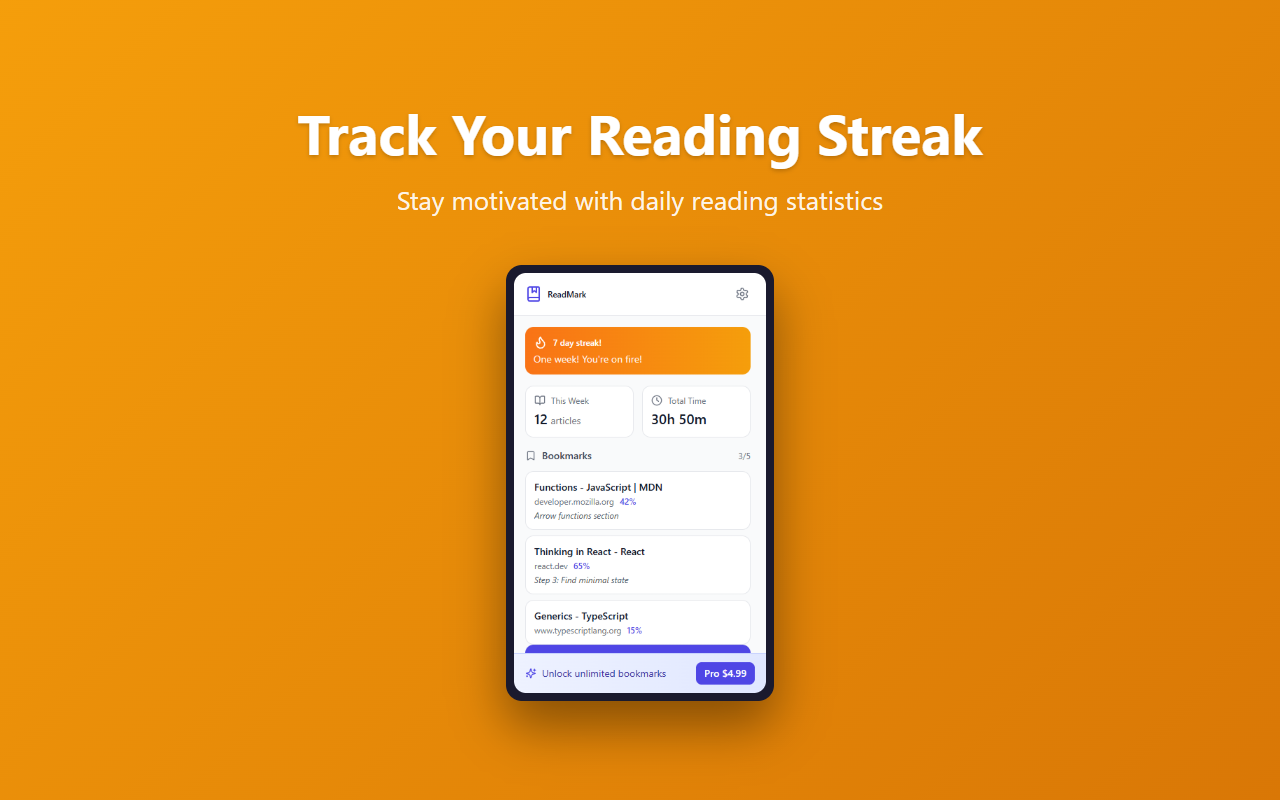
Track consecutive reading days with achievement badges
Privacy First
No ReadMark account — reading positions stay in your browser
// recommended for
- Researchers reading academic papers and documentation
- Students studying online materials and textbooks
- Developers consuming technical documentation
- Anyone who reads more than they can finish in one sitting
// faq
How is ReadMark different from browser bookmarks?
ReadMark saves your exact scroll position along with the URL, so when you return to an article you left halfway through, it restores you to precisely where you stopped. Regular bookmarks only save the URL and always open from the top.
How many reading positions can I save?
The free plan saves up to 10 bookmarks. ReadMark Pro ($4.99/month) removes the limit with unlimited saved positions.
Does ReadMark collect my data?
ReadMark has no account and runs no server of its own for your reading data. Your positions are saved in your browser. The one exception is the optional ReadBox integration: if you connect it, ReadMark sends the page URL and title of saved items to ReadBox. Nothing is sent if you have not connected it, and page content and browsing history are never transmitted.
Does ReadMark work on all websites?
Yes. ReadMark automatically saves your scroll position on any standard webpage. When you close and reopen the same URL, it restores you to exactly where you left off.