
ZenRead
Distraction-Free Reader Mode
Remove clutter and read any article in a clean, customizable reader view with text-to-speech.
// screenshots
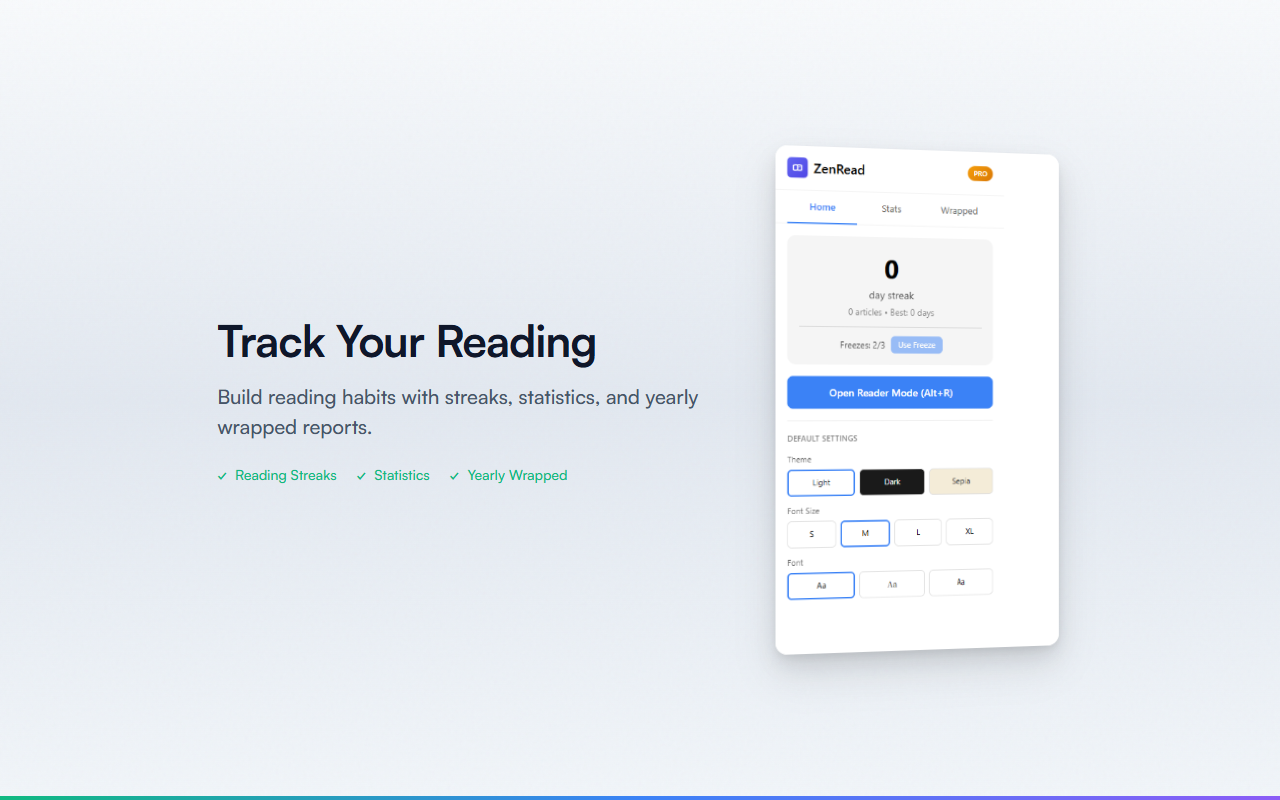
// overview
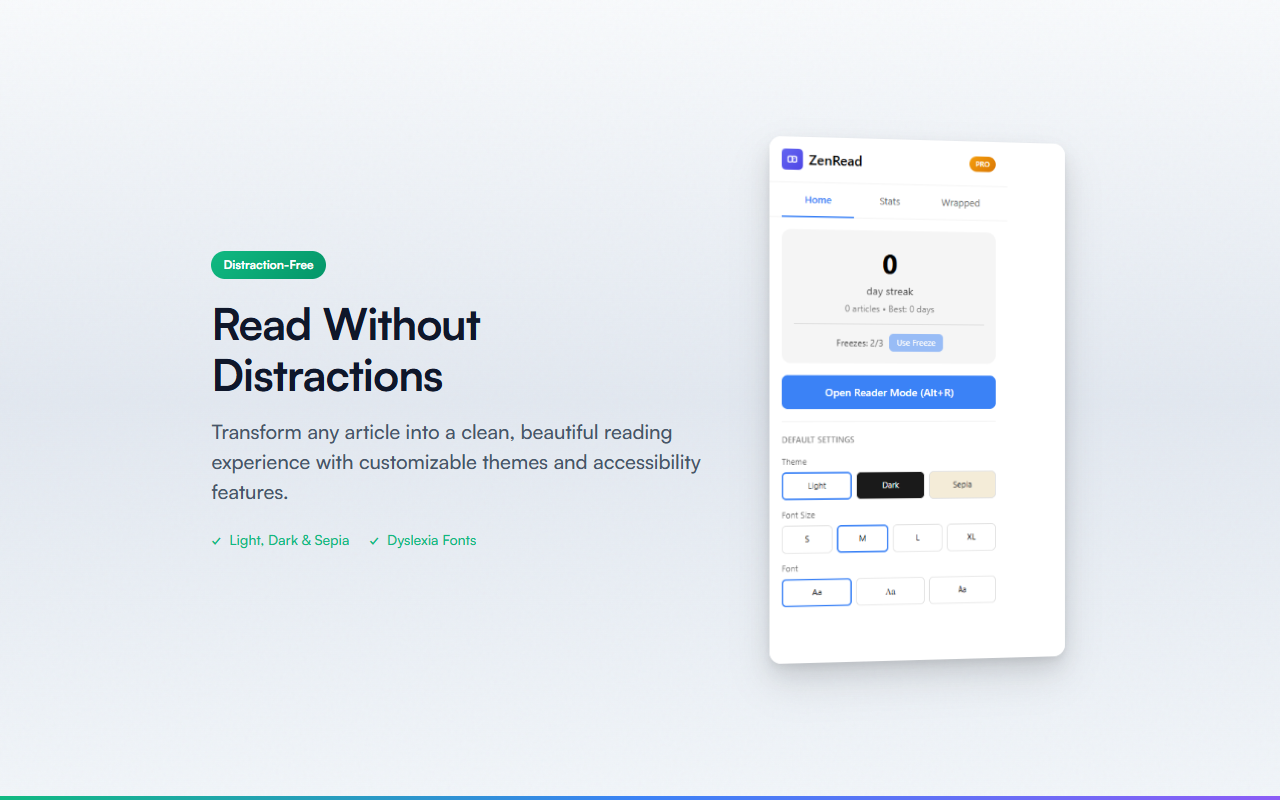
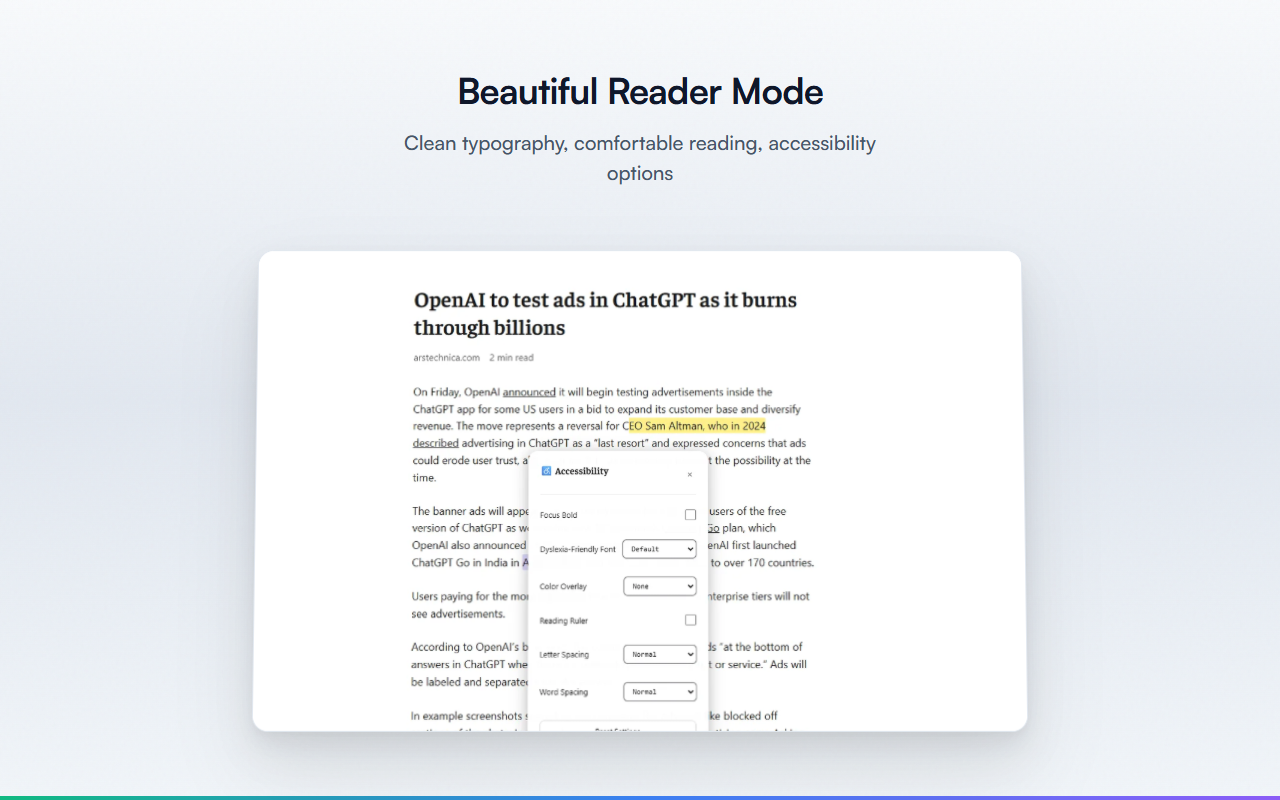
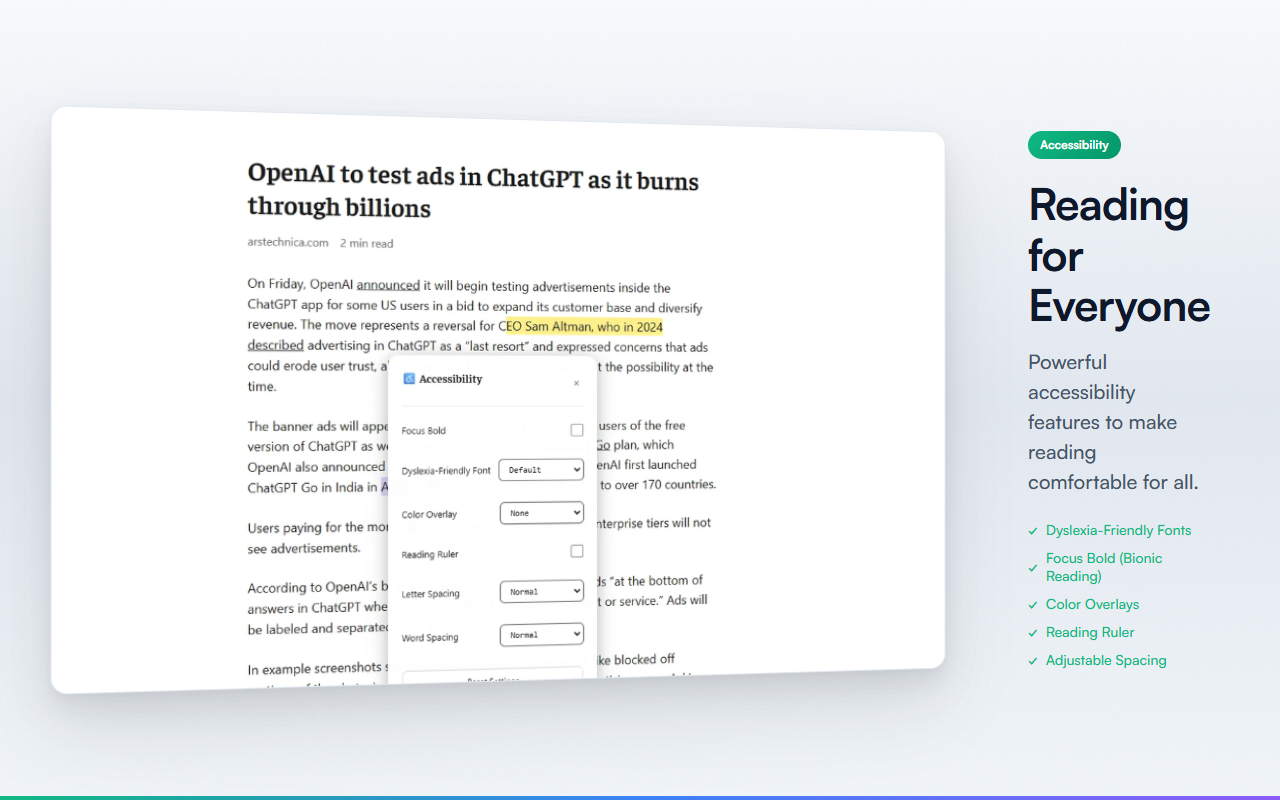
Webページの記事を読みやすいリーダーモードで表示するChrome拡張機能です。広告やサイドバーを除去し、カスタマイズ可能なテーマ・フォント設定で快適な読書体験を提供します。Readability.jsベースの高精度な記事抽出で、本文のみをクリーンに表示。Web Speech APIによるテキスト読み上げ機能も搭載。
// features
Reader Mode
Readability.jsベースの高精度な記事抽出。広告・サイドバーを除去
3 Themes
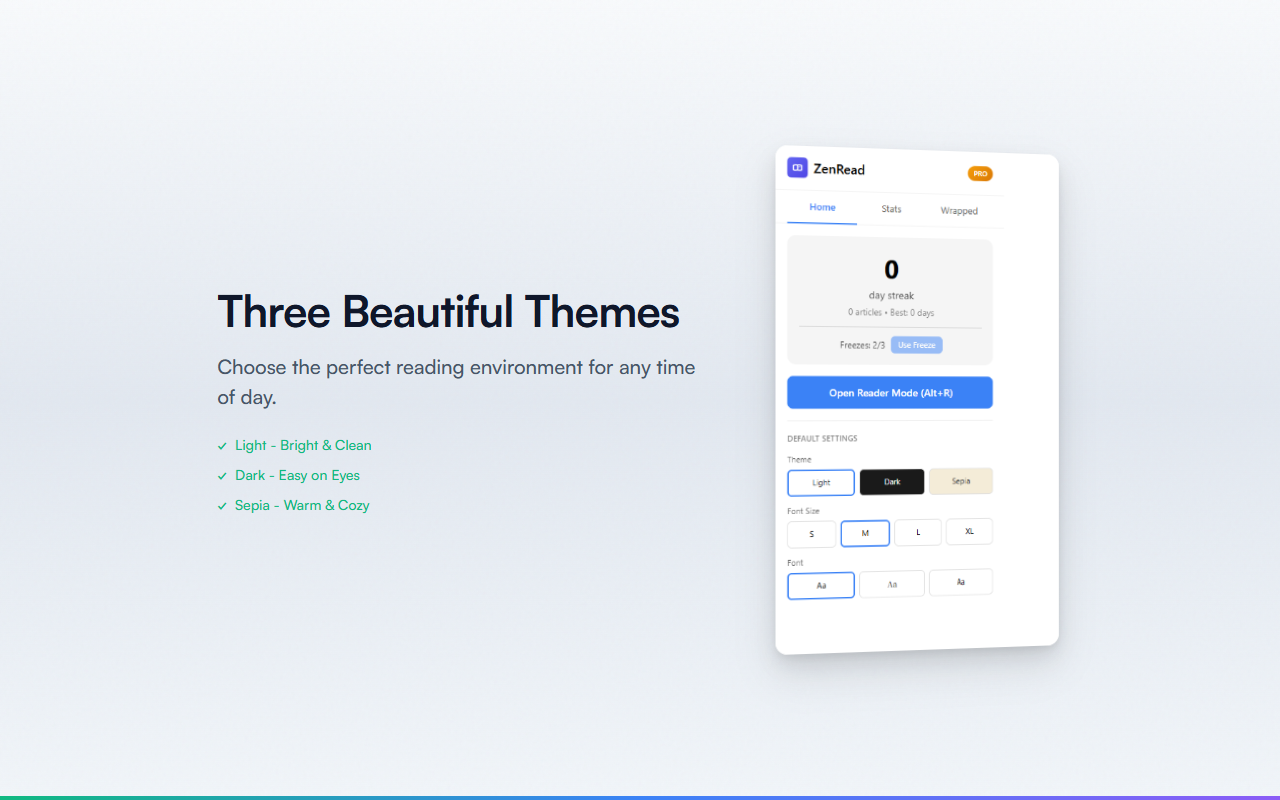
Light・Dark・Sepiaの3テーマで目に優しい閲覧
Font Customization
フォントサイズ・ファミリー・行間・コンテンツ幅を細かく調整
Text-to-Speech
Web Speech APIによる読み上げ。速度調整・言語選択対応
Highlights (Pro)
5色のハイライトで重要な箇所をマーク
Reading Stats (Pro)
読了記事数・累計読書時間・読書ストリークを記録
// recommended for
- 長い記事を集中して読みたい方
- 広告やサイドバーに気を取られたくない方
- テキスト読み上げで「ながら読書」したい方
- 目に優しいダーク/セピアテーマで読みたい方
// faq
Is ZenRead free?
Yes. ZenRead is completely free with all reader mode and text-to-speech features included.
How do I install ZenRead?
Click 'Add to Chrome' on the Chrome Web Store. After installation, navigate to any article and click the ZenRead icon to activate distraction-free reader mode.
Does ZenRead collect my data?
No. ZenRead processes articles locally in your browser. No reading history or content is sent to external servers.
Does ZenRead work on all websites?
ZenRead uses Readability.js for article extraction and works on most news sites, blogs, and long-form content pages. Some sites with heavy JavaScript may require refreshing the page first.