OnPageX
SEO Meta Analyzer
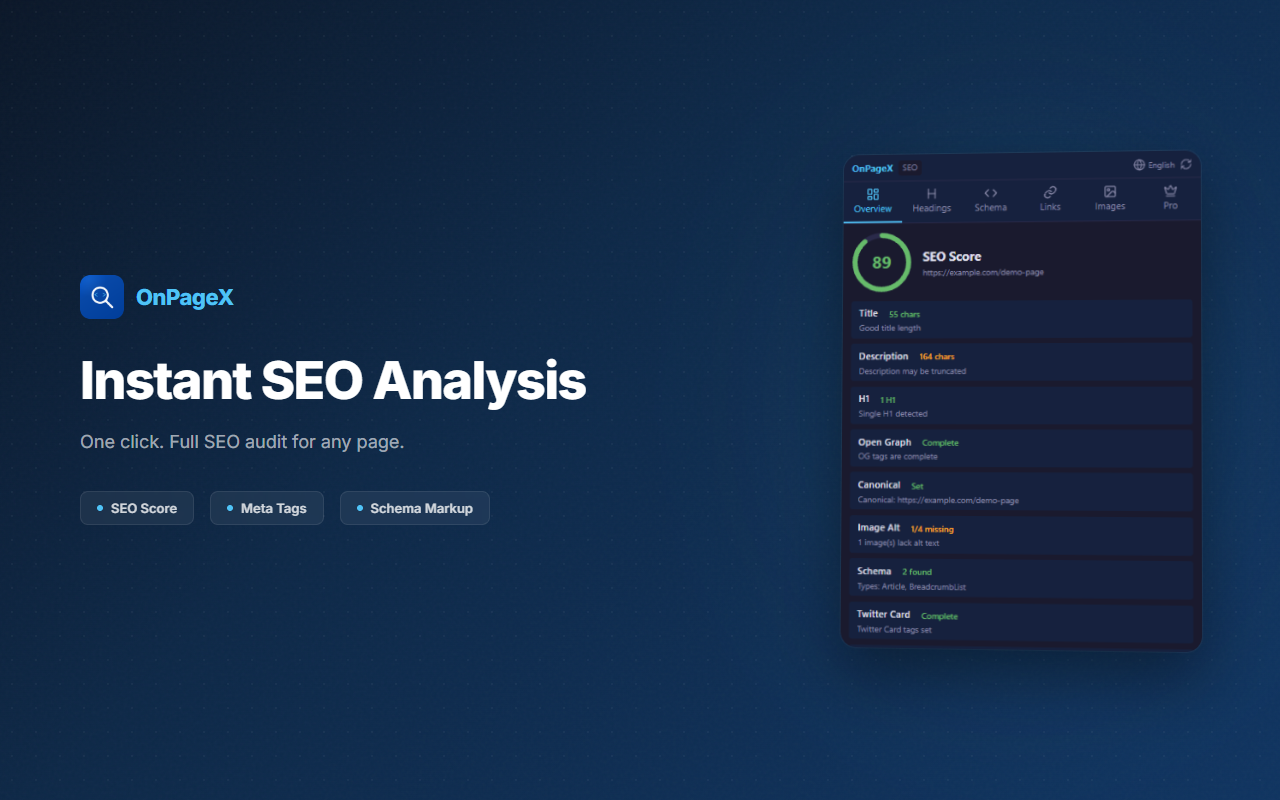
Analyze SEO meta tags, headings, schemas, images, and links with one click. Score your on-page SEO instantly.
// screenshots
// overview
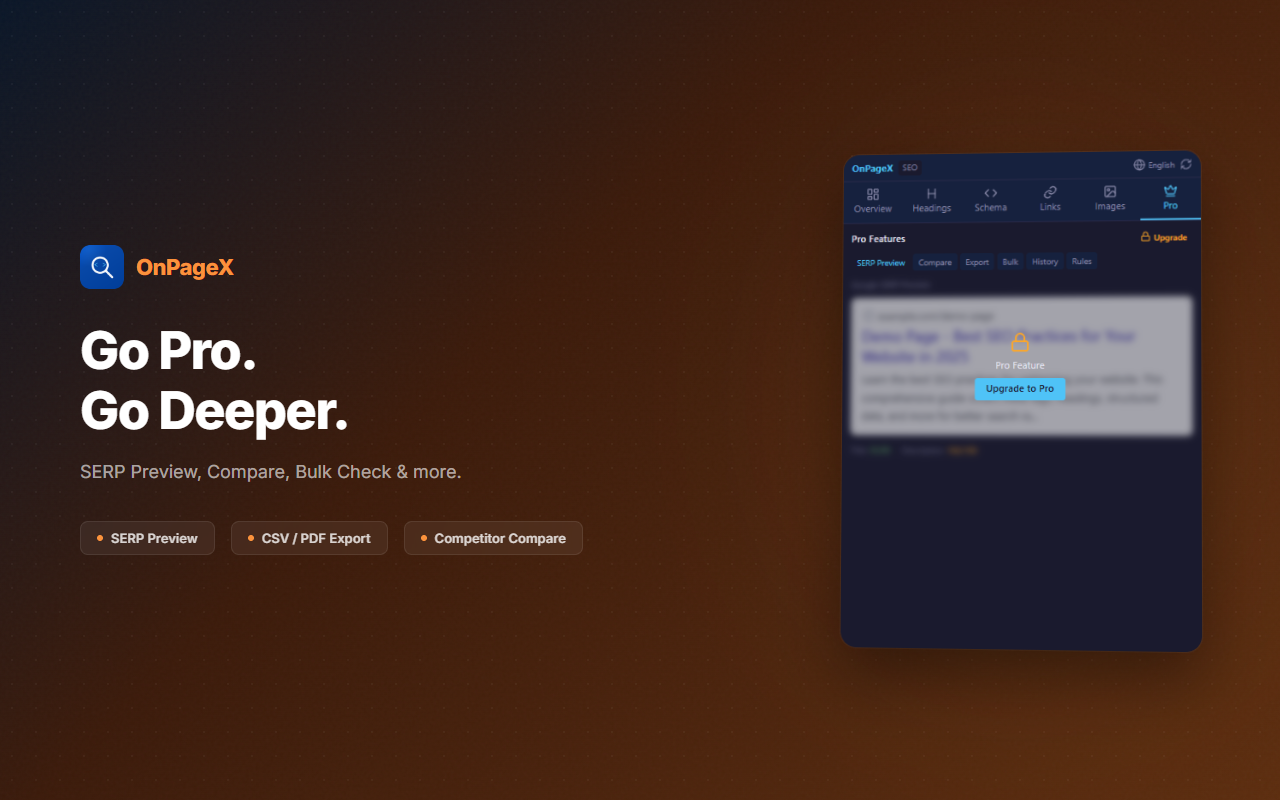
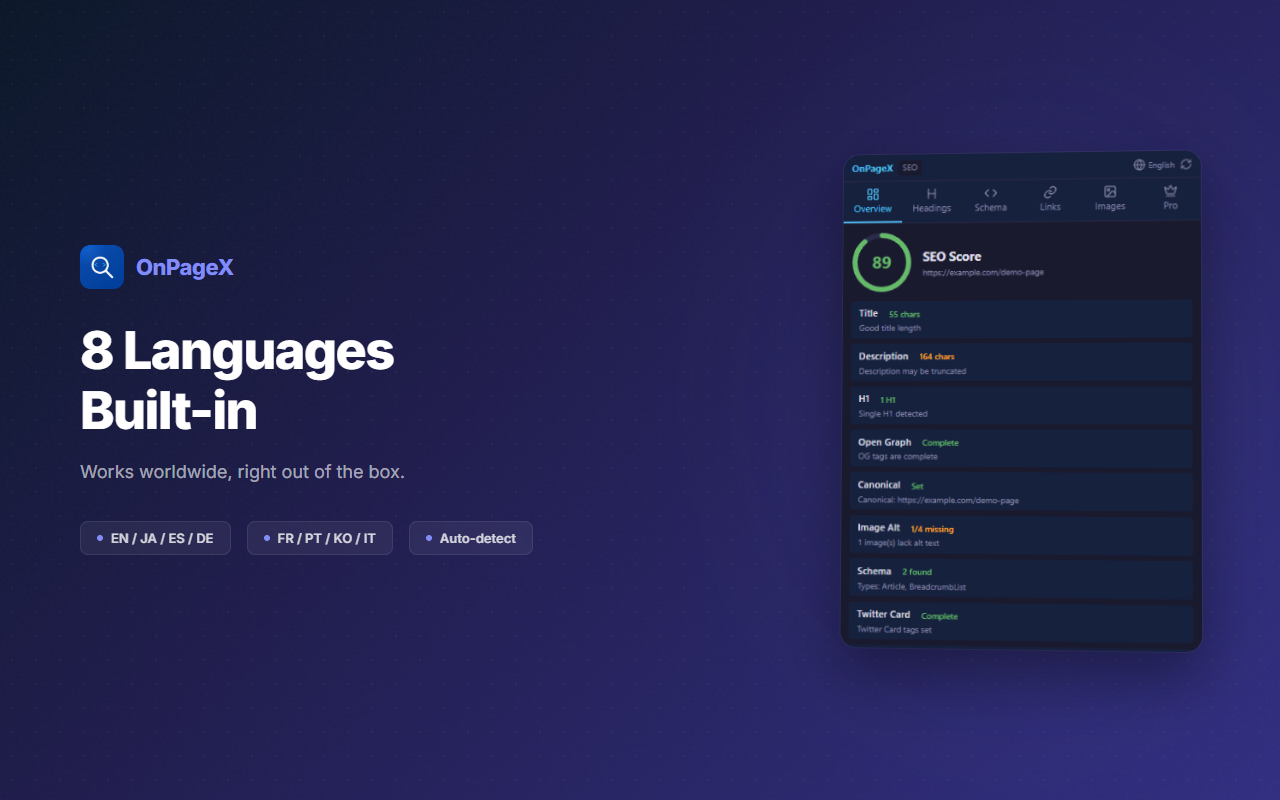
OnPageX is a comprehensive on-page SEO analysis tool for Chrome. With a single click, it analyzes meta tags, heading structure, structured data (Schema.org), images, and links on any webpage. Get an instant SEO score with actionable recommendations. Features include SERP preview, competitor comparison, bulk page checking, export to PDF/JSON, and a history of analyzed pages.
// features
Instant SEO Score
One-click analysis with an overall SEO score and category breakdowns for meta, headings, images, and links
SERP Preview
See exactly how your page will appear in Google search results before publishing
Schema Validation
Detect and validate structured data (JSON-LD, Microdata) with error reporting
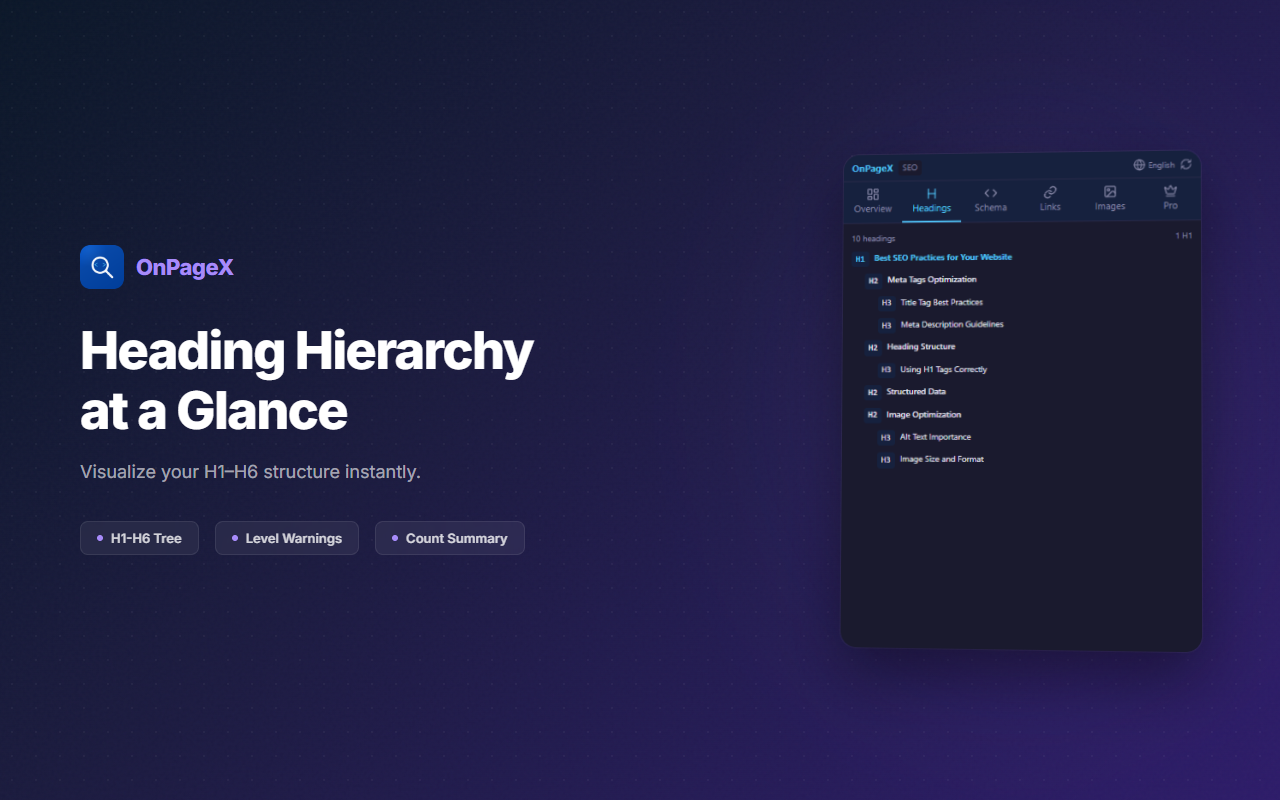
Heading Structure
Visualize your H1-H6 hierarchy and identify missing or improperly nested headings
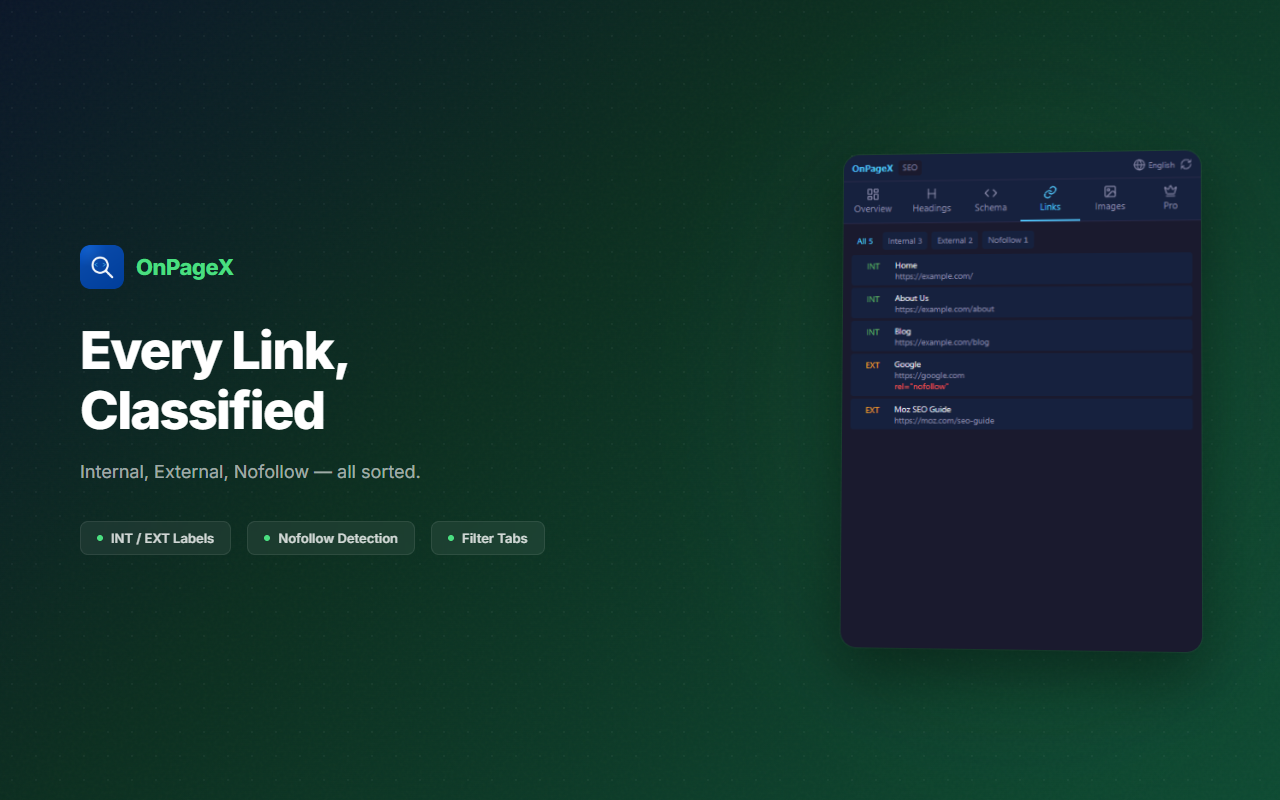
Image & Link Audit
Check for missing alt text, broken links, nofollow attributes, and redirect chains
Export & History
Export reports as PDF or JSON. Track SEO changes over time with page analysis history
// recommended for
- SEO professionals analyzing client websites
- Web developers optimizing on-page elements
- Content marketers ensuring SEO best practices
- Freelancers auditing websites for SEO improvements
// faq
Is OnPageX free?
Yes, the SEO analysis features are free.
How do I install OnPageX?
Click 'Add to Chrome' on the Chrome Web Store. Once installed, navigate to any webpage and click the OnPageX icon to instantly audit the page.
Does OnPageX collect my data?
No. OnPageX analyzes pages entirely within your browser. No browsing data is sent to external servers.
What does OnPageX analyze?
OnPageX checks meta tags (title, description, OG), heading structure (H1–H6), structured data (Schema.org), images (alt text, size), and internal/external links — all in a single click.