
ScrollToTop
Floating Scroll Button for Long Pages
Adds a floating button to any page. Single click scrolls to the top, double-click scrolls to the bottom. Choose from three styles and two positions. Shadow DOM — zero style conflicts.
// screenshots
// overview
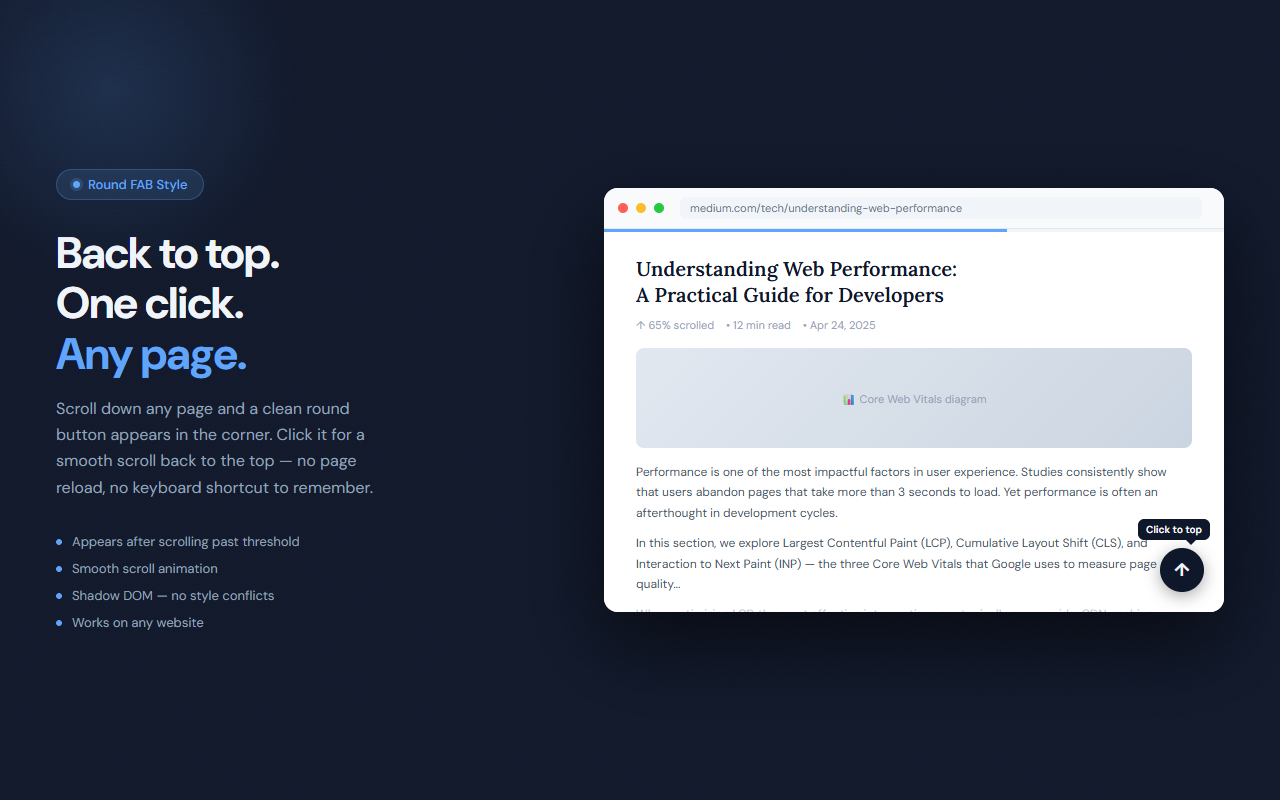
ScrollToTop adds a small floating button to every page after you scroll past a configurable threshold. Single-click scrolls you smoothly back to the top. Double-click jumps to the bottom — useful for comment sections, footers, or the end of long documents. The button is rendered inside a closed Shadow DOM so it never inherits or conflicts with page styles, regardless of how aggressively a site applies CSS resets.
// features
Single Click → Top
Click once to smoothly scroll back to the very top of the page from anywhere.
Double-Click → Bottom
Double-click the same button to jump to the bottom of the page — useful for comments, footers, or end-of-document navigation.
Three Button Styles
Round (44px circle FAB), Minimal (36px square with frosted glass), and Arrow (40px rounded rectangle). Pick what fits your browsing style.
Two Positions
Bottom right or bottom left. Flip the position when a site's own UI occupies the default corner.
Configurable Threshold
Set how many pixels you need to scroll before the button appears — default 300px, adjustable from 50 to 2000.
Shadow DOM Isolation
Rendered inside a closed Shadow DOM so the button is completely immune to page CSS. Works on every site, no exceptions.
// recommended for
- Anyone who reads long articles and wants a quick way back to the top
- Users navigating pages with comment sections who jump between top and bottom
- Researchers browsing lengthy documents or wiki-style pages
- Power users who want smooth keyboard-free page navigation
// faq
How does double-click work?
If you click the button twice within 220ms, ScrollToTop detects it as a double-click and scrolls to the bottom instead of the top.
Is ScrollToTop free?
Yes, completely free with no usage limits.
Why does ScrollToTop use Shadow DOM?
Shadow DOM isolates the button's styles from the host page. Without it, page-level CSS resets can break the button's appearance. Closed Shadow DOM means the button looks consistent on every site.
Can I change when the button appears?
Yes. Set the threshold in pixels from the popup — the button appears only after you've scrolled that far down the page.
Does the button appear on every website?
Yes. ScrollToTop runs on all pages. The button only becomes visible once you scroll past the configured threshold, so it stays hidden on short pages.
What is the Minimal style?
A compact 36px square with a frosted glass effect. It's the most unobtrusive style — visible enough to click but subtle enough to stay out of the way.